Linocut Effect
Linocut is a printmaking method which uses linoleum, in a technique similar to woodcut. You cut a design into the linoleum surface and print it on a paper.
In a classical engraving the image is created by black strokes on a white background. Linocut's characteristic expressiveness, strong contrast between black and white, and its rich and exuberant strokes are made using a soft material. Some famous artists like Picasso and Matisse worked with this technique.
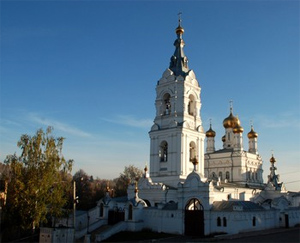
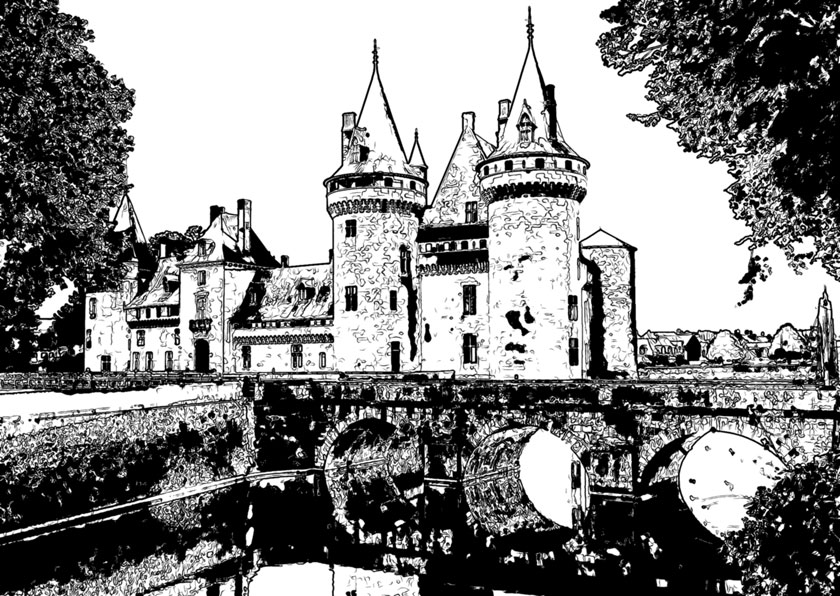
Under the Painting tab in the Settings Panel you can adjust parameters to convert a photograph into a linocut painting.
Attention! The quick preview does not work for this style. You must press  in order to see changes applied.
Effect Parameters:
Posterizing (10-100) - simplifies an original image through the reduction of similarly colored pixels.
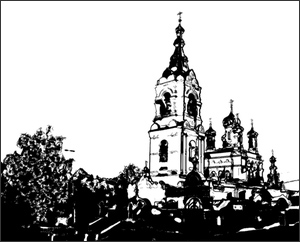
Posterizing = 15
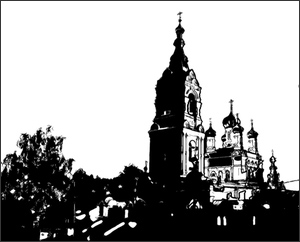
Posterizing = 90
Level of Detail (1-100) – The amount of detail and lines in an image. Increasing the value of this parameter results in more detail and a darker image.
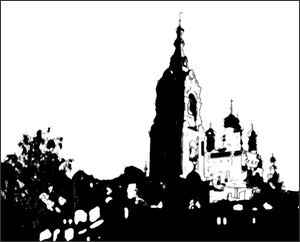
Level of Detail = 20
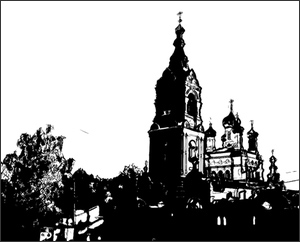
Level of Detail = 70
Sharpen (1-100) - The distinctness of the image's lines. Increasing this parameter makes strokes appear clearer and more precise, without affecting the overall level of detail. Blurry images will appear darker.
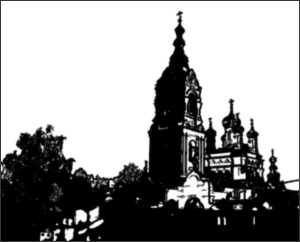
Sharpen = 5
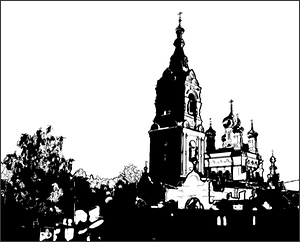
Sharpen = 75
More White (0-50) – Increases the number of areas in the image filled in white.
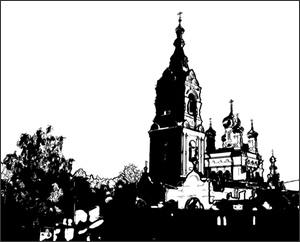
More White = 5
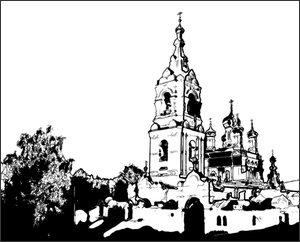
More White = 40
More Black (0-100) – Increases the number of areas in the image filled in black.
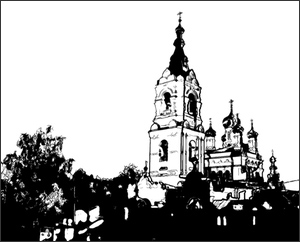
More Black = 10
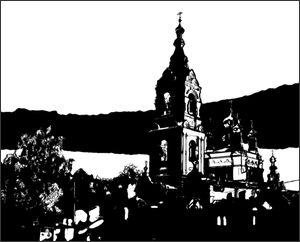
More Black = 90
Paint Color - The color which is applied (printed) onto the image. To change the color click on the plate and choose a color from the Select Color dialog.
Background Color - The color of the surface to which the linocut is applied. To change the color click on the plate and choose a color from the Select Color dialog.
Post-Processing Tools:
- Color Brush
 . Use this tool to colorize the image with the selected color.
- History Brush
 . The tool allows you to revert parts of the image back to the original picture.
All tools are designed to manually edit the image in the After tab and are only available for the Home Deluxe and Business license.
Attention! If you re-run the image processing, the changes made with the post-processing tools will be lost!
ArtWork v. 15.1 - Free 10-day Trial
