Human Flower: Gouache Painting and Inking
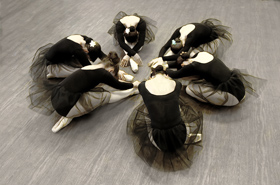
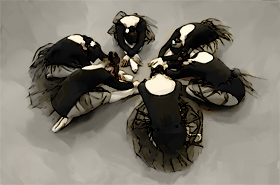
With AKVIS ArtWork you can imitate different painting techniques. In this example, we want to demonstrate the combination of the gouache painting and pen and ink drawing. To unleash the full potential of these artistic styles, we chose a photo of six girls arranged in a pattern that takes on the form of a flower.
 |
 |
- Step 1. Open the photo in the image editor AliveColors, select the ArtWork plugin, and choose the Gouache style.
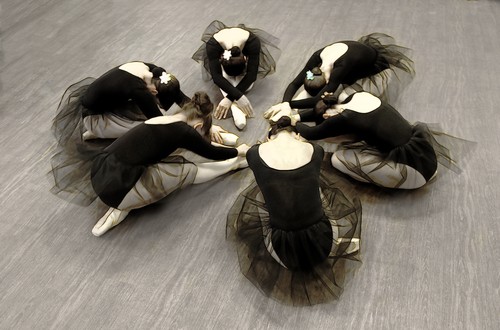
Original Image - Step 2. Adjust the parameters of the effect using the quick preview window. We used the AKVIS Short Strokes preset that expresses lightness, grace, and airiness of the image composition.
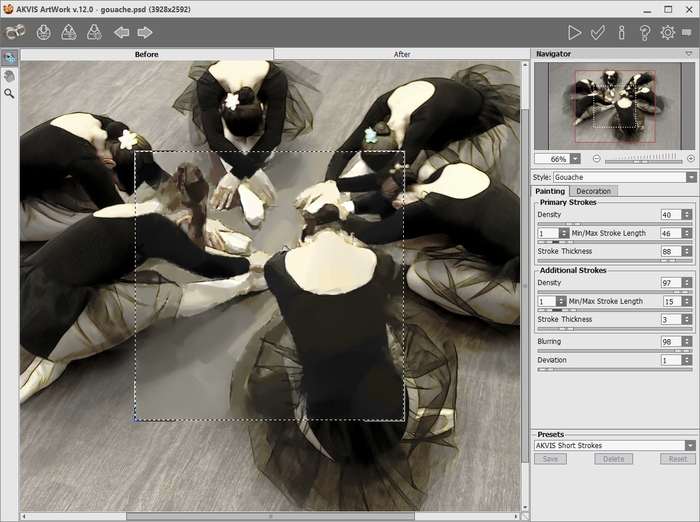
Gouache Style in AKVIS ArtWork - Step 3. Start image processing with
 .
.
To improve the background you can use the Smudge tool
 .
.
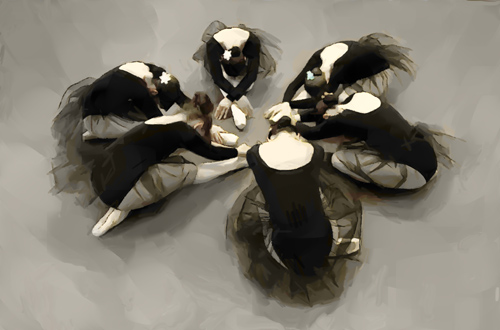
Gouache Painting - Step 4. Apply the result
 .
.
- Step 5. If you want to get more precise contours, you can combine gouache with a different style. Process a copy of the original image with the Pen & Ink style. The effect parameters are shown on the screenshot:
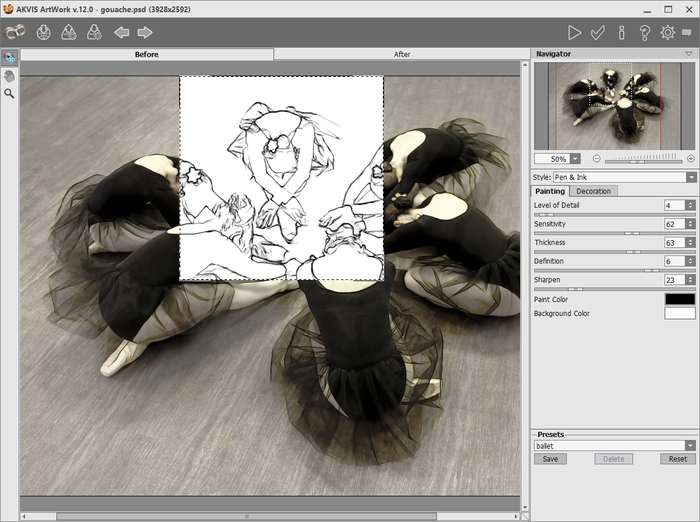
Pen and Ink Style in AKVIS ArtWork - Step 6. Apply the result .
In the image editor, you can remove odd lines with the Eraser
 .
.
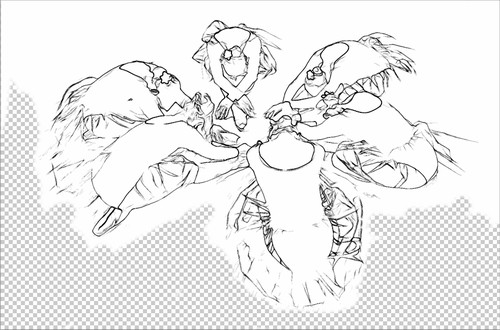
Pen and Ink Drawing - Step 7. In the Layers palette, select the Color Burn blend mode for the drawing. As a result, we get the artistic inking of the outlines over the gouache painting.
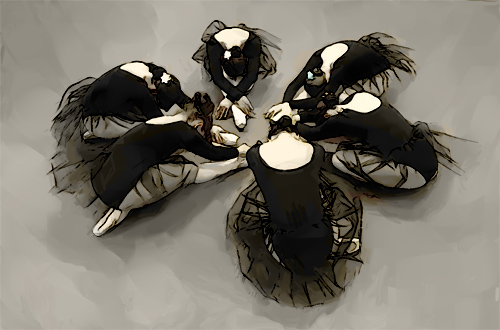
Result: Gouache and Inking
ArtWork v. 15.1 - Free 10-day Trial
