Pen & Ink Effect
Pen & Ink is a technique in which colored inks are applied to paper using a pen - from modern pens to a quill dipped in an inkwell. Since the ink is applied with a hard edge, the result will look different than when using a soft lead pencil. This style produces graceful images composed of object outlines.
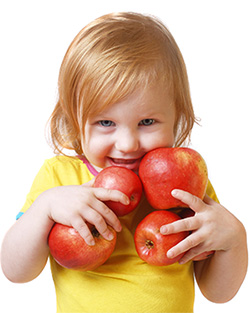
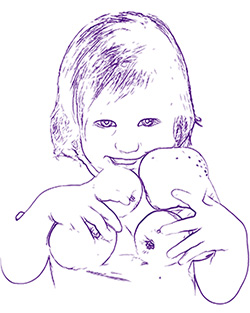
In the Painting tab you can adjust the parameters to convert a photo into a pen and ink drawing.
Effect Parameters:
Level of Detail (1-100) – This parameter affects the level of detail and strokes that form the border.
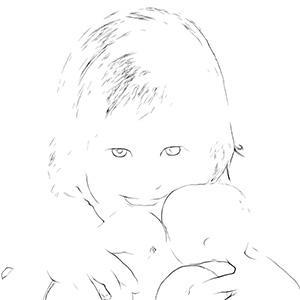
Level of Detail = 25
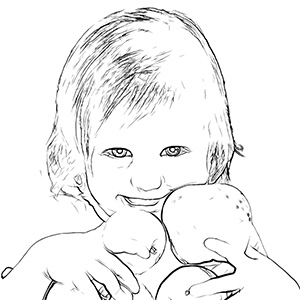
Level of Detail = 60
Sensitivity (0-100) – This parameter affects the intensity of boundary lines. The higher the value of this parameter, the more lines are applied to the image. The value should be reduced to remove extra lines.
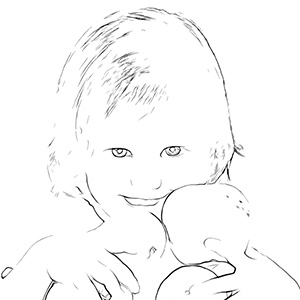
Sensitivity = 35
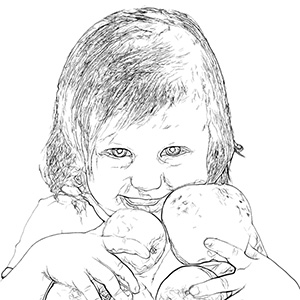
Sensitivity = 65
Thickness (1-100) - This parameter affects the thickness of the black boundary lines. At the minimum value lines are one pixel in width, while increasing the value makes lines thicker.
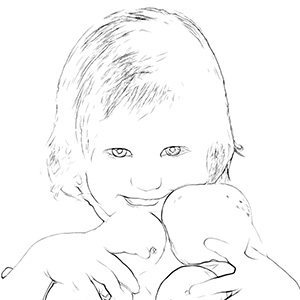
Thickness = 20
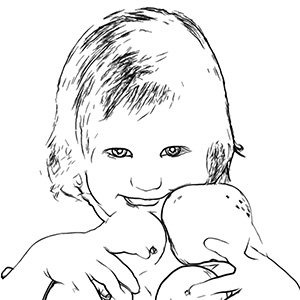
Thickness = 90
Definition (0-8) – This parameter affects the size, appearance, and position of lines, as well as how lines define areas of an image. At higher values of this parameter more lines are used and the details of an image are more defined.
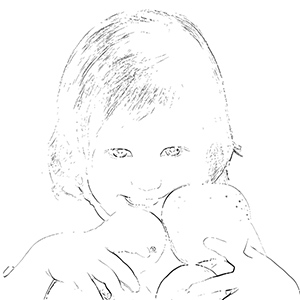
Definition = 1
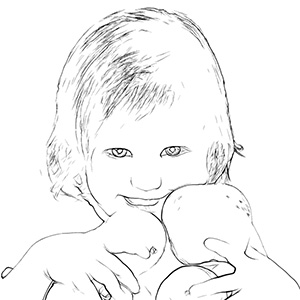
Definition = 7
Sharpen (0-100) – This parameter affects the sharpness of lines. At higher values lines have more clarity and more vividly and accurately trace boundares. At lower values lines become thicker and blurred.
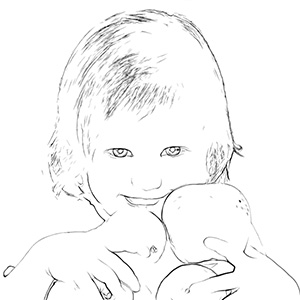
Sharpen = 10
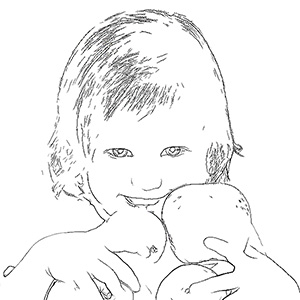
Sharpen = 90
The color used for the drawing's outlines is shown in the Paint Color plate. To choose another color click on the plate and select a new color from the Select Color dialog.
The color used for the drawing's background is shown in the Background Color plate. To choose another color click on the plate and select a new color form the Select Color dialog.
Post-Processing Tools:
- Color Brush
 . Use this tool to colorize the image with the selected color.
- History Brush
 . The tool allows you to revert parts of the image back to the original picture.
All tools are designed to manually edit the image in the After tab and are only available for the Home Deluxe and Business license.
Attention! If you re-run the image processing, the changes made with the post-processing tools will be lost!
ArtWork v. 15.1 - Free 10-day Trial
