Orchid: an Oil Painting of Flowers
The author of this tutorial is Tatyana Fedorova. The tutorial was created in AliveColors, but you can do the same in any other photo editor compatible with the AKVIS plugins or use the standalone version of AKVIS ArtWork. The "Orchid" image was also used in this tutorial for AKVIS Sketch (creating a drawing in watercolor pencil).
Tatyana writes: "I’ve graduated from art school and have some successful artworks. As much as I enjoy painting art I really like photography. I do believe that plug-ins like ArtWork have a great future and might become a new “wave” of the art. Everything is so quick and easy. The result is amazing!"
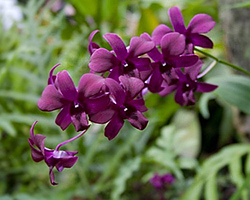
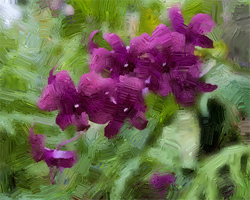
Please follow these steps:
-
Step 1. Open original image in photo editor with the command File -> Open.
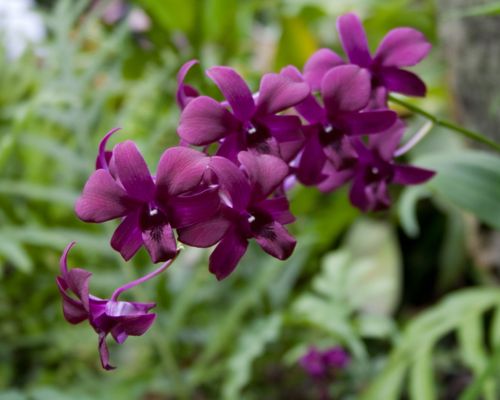
Original Image - Step 2. Call the AKVIS ArtWork plugin using the menu item Effects –> AKVIS –> ArtWork.
-
Step 3. Click the Stroke Direction tool
 , then draw stroke guide lines following specific contours within the original image.
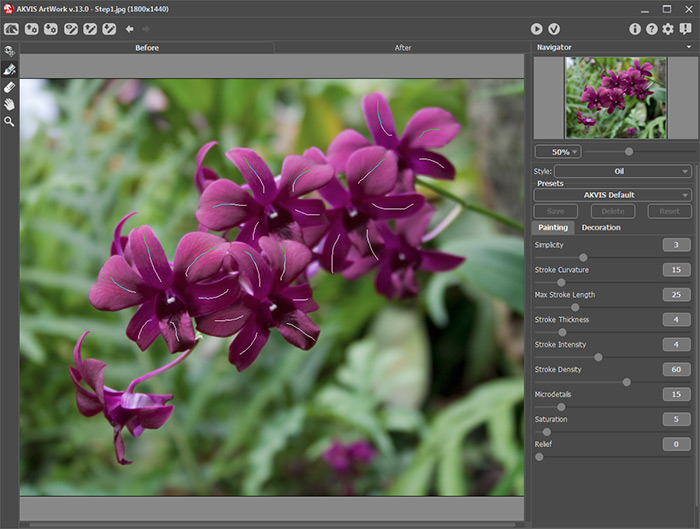
Guiding Lines - Step 4. Adjust the Oil Painting parameters.
-
Step 5. Click on
 to process the image using the new painting parameter settings.
- Step 6. Repeat steps 4-5 in conjunction with the navigation window’s scaling slider to view the processed results until the required oil painting effect is achieved.
-
Step 7. Click on
 to apply the changes. This closes the AKVIS ArtWork plugin to reveal AliveColors’s workspace containing the processed image with its oil painting effect.
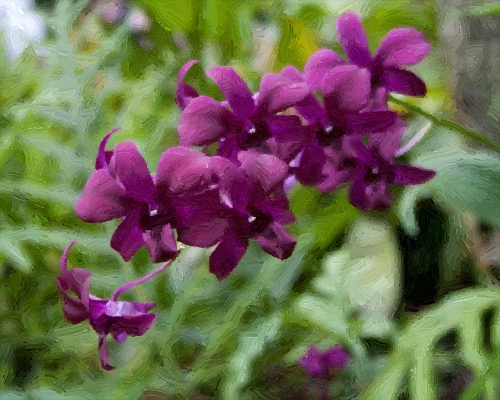
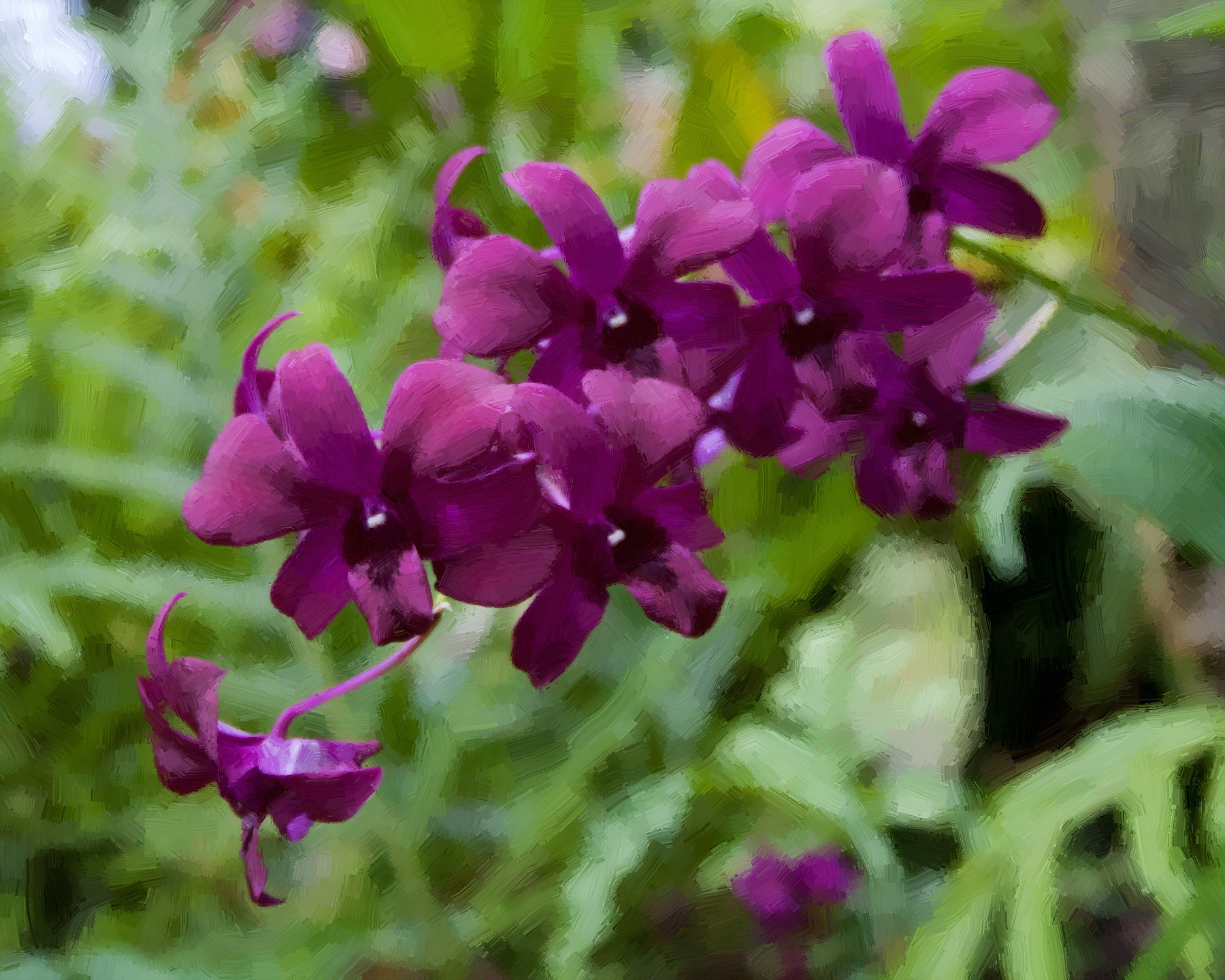
An Oil Painting of Flowers (click on the image to enlarge)
ArtWork v. 15.1 - Free 10-day Trial
