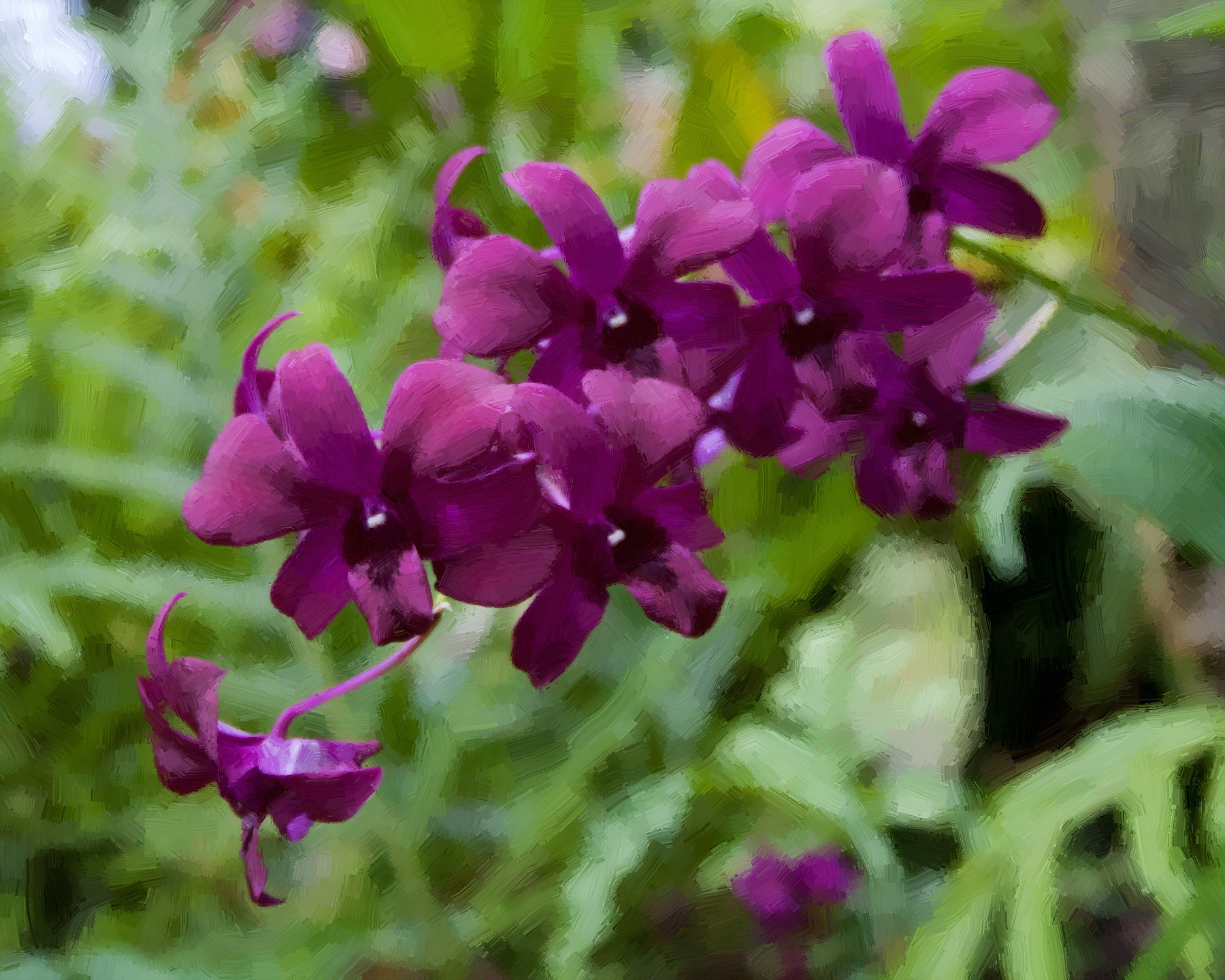
Orchideen: Ölgemälde mit Blumen
Die Autorin dieser Anleitung ist Tatyana Fedorova.
Diese Anleitung wurde mit AliveColors erstellt, aber man kann sie in jeder anderen Bildbearbeitungssoftware erstellen, die mit dem Plugin AKVIS ArtWork kompatibel ist. Die Autorin verwendete dasselbe Foto auch in einer Anleitung zu AKVIS Sketch.
Tatyana schreibt:
"Ich habe eine Kunsthochschule absolviert und habe einige erfolgreiche Kunstwerke erzeugt. So wie ich das Malen liebe, liebe ich auch die Fotografie. Ich glaube, dass Programme wie ArtWork eine große Zukunft haben und eine neue Bewegung in der Kunst werden könnten. Alles ist so schnell und einfach. Die Ergebnisse sind erstaunlich!"
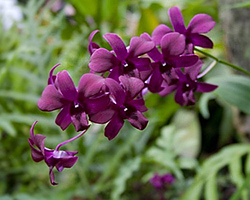
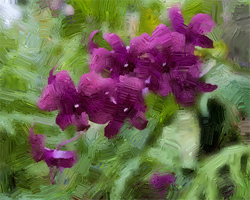
Bitte folgen Sie den im Folgenden gezeigten Schritten:
-
Schritt 1. Öffnen Sie das Originalbild in Ihrem Bildbearbeitungsprogramm mit dem Befehl Datei -> Öffnen.
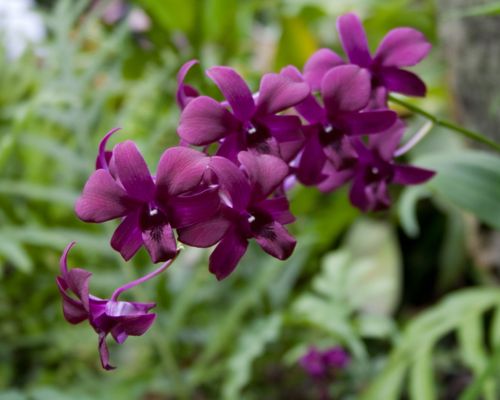
Originalbild - Schritt 2. Rufen Sie das Plugin ArtWork mit dem Befehl Effekte -> AKVIS -> ArtWork auf.
-
Schritt 3. Klicken Sie auf Richtung der Pinselstriche
 und ziehen Sie dann Leitlinien, mit denen Sie sichtbaren Konturen im Bild folgen.
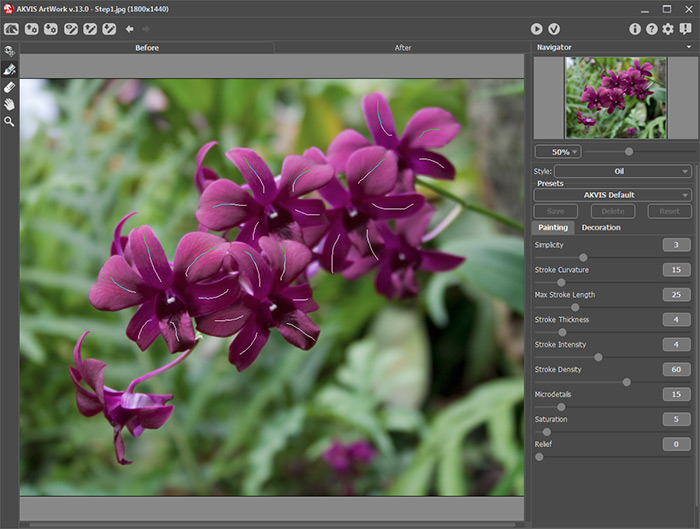
Leitlinien - Schritt 4. Stellen Sie die Ölgemälde-Parameter ein.
-
Schritt 5. Klicken Sie auf
 , um das Bild mit den eingestellten Parametern neu berechnen zu lassen.
- Schritt 6. Wiederholen Sie die Schritte 4 bis 5, bis der gewünschte Ölmaleffekt erreicht ist. Beobachten Sie dabei immer das Bild im Navigator-Fenster.
-
Schritt 7. Klicken Sie auf
 , um die Änderungen anzunehmen. Damit wird das Plugin AKVIS ArtWork geschlossen und Sie kommen zurück in das Arbeitsfenster Ihres Bildbearbeitungsprogramms.
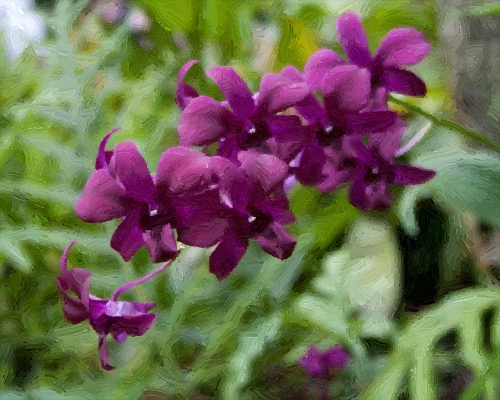
Ölgemälde mit Blumen
(zum Vergrößern anklicken)
ArtWork v. 15.1 - 10-Tage-Testversion
