Orquidea: una pintura al óleo de flores
La autora de este tutorial es Tatyana Fedorova. La imagen para este tutorial fue creado en AliveColors, pero se puede hacer lo mismo en cualquier otro editor de imágenes compatible con AKVIS ArtWork. El autor también utiliza esta foto en un tutorial de AKVIS Sketch.
Tatyana escribe: "Me he graduado de la escuela de arte y realicé algunas obras de arte con éxito. Aunque me gusta mucho la pintura artística prefiero la fotografía. Yo creo que tales plugins como ArtWork tienen un gran futuro y podrían convertirse en una nueva "ola" en el arte. Todo es tan rápido y fácil. ¡El resultado es increíble!"
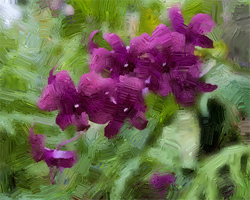
Por favor, siga estos pasos:
-
Paso 1. Abra la imagen original con el editor de fotos utilizando el comando File -> Open.
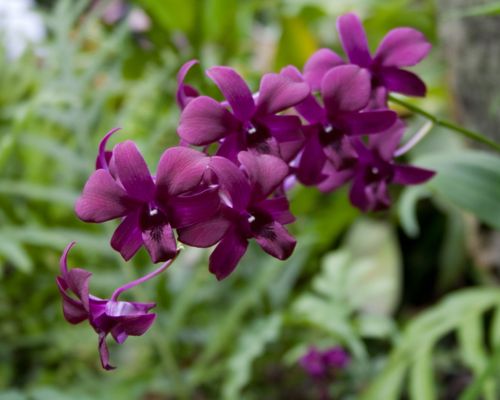
Imagen original - Paso 2. Abra el plugin AKVIS ArtWork usando el comando Effects -> AKVIS -> ArtWork.
-
Paso 3. Haga clic en la herramienta Dirección de los trazos
 , a continuación dibuje las líneas de guía siguiendo los contornos específicos dentro de la imagen original.
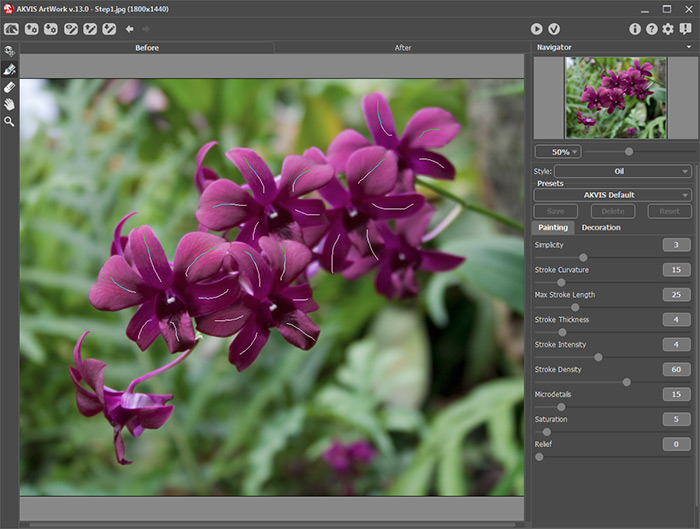
Líneas de guia - Paso 4. Ajuste los parámetros del estilo Óleo.
-
Paso 5. Haga clic en
 para procesar la imagen con los nuevos valores de los parámetros de pintura.
- Paso 6. Repita los pasos 4-5 regulando la Escala de la ventana de navegación para ver los resultados procesados hasta lograr el efecto de pintura al óleo que le gusta.
-
Paso 7. Haga clic en
 para aplicar los cambios. Esto cierra el plugin AKVIS ArtWork para mostrar el área de trabajo de AliveColors que contiene la imagen procesada con el efecto de pintura al óleo.
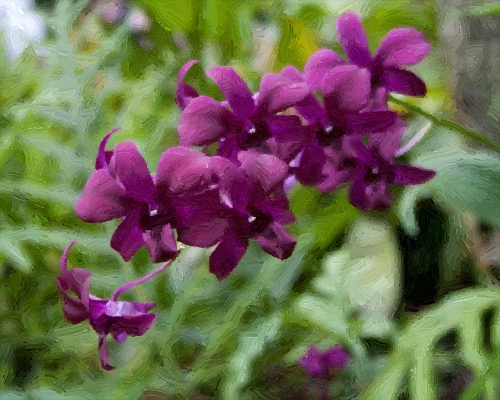
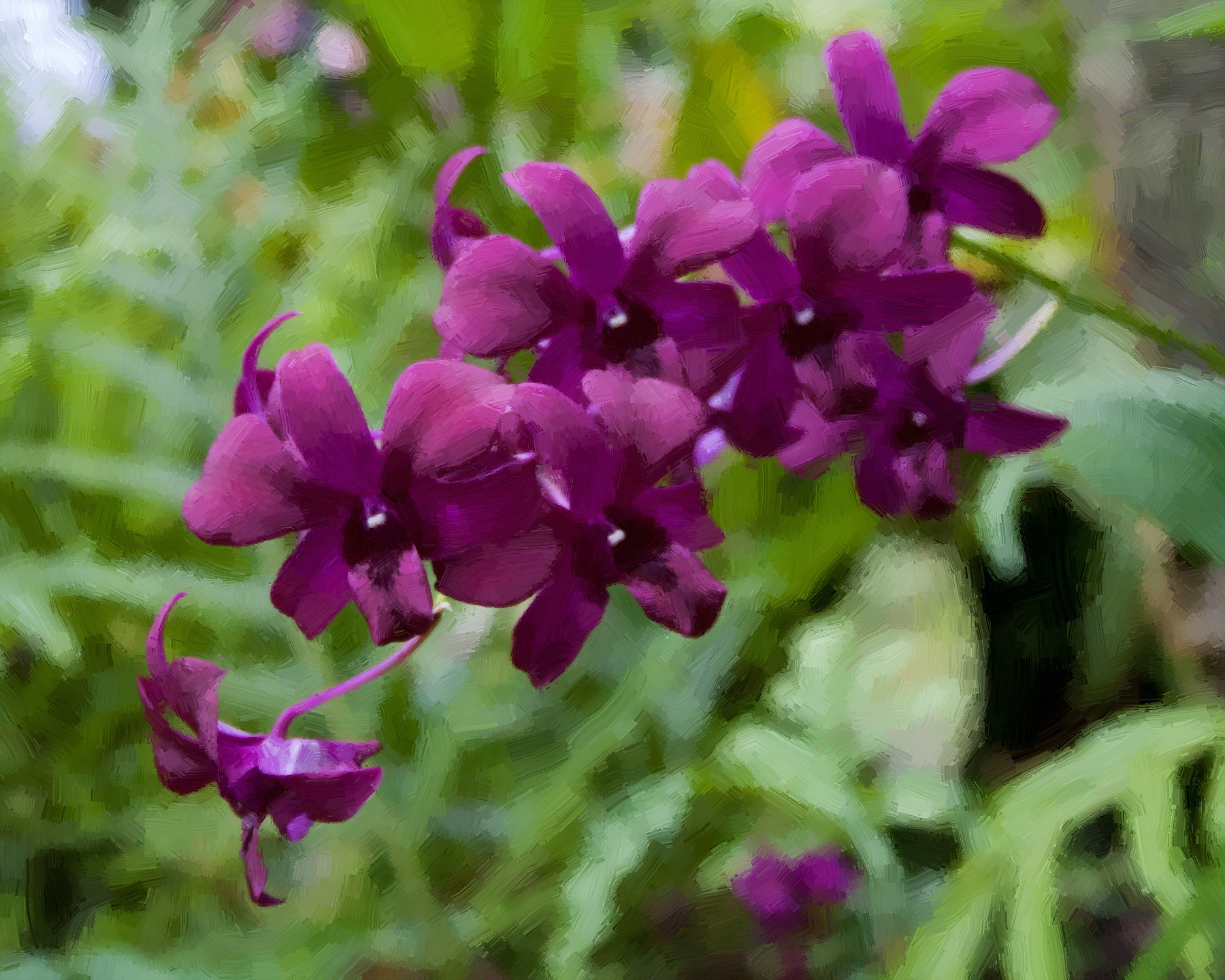
Una pintura al óleo de las flores
(haga clic en la imagen para agrandarla)
ArtWork v. 15.1 - Prueba gratuita de 10 días
