Galería ArtWork
Andrey Terebov (Kiev) nos ha enviado una carta compartiendo sus experiencias con AKVIS ArtWork. A continuación usted podrá leer algunos fragmentos de su carta con comentarios acerca de las pinturas.
Andrey escribe que ha estado interesado por mucho tiempo en la fotografía artística y en métodos para mejorar la expresividad de sus obras – especialmente en la estilización. Mientras que utilizaba la versión de prueba de AKVIS ArtWork, Andrey se dió cuenta no sólo de la conveniencia del programa y la facilidad en el uso, sino también de la posibilidad de visualizar una pequeña vista previa del resultado. "Y lo más importante - , admite el autor, - es el efecto real de la pintura, que incorpora el diseño del creador y la textura de los trazos".
Imprimí un par de obras en una impresora en un formato de 30х45 o de 50х60 sobre una capa de "lienzo".¡Pinturas al óleo realistas! Imprimir sobre papel fotográfico mate también brinda grandes resultados, pero una capa de textura siempre es necesaria. La elección de un marco apropiado (sin vidrio) añade el toque final. A AKVIS ArtWork se le podría llamar ‘POTENCIAL’.
La fotografía clásica, por regla, sigue convenciones. Pero en muchos géneros, estas convenciones restringen la expresión artística (retratos, paisajes, naturaleza muerta, etc.). Las obras mejoras realizadas en un editor de gráficos no siempre producen el efecto deseado, pero utilizando AKVIS ArtWork, uno tiene la oportunidad de dar vida a sus ideas creativas. No es sólo un programa de pintura - sino que es una herramienta creativa seria.
Andrey quería expresar cuales eran las aplicaciones de AKVIS Artwork que, bajo su punto de vista, eran interesantes sobre todo para fotógrafos principiantes.
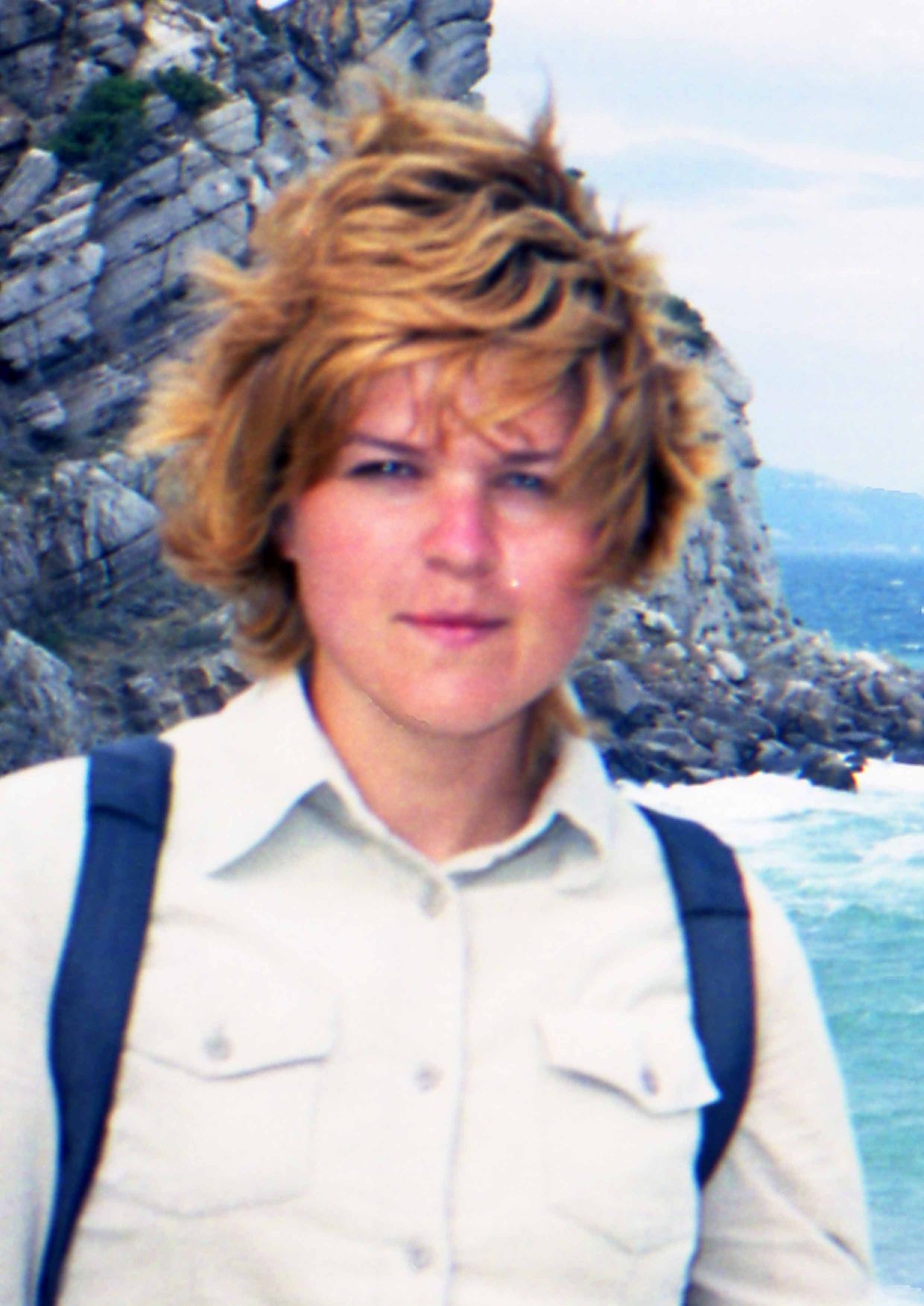
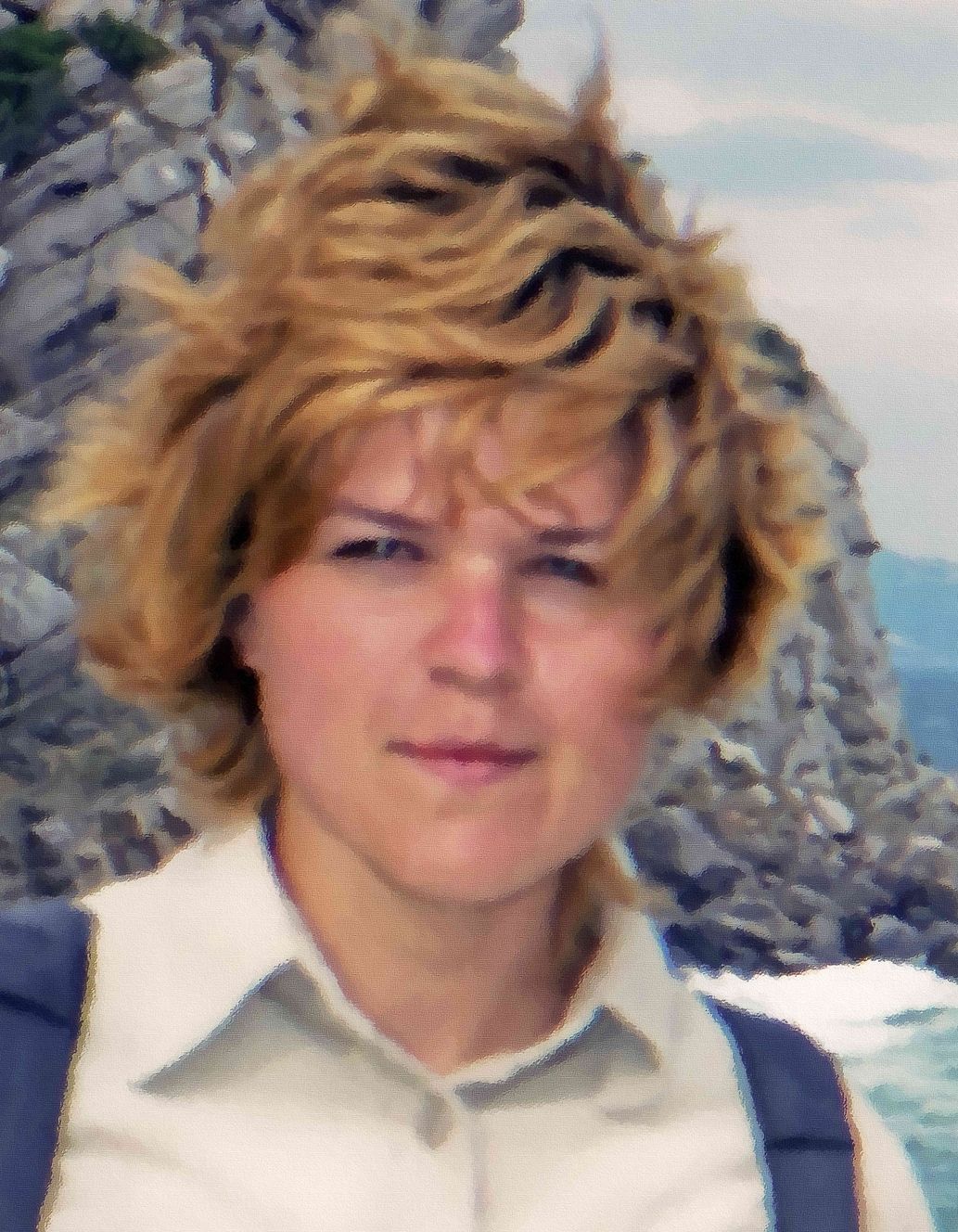
Usualmente hay muchas impresiones, negativos, diapositivas, etc. en un archivo que son valiosos: vistas raras o inexistentes, paisajes, arquitectura, retrato y muchos otros. Pero a menudo por varias razones (defectos, daños, desenfoques, etc.) son difíciles para usar. El retoque o la restauración quizás sean inútiles, pero con AKVIS Artwork el resultado generalmente dependerá de su habilidad. Si la distorsión de color no puede ser fácilmente corregida, la pintura será una expresión efectiva de los métodos del artista o incluso de un estilo (por ejemplo, Impresionismo). La creación de un arte fotográfico interesante (en el estilo de surrealismo o en el estilo de “a la Chagall”) es atractiva, pero difícil y demanda mucho tiempo. La aplicación de AKVIS Artwork en las etapas finales del diseño ayudará a disimular errores y brindará una imagen única como resultado.
Nota: clique en una imagen para visualizar una versión ampliada en una ventana nueva.
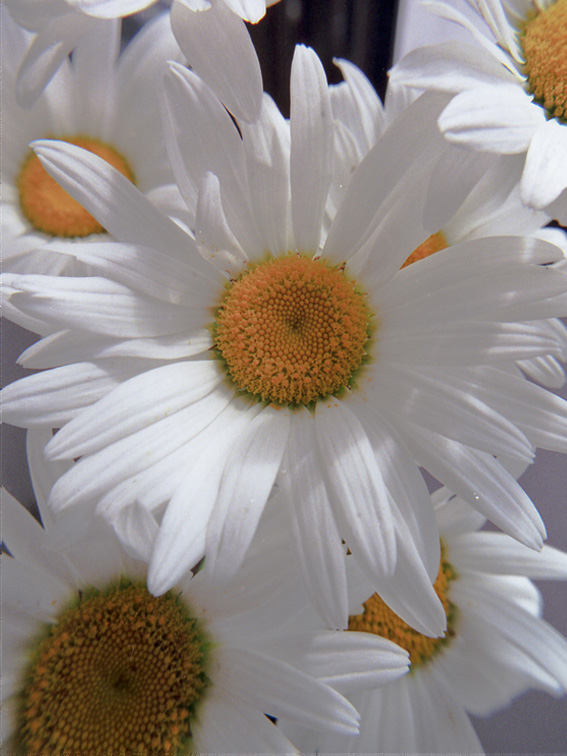
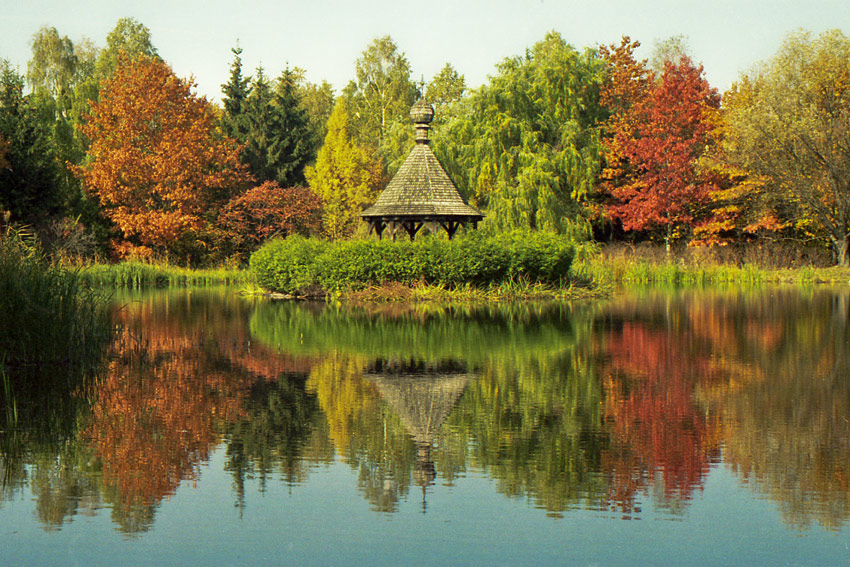
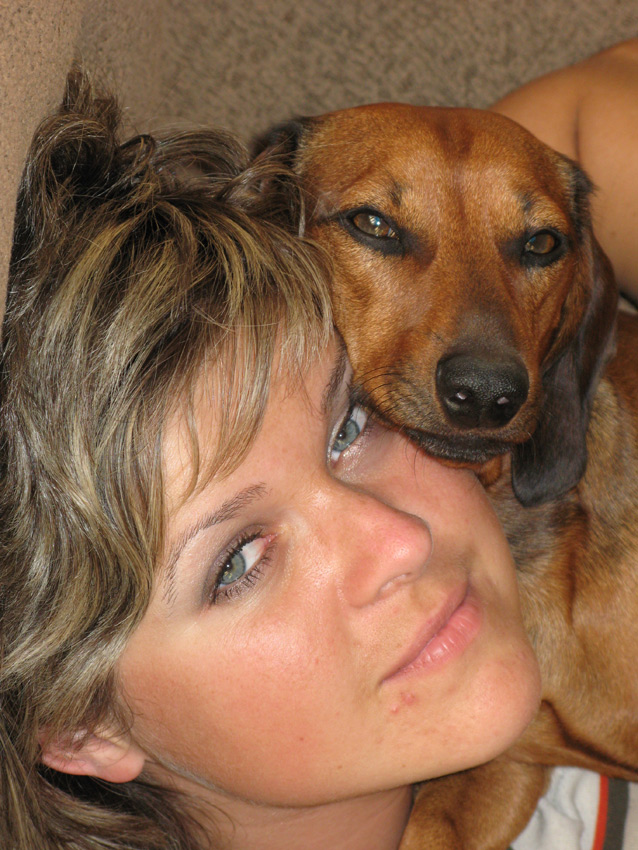
Ejemplo 1. Ensayo fotográfico. Después del uso de AKVIS ArtWork, la fotografía tendrá una apariencia artística.
 |
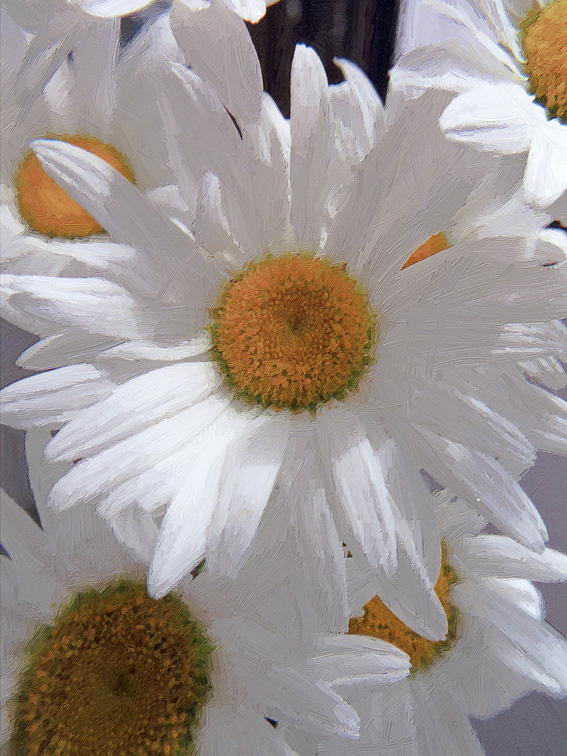 |
| Escaneo de un negativo en color | Resultado |
 |
 |
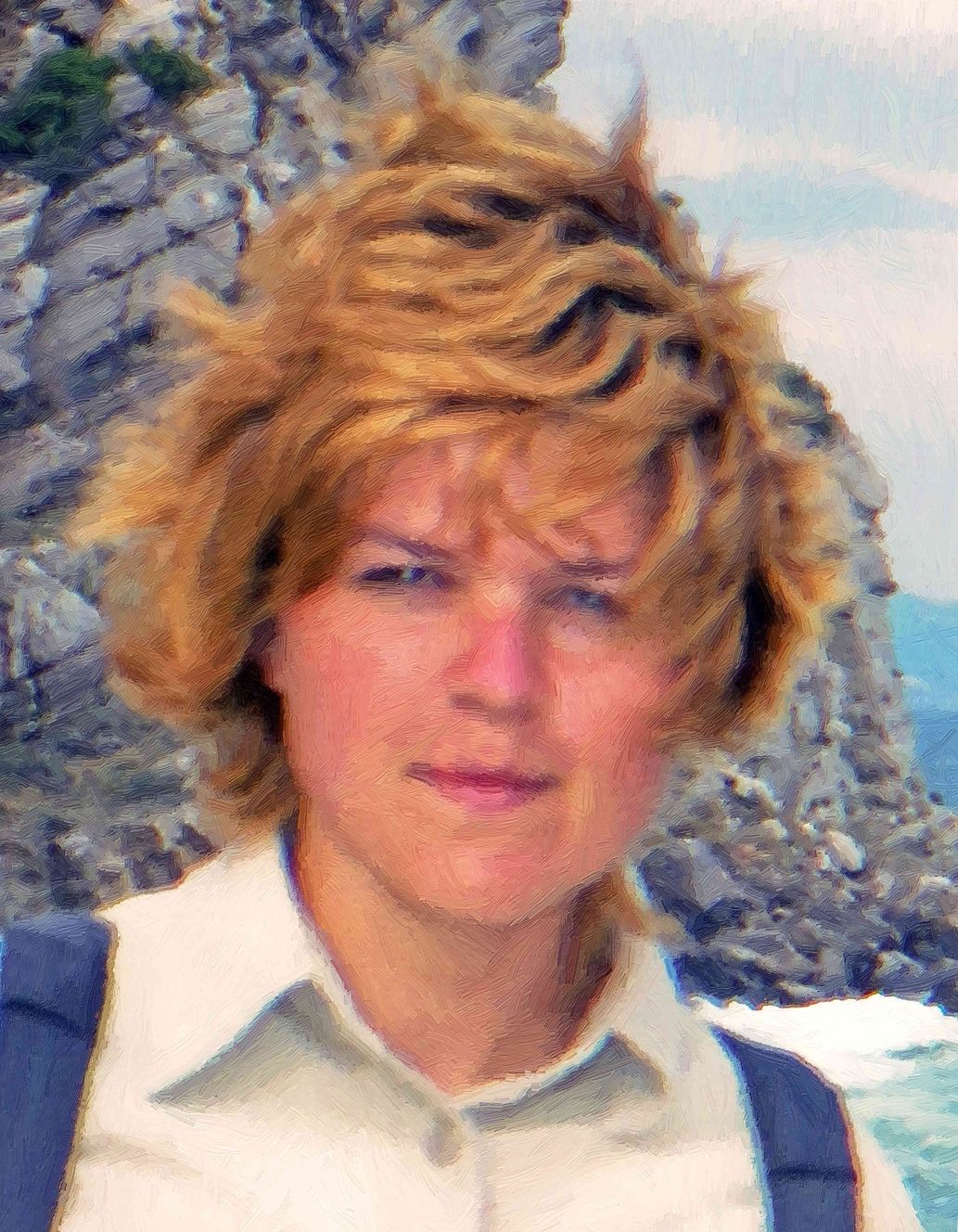 |
| Fotografía defectuosa | Resultado 1 | Resultado 2 |
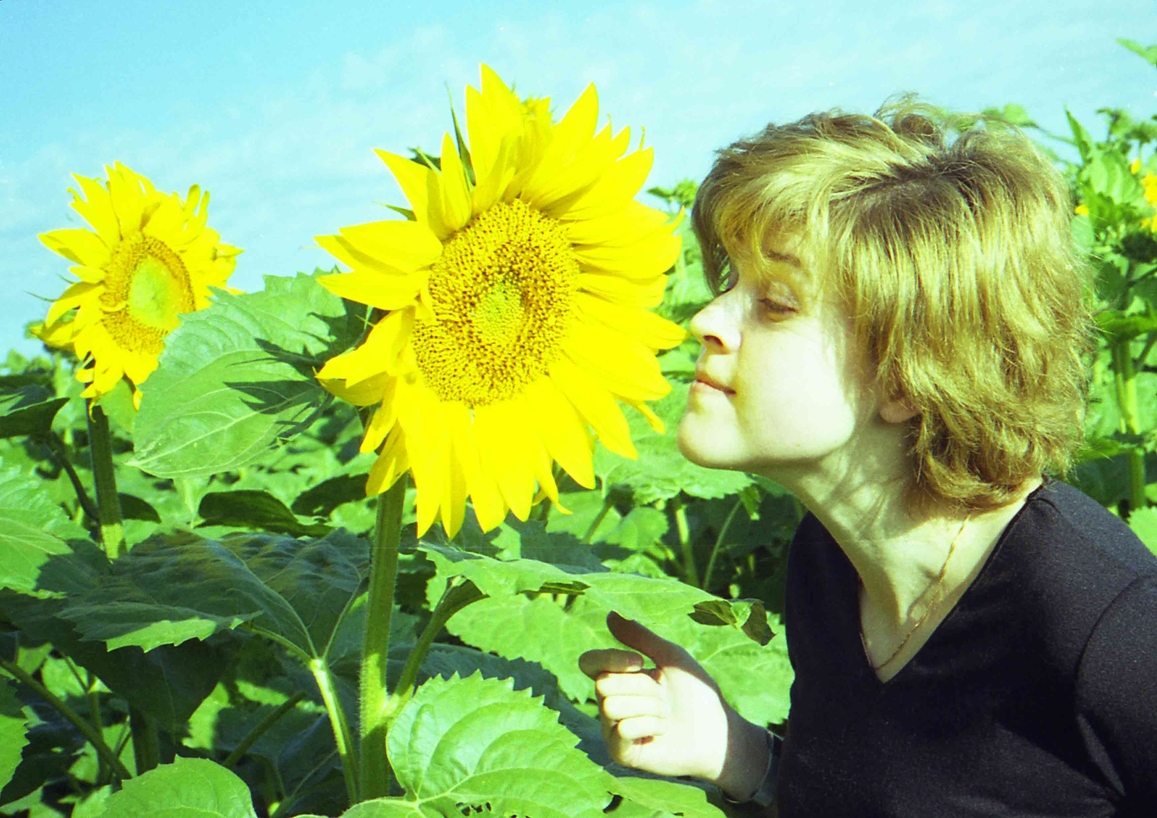 |
 |
| Escaneo de un negativo | Resultado |
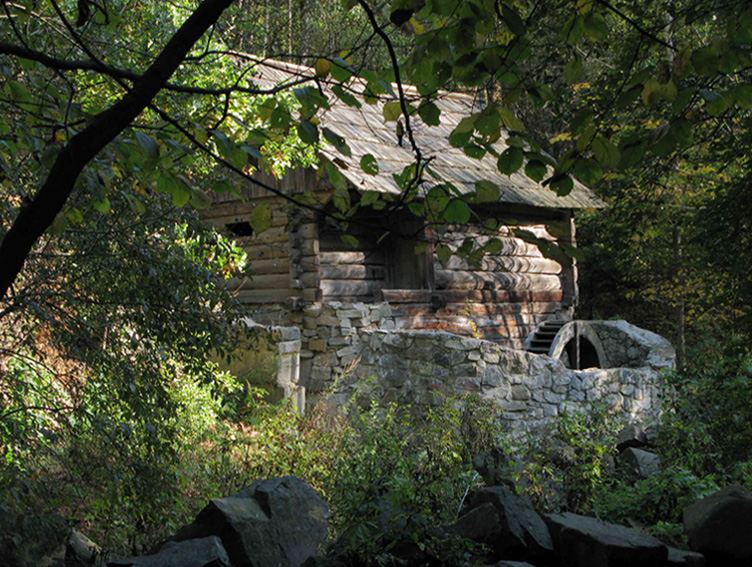 |
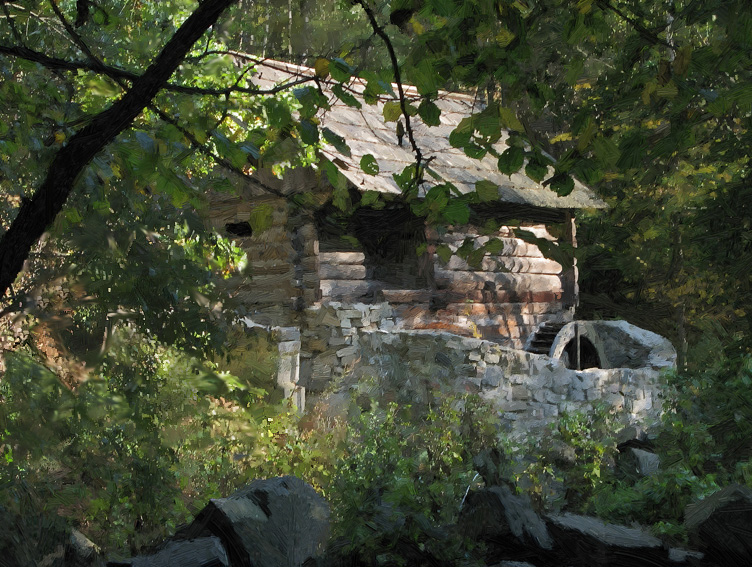 |
| Fotografía digital | Resultado |
 |
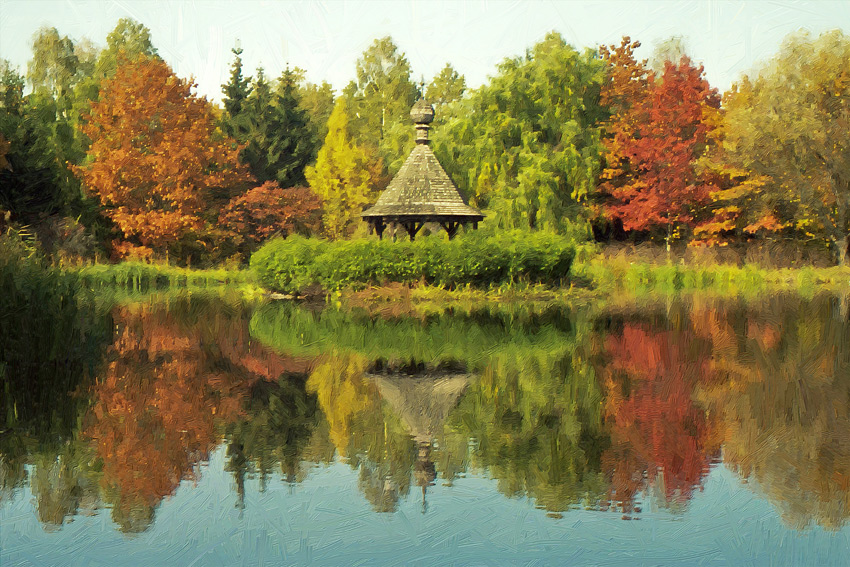 |
| Paisaje | Resultado |
 |
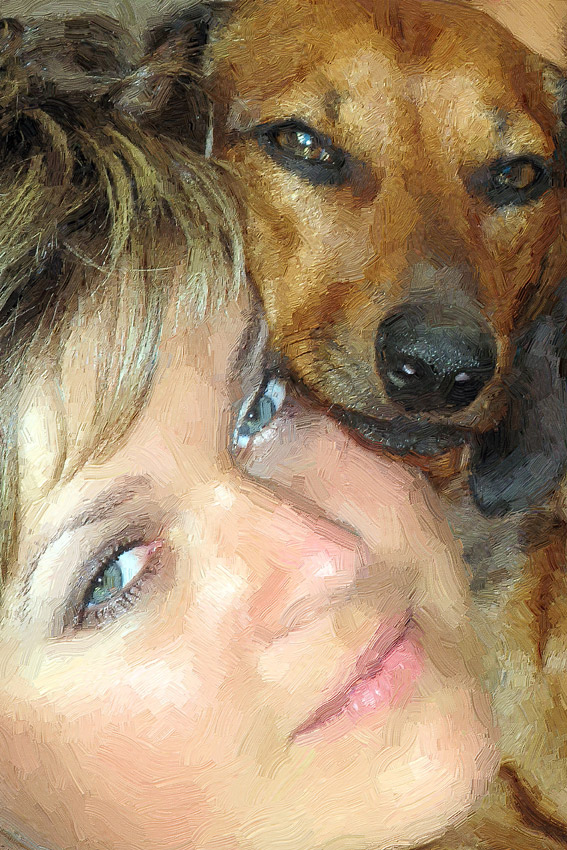 |
| Fotografía digital | Resultado |
 |
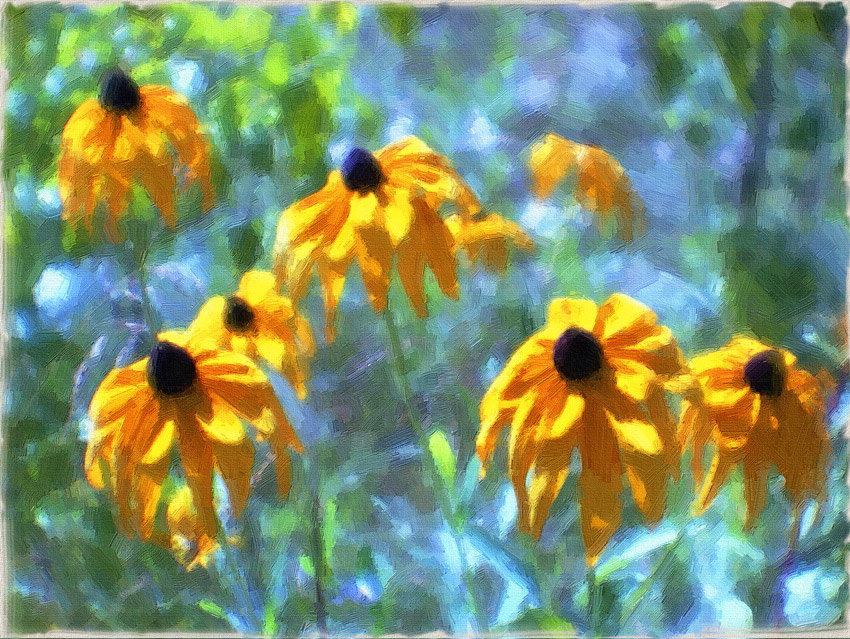 |
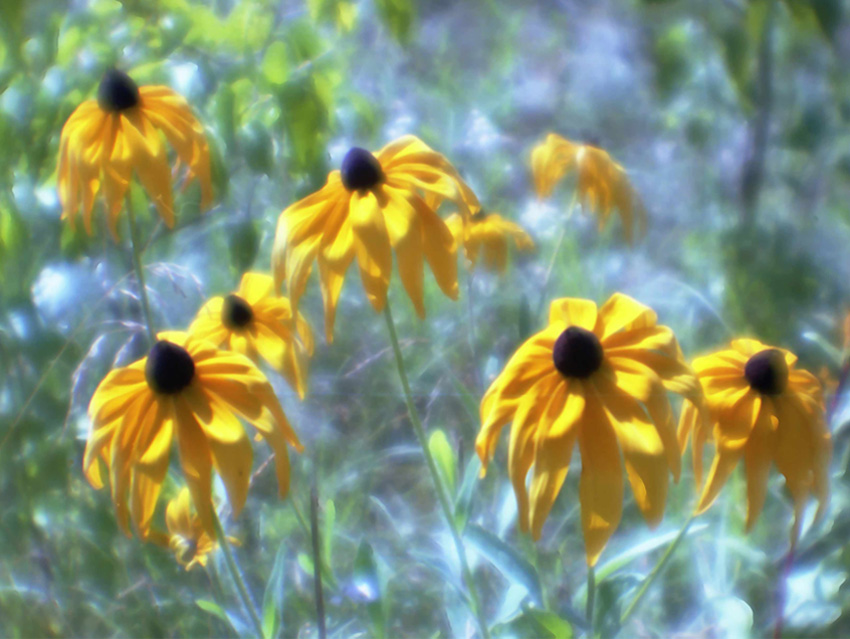
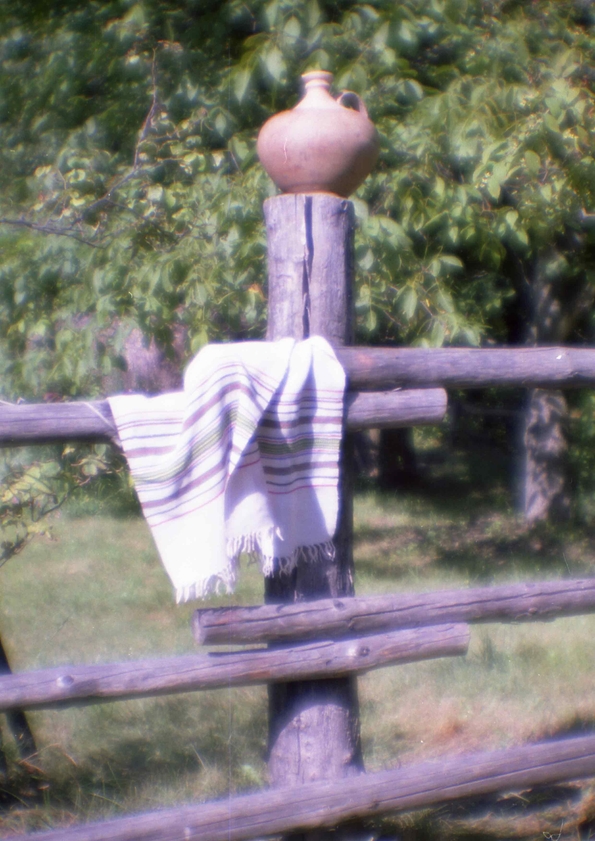
| Escaneo de un negativo en color, monóculo | Resultado |
 |
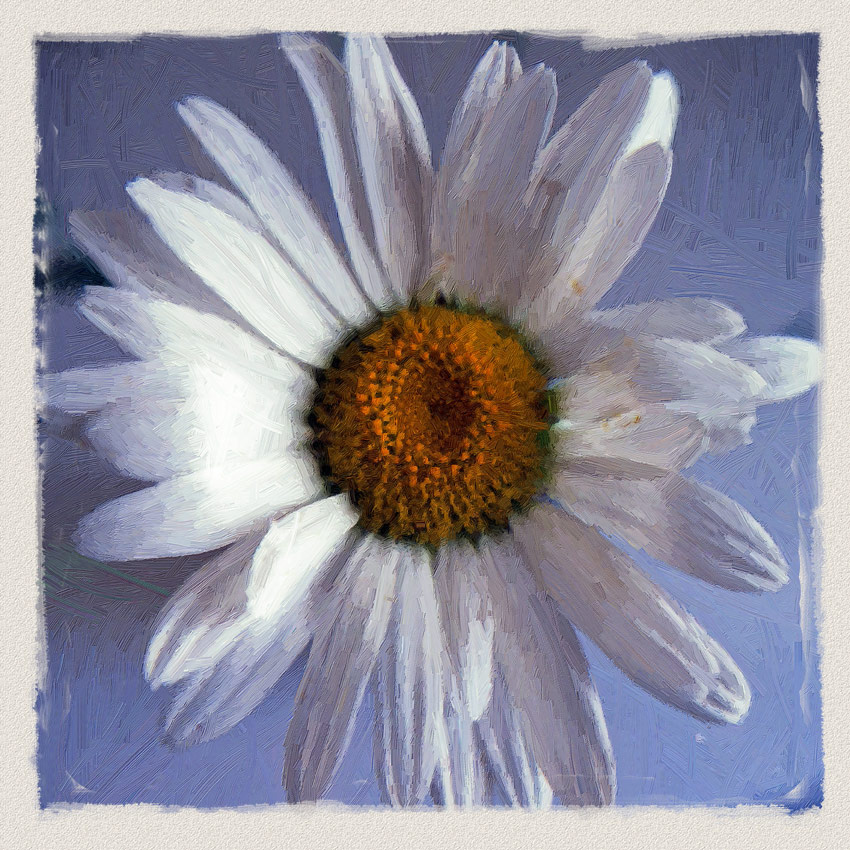 |
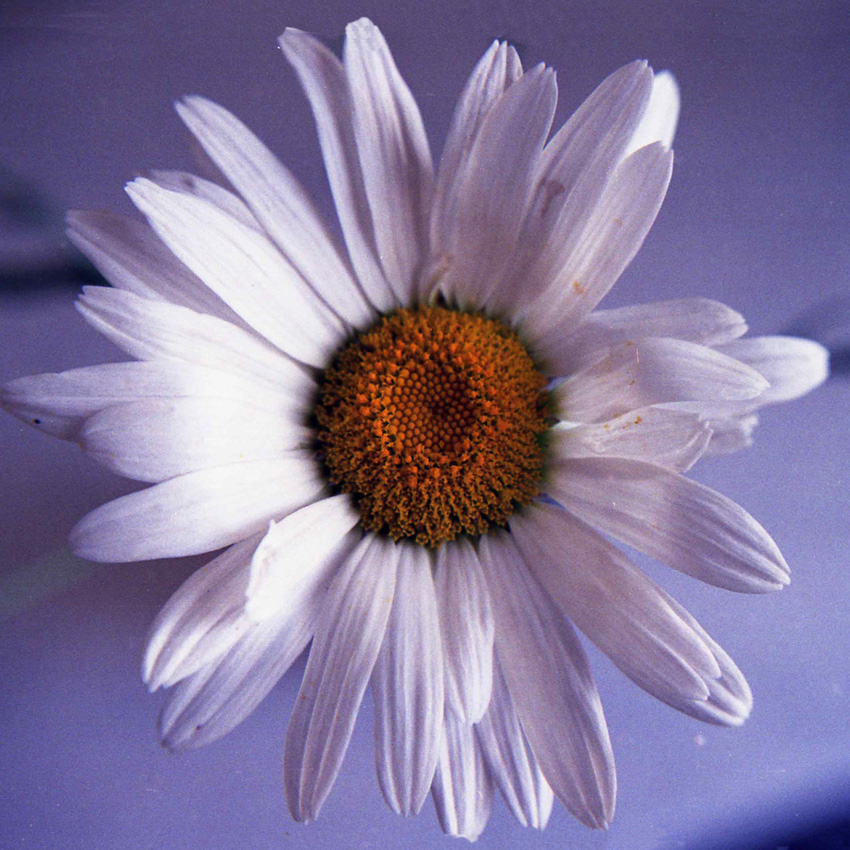
| Escaneo de un negativo en color, monóculo | Resultado |
 |
 |
| Escaneo de un negativo en color, monóculo | Resultado |
 |
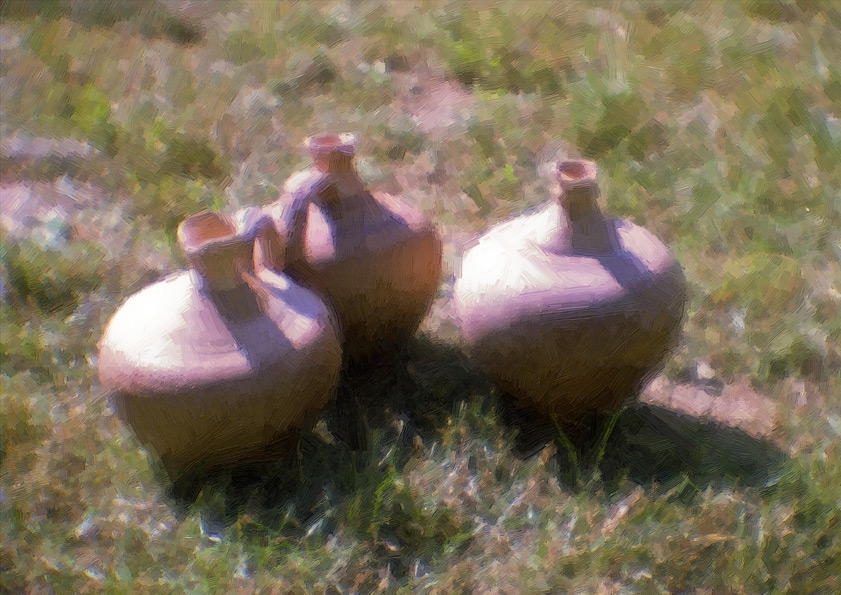 |
| Escaneo de un negativo en color, monóculo | Resultado |
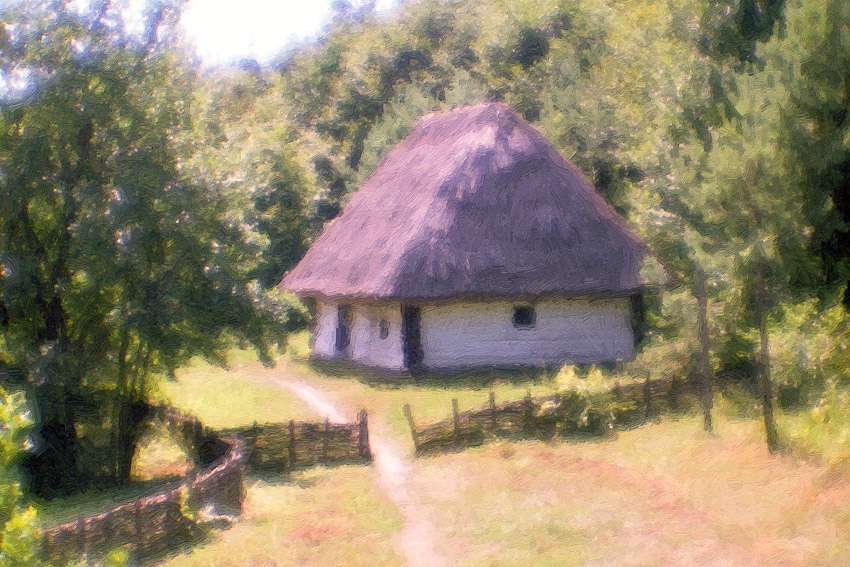
Resultado
ArtWork v. 15.1 - Prueba gratuita de 10 días
