Crear un cartel: Vaca Roja
El autor de este tutorial es Valentina Aynagos.
En 2005, en la capital de Suiza, se celebró un debate sobre una cuestión fundamental - la elección de un emblema adicional para el Comité Internacional de la Cruz Roja. Diferentes países ofrecieron sus propios símbolos: la estrella de David, una cruz, un diamante. Habia también un símbolo de Vaca Roja, que simboliza un animal pacífico, que da la leche y la vida. Esta propuesta no fue apoyada, pero el autor ha tomado una foto de una maqueta de la vaca y ha hecho un cartel de este.
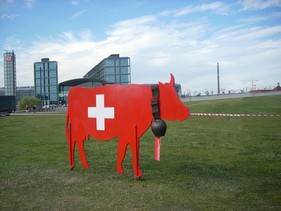
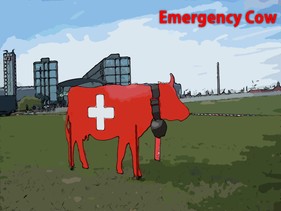
Siga estos pasos para convertir la foto en un cartel:
- Paso 1. Abra la foto en AKVIS ArtWork presionando el botón
 .
.
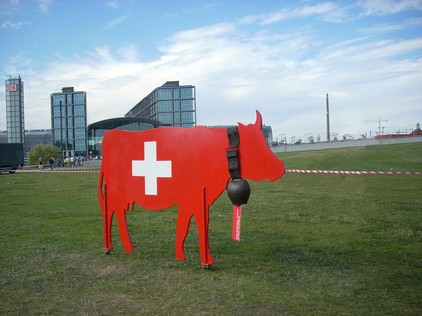
Maqueta de la vaca - Paso 2. Seleccione el estilo Cómics del menú desplegable en el Panel de ajustes. El resultado del tratamiento con la configuración por defecto será mostrado en la Ventana de vista previa.
Para evitar que se dibujen las líneas negras en el cielo, reduzca el valor del parámetro Nivel de detalle de 40 a 20:
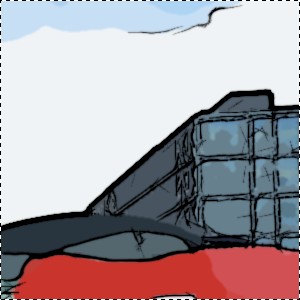
Configuración por defecto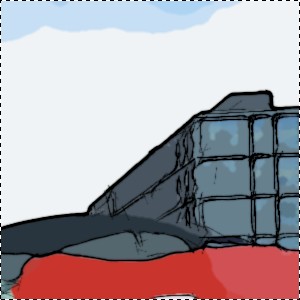
Nivel de detalle = 20 - Paso 3. Pulse el botón
 para procesar la imagen.
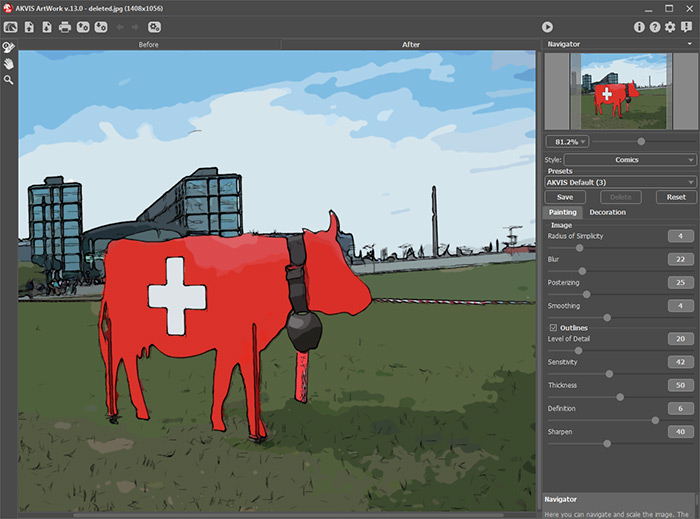
Área de trabajo de AKVIS ArtWork con el resultado de la transformación - Paso 4. Para agregar un texto, pulse la pestaña Decoración. Elija el color rojo para el texto y negro para el contorno.
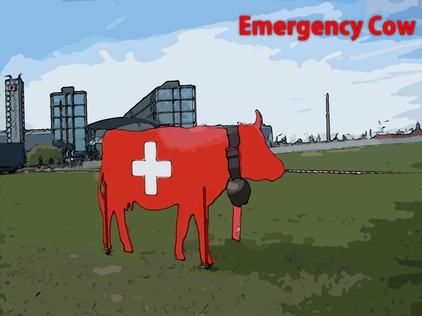
Foto convertida en un cartel (Cómic) - Paso 5. Guarde la imagen pulsando el botón
 y cierre AKVIS ArtWork.
ArtWork v. 15.1 - Prueba gratuita de 10 días
