ArtWork Gallery: Stylization of Photography for Painting


AKVIS ニュースの購読を申し込むには, 電子メールアドレスを入力してください。
 
 
  プログラム     ダウンロード     サイバーショップ     チュートリアル     サポート     会社情報      お客様の部屋
en  fr  de  es  pt  it  jp  ru    
 

チュートリアル: AKVIS ArtWork

ArtWork Gallery


あいにく, このページは英語にだけ使用可能です。日本語のバージョンは遠からず出ります。
Attention! You can get a free licence for an AKVIS program by translating texts from English to Japanese.
Please contact us at team@akvis.com.

Andrey Terebov (Kiev) has sent a letter sharing experiences with AKVIS ArtWork. Below are excerpts from the letter and comments about the paintings.


Andrey writes that he has long been interested in artistic photography and in methods for improving the expressiveness of his work − especially in stylization. While testing the trial version of AKVIS ArtWork he noticed not only the program's convenience and ease of use, but also the ability to see a small preview of the result. And most importanty, adds the letter's author, − is the real effect of painting, incorporating the design of the creator, and the texture of the strokes:

    I printed a pair of works on a plotter in 30х45 и 50х60 format on a "canvas" layer. Realistic oil paintings! Printing on matte photography paper also yields great results, but a texture layer is needed. Choosing an appropriate frame (without glass) adds the finishing touch. AKVIS ArtWork could be called 'POTENTIAL'.

    Classical photography, as a rule, follows conventions. But in many genres these conventions restrict artistic expression (portrait, landscape, still life, etc.) Refinements made in a graphics editor do not always produce the desired effect, but by using AKVIS ArtWork one has the opportunity to realize their creative ideas, it's not just a painting program − this is a serious creative tool.

Andrey wanted to discuss what he felt were some interesting applications of AKVIS Artwork, primarily for beginner photographers.

    Usually there are many prints, negatives, slides, etc in an archive that are valuable: rare or non-existent views, landscapes, architecture, portraits, and much more. But often for various reasons (defects, damage, blurring, etc.) they are difficult to use. Retouching or restoration maybe useless, but with AKVIS Artwork the result will depend mainly on your skills. If color distortion is not easily corrected, the painting will be an effective expression of the artist's methods or even of a style (Impressionism, for example). Creating interesting photo art (in the style of surrealism, or in the style of "a la Chagall") is attractive, but difficult and time-consuming. Applying AKVIS Artwork in the final stages of design will help hide errors and yield a unique painting.

Note: Click on an image to view a larger version in a separate window.

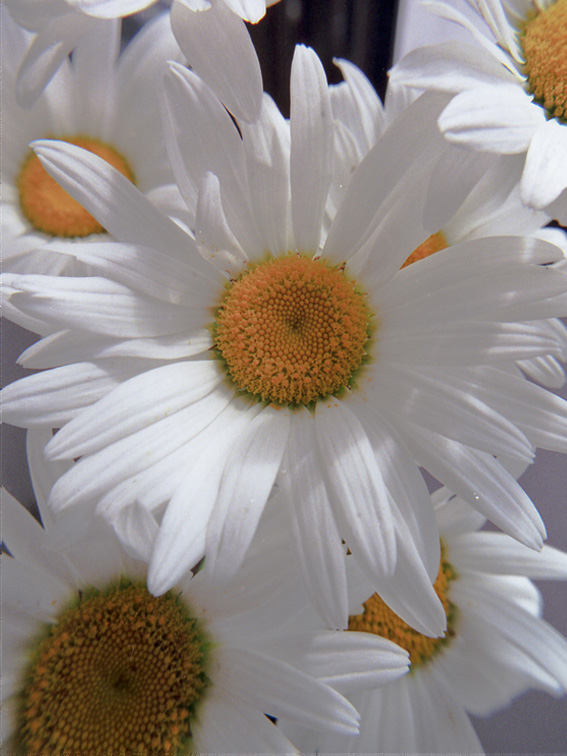
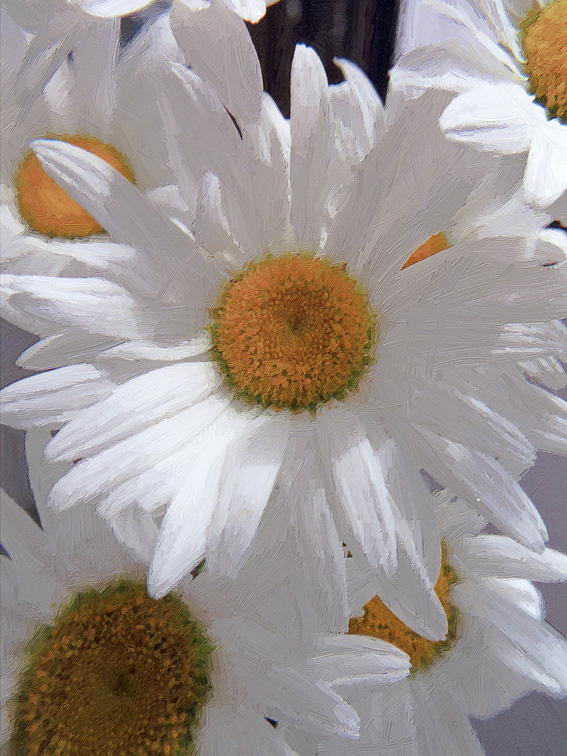
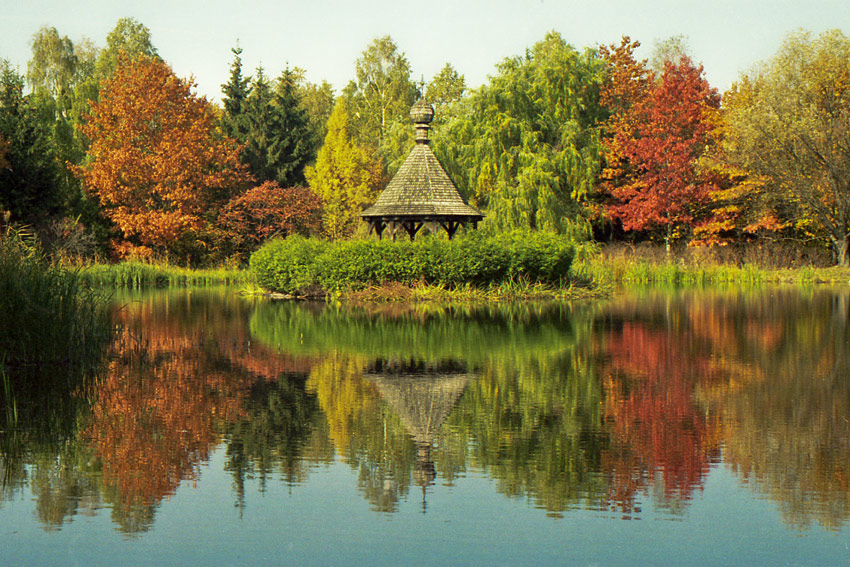
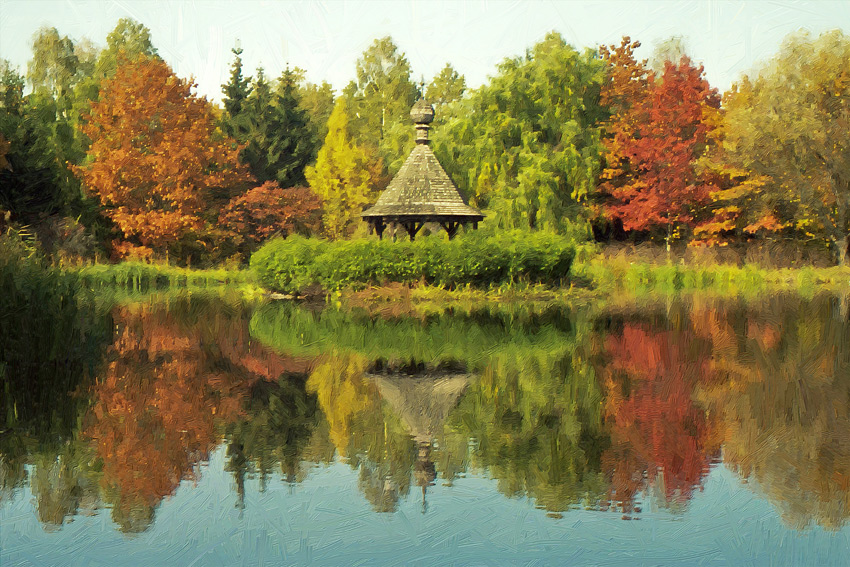
Example 1. Test photo. After using AKVIS ArtWork the photo has artistic appeal.
Original Image Result
Scan of a color negative Result
Example 2. Crop (about ¼) of a color negative with blurring and color distortion. Versions 1 and 2 are good examples of creativity: ArtWork can create a work of art even from a defective photo.
Original Image Result Result
Fuzzy Photo Version 1 Version 2
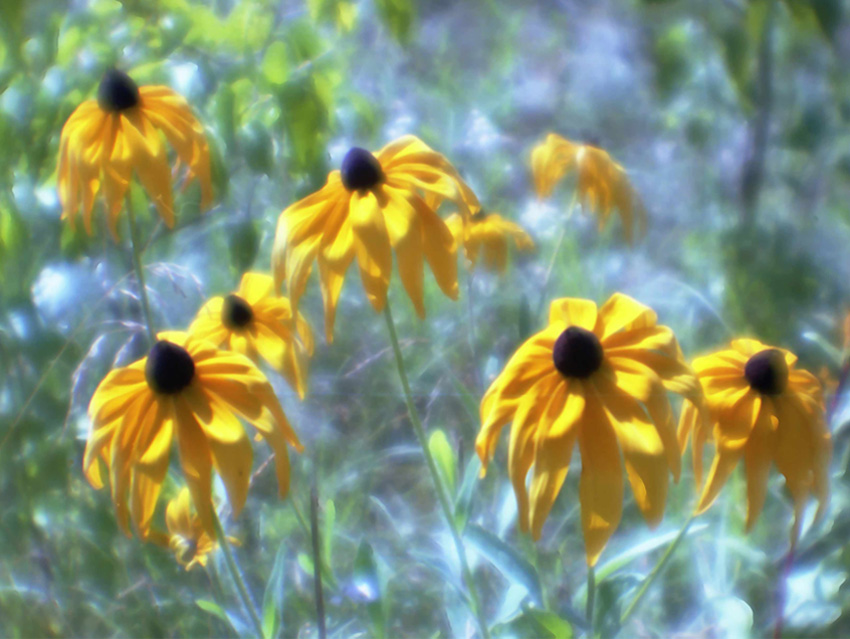
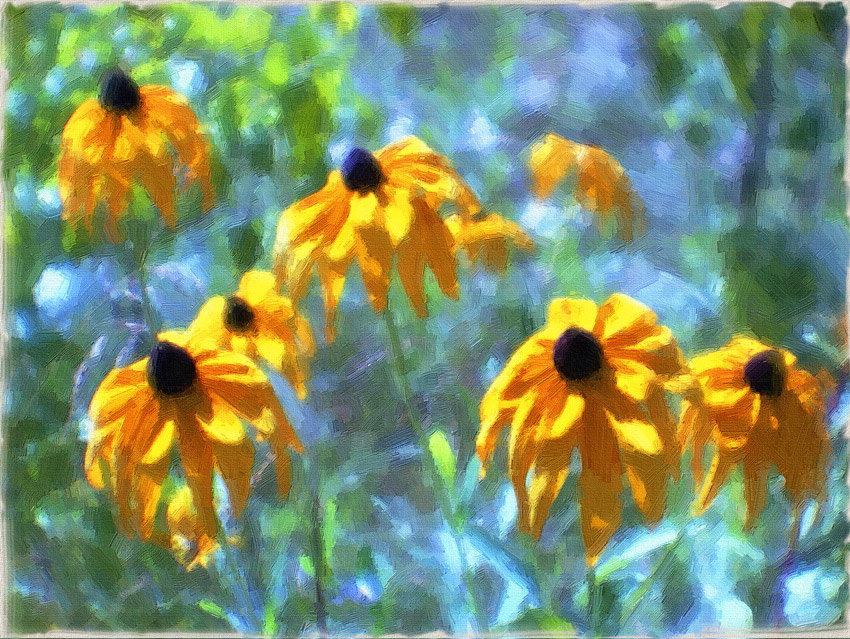
Example 3. The complexities of color. AKVIS Artwork produces a pleasing result.
Original Image Result
Scan of a photo negative Result
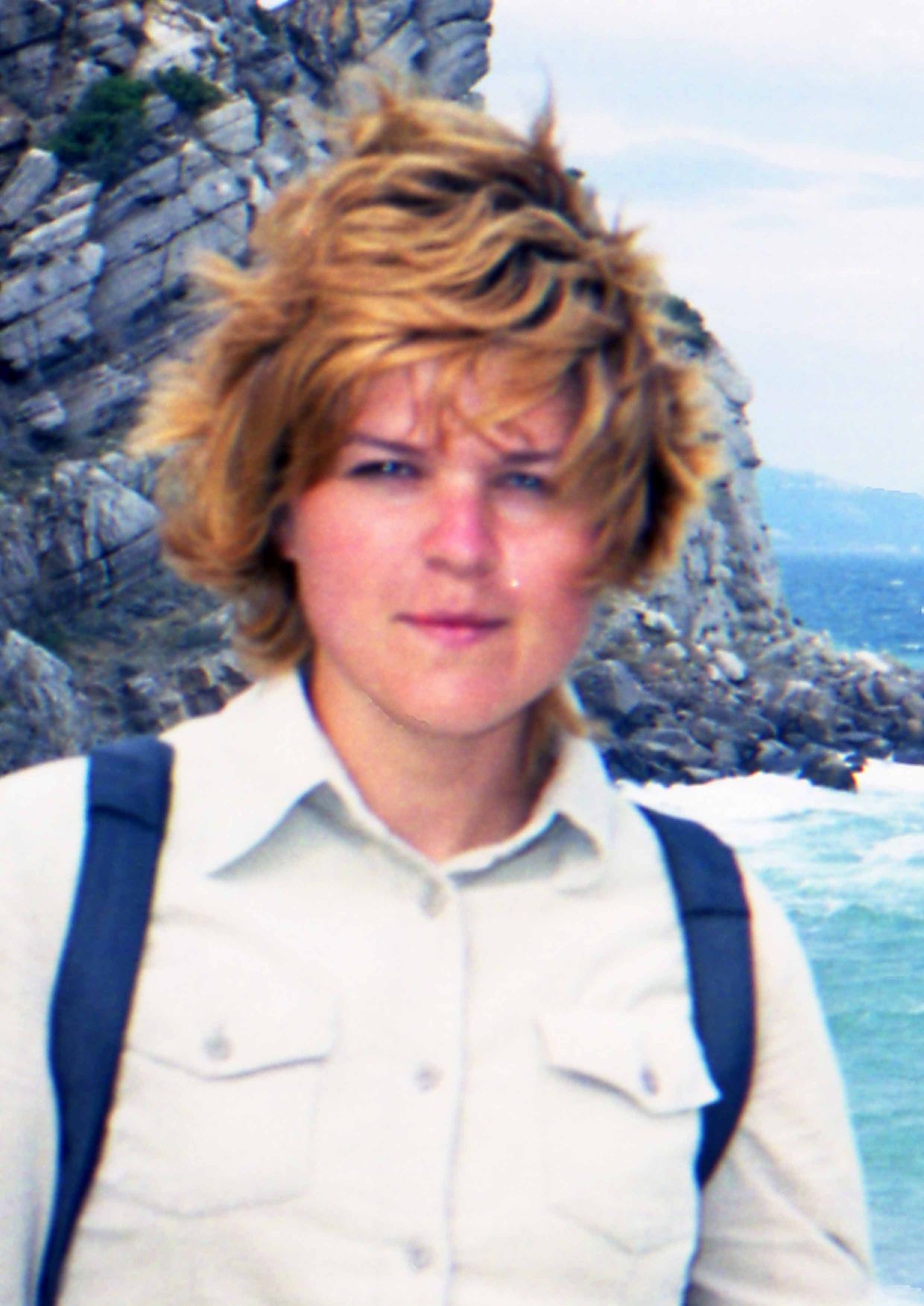
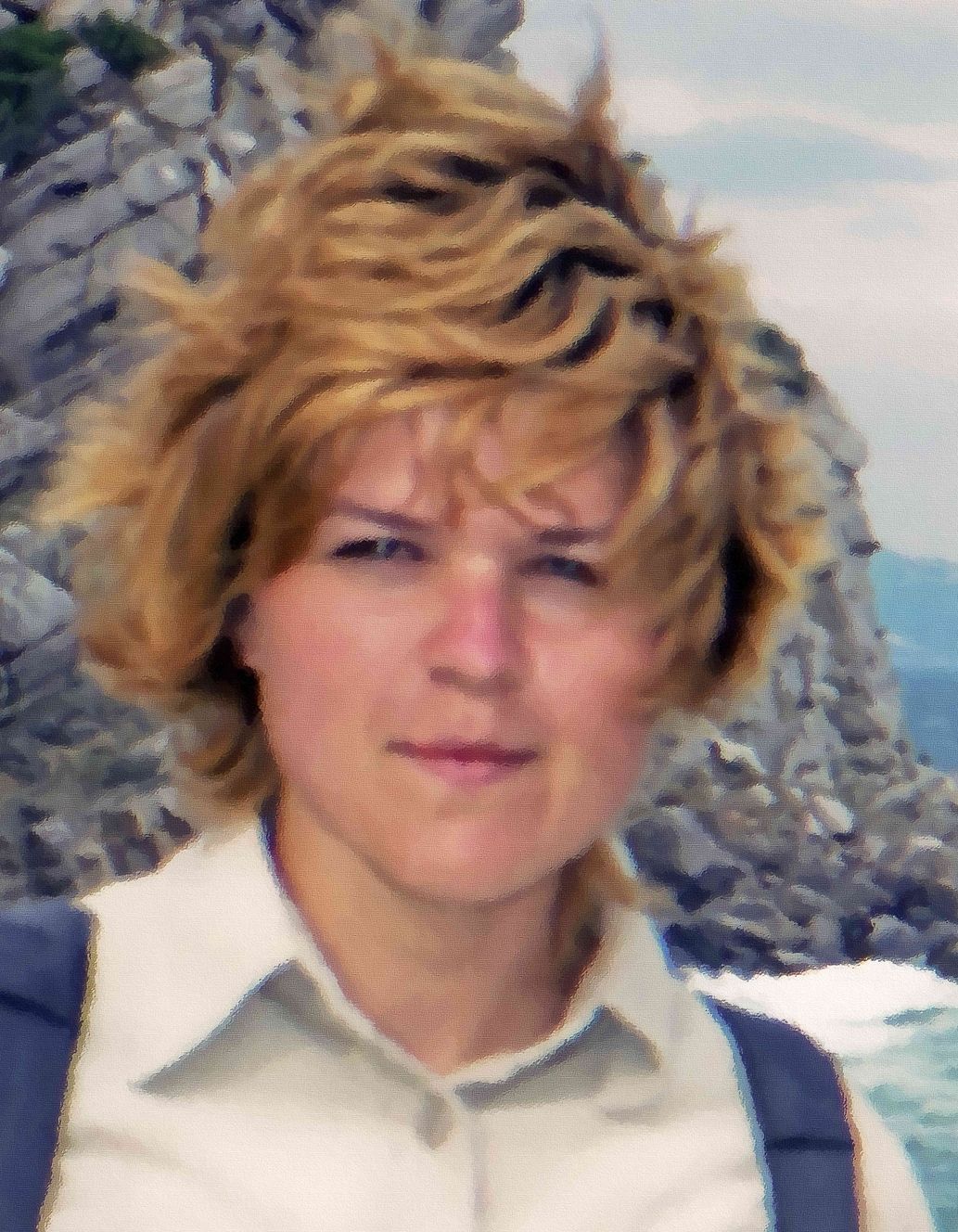
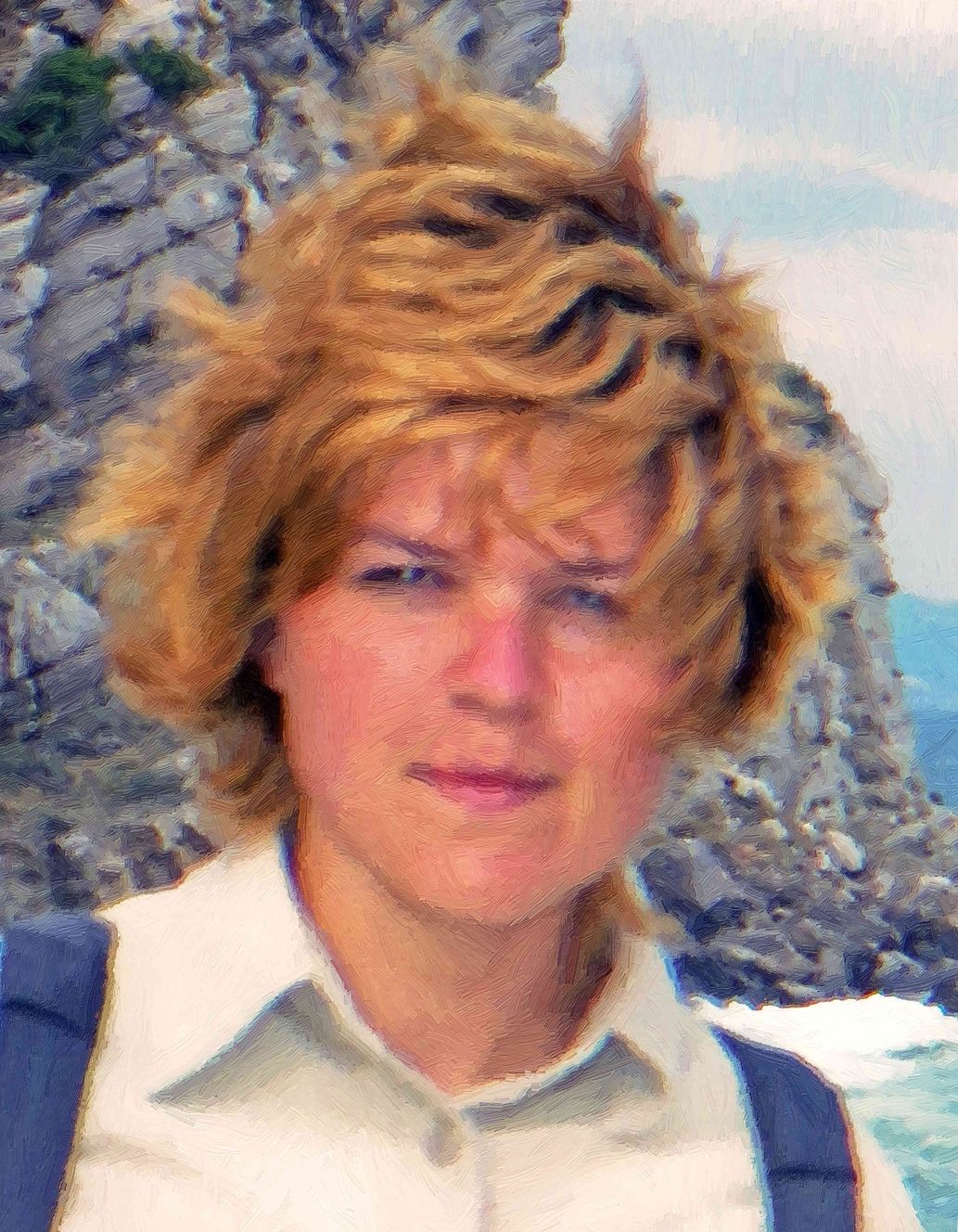
Example 4. Careful selection of strokes gives this tourist's photo a more artistic view.
Original Image Result
Digital Photo Result
Example 5. Because of "shake" it was impossible to perform a large-format print from this 24x36 scan. After the magic of AKVIS Artwork the images was printed in 50x60 format on canvas - a stunning result!
Original Image Result
Landscape Result
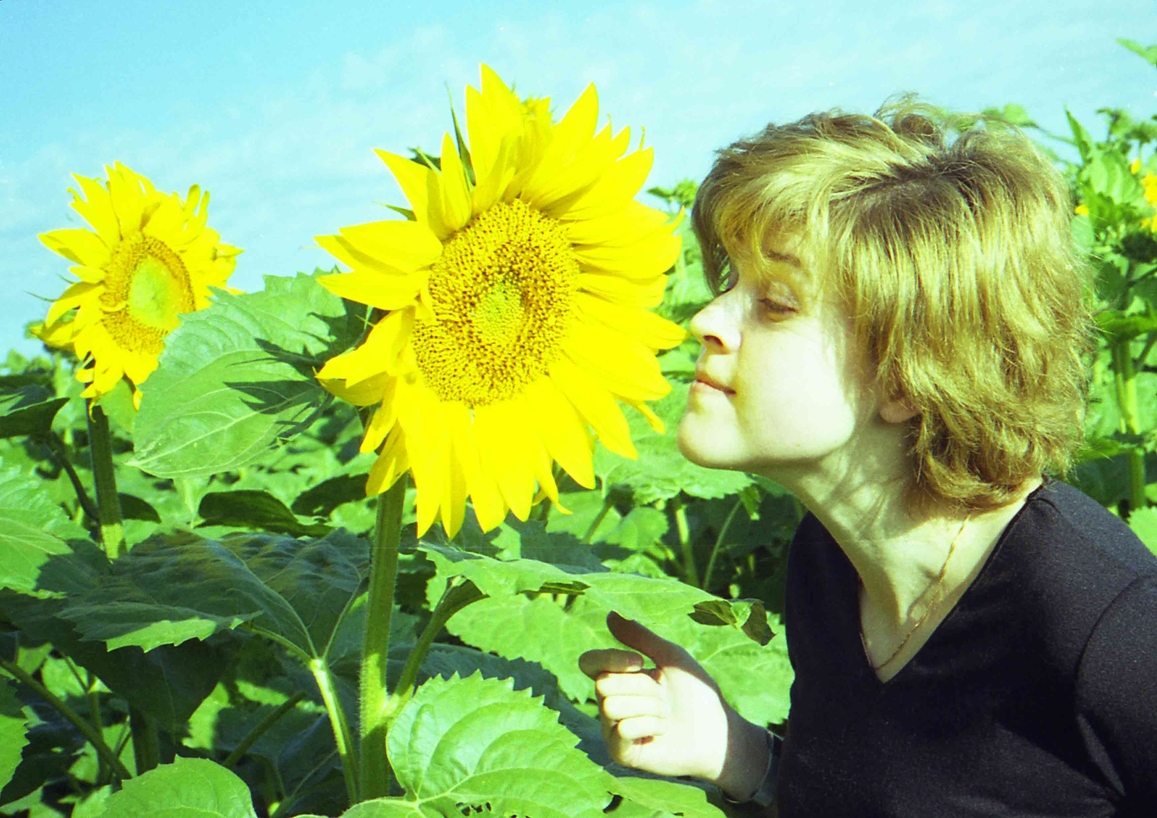
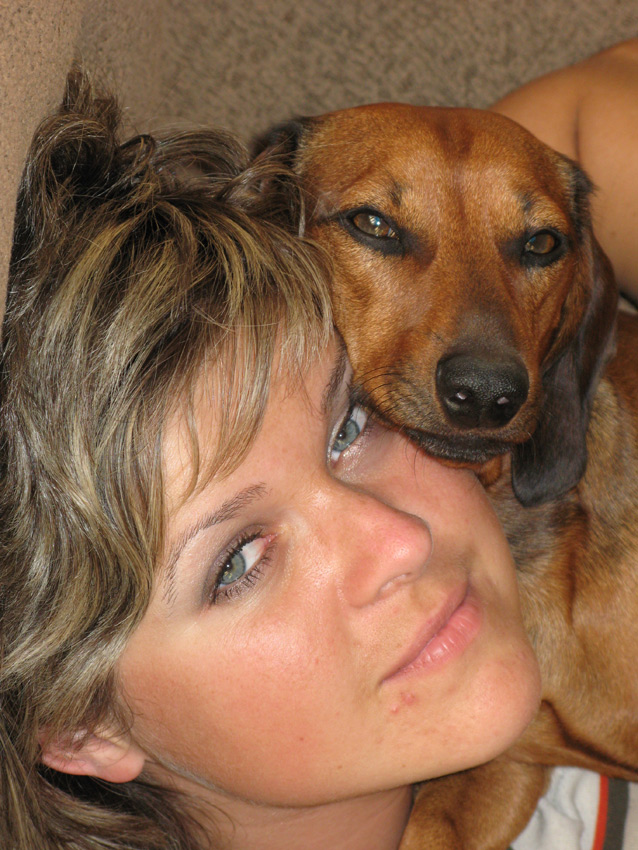
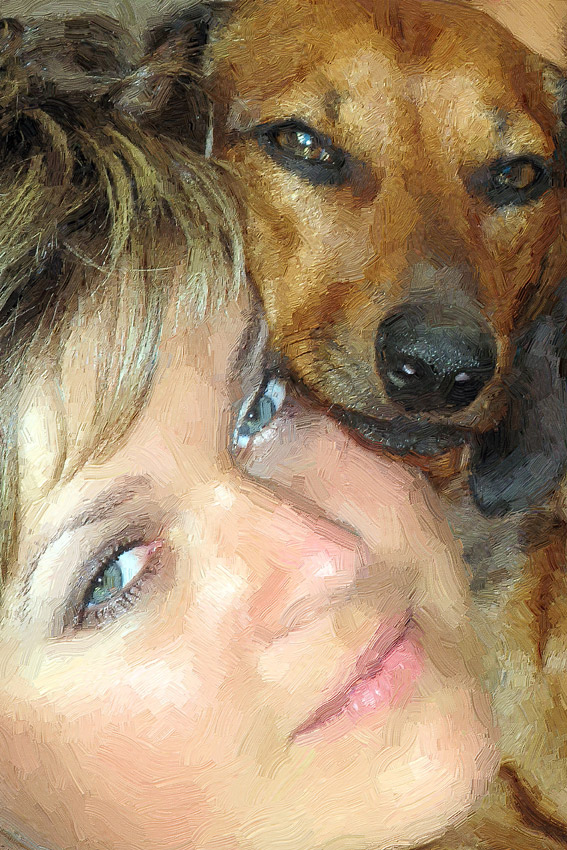
Example 6. It's not difficult at all to turn an amateur digital photo into an artistic portrait.
Original Image Result
Digital Photo Result
Example 7. "Impressionism" with AKVIS ArtWork.
Original Image Result
Scan of a color negative, monocle Result
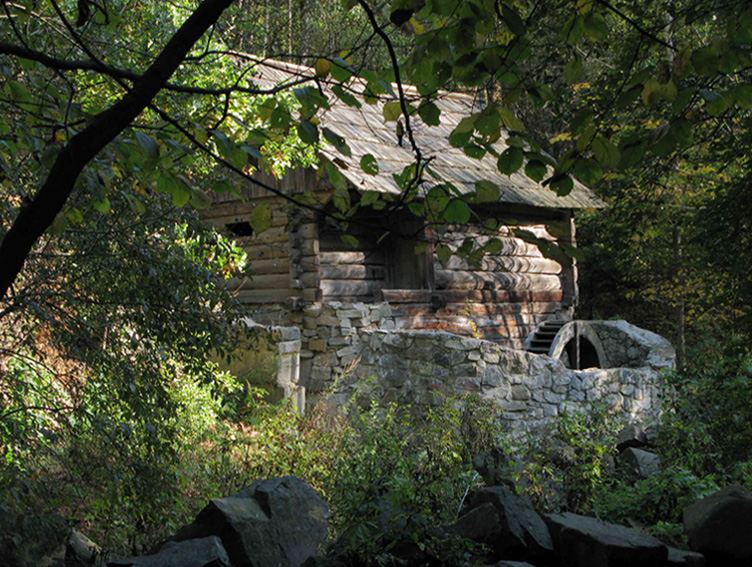
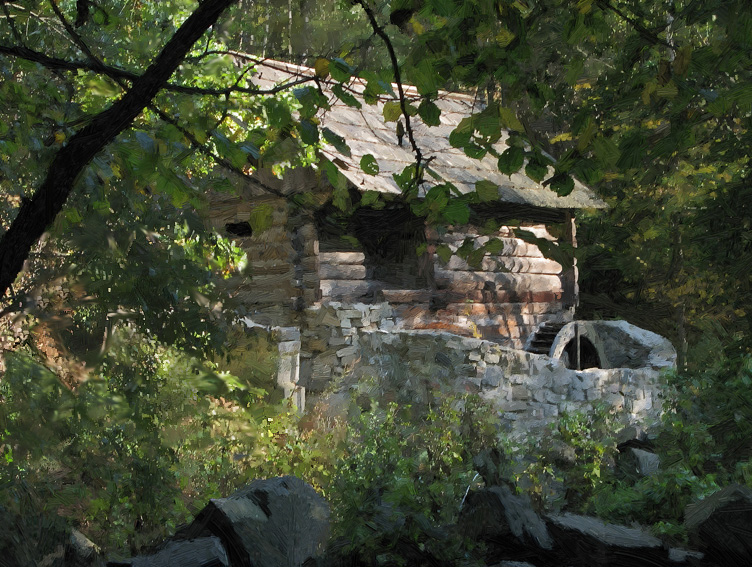
Example 8. After processing in AKVIS ArtWork (texture area - backing "canvas, priming" about 2 cm for the overlap on the stretcher) it was printed on canvas on a plotter. A random test image has become a wonderful gift.
Original Image Result
Scan of color negative Result
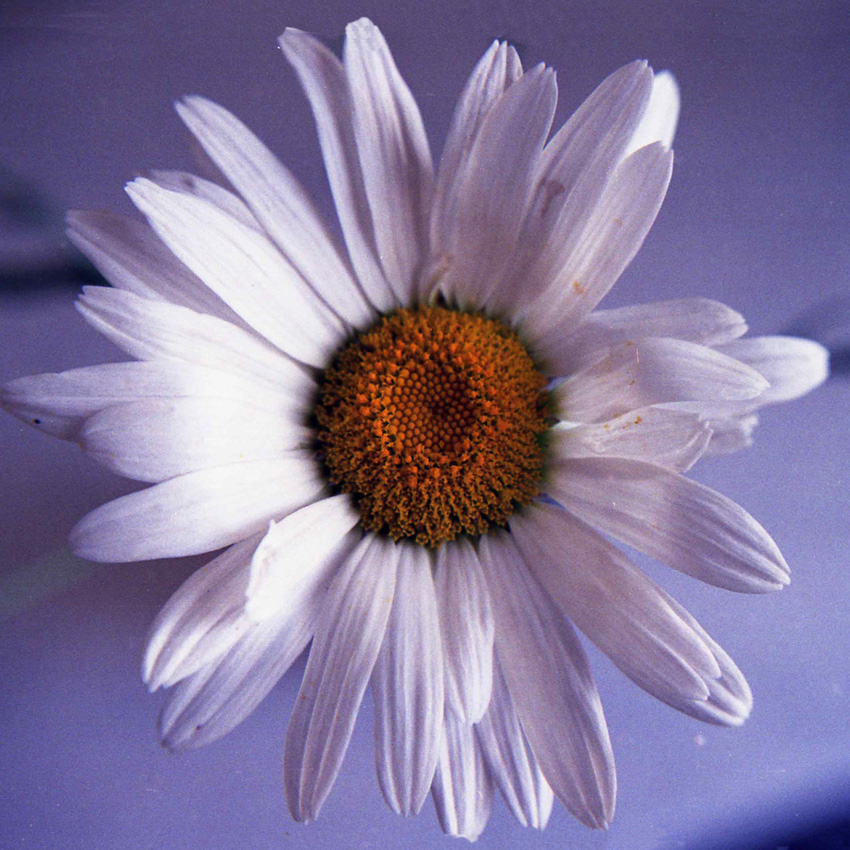
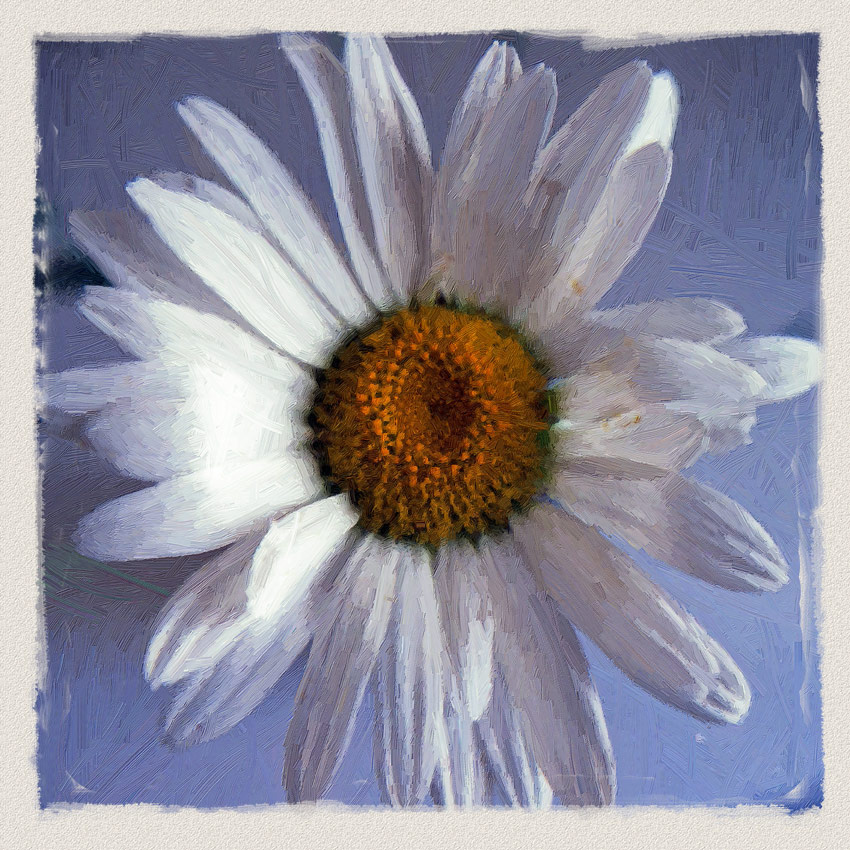
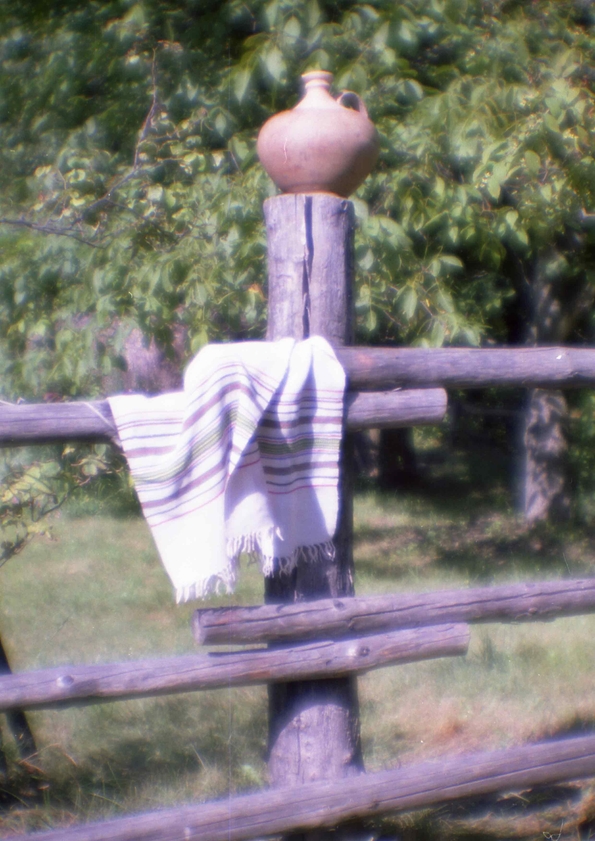
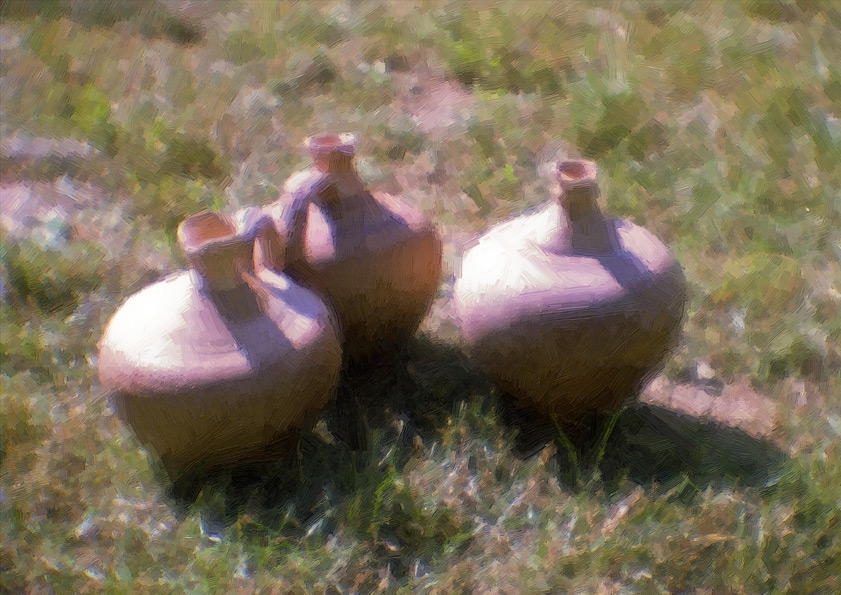
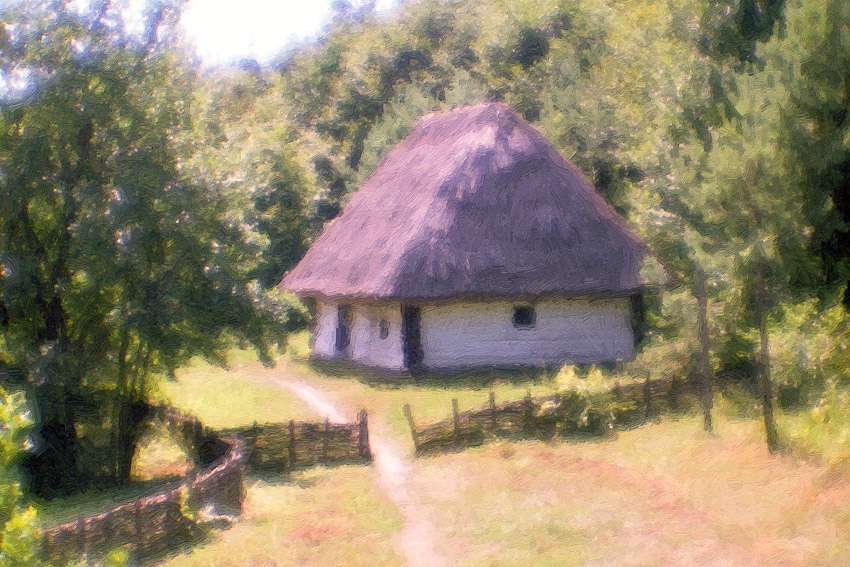
Example 9. Wonderful miniature art - a gift from Ukraine.
Original Image Result
Scan of color negative, monocle Result
Original Image Result
Scan of color negative, monocle Result

Результат обработки в ArtWork
Result


操作方法 操作方法
   — ワークスペース — ワークスペース
   — 操作方法  — 操作方法
   — テキスト — テキスト
   — キャンバス — キャンバス
   — ArtWorkプリセット — ArtWorkプリセット
   — 環境設定 — 環境設定
   — バッチ処理 — バッチ処理
技法 技法
   — 油絵 — 油絵
   — 技法 — 技法
   — コミック — コミック
   — ペン & インク — ペン & インク
   — リノカット (リノリウム版画) — リノカット (リノリウム版画)
   — パステル — パステル
操作例 操作例
   — Harmony: Oil Painting Portrait — Harmony: Oil Painting Portrait
   — City Canal View — City Canal View
   — Animated Comic of a Cat — Animated Comic of a Cat
   — Emergency Cow - Poster — Emergency Cow - Poster
   — ArtWork Oil Gallery — ArtWork Oil Gallery
   — Still Life With Peaches — Still Life With Peaches
   — Mythical Horse: Watercolor Picture — Mythical Horse: Watercolor Picture


ページの先頭へ


   プライバシー | サイトマップ | Web サイトの検索    
   連絡先 | Twitter | Facebook | YouTube Channel    
| English  |Français  |Deutsch  |Español  |Português  |Italiano  | 日本語  |Pусский  | © 2004-2012 AKVIS. All rights reserved.