Drawing on Aged Paper
La version française sera bientôt affichée.
The author of this tutorial is Natalia Bandurevskaya. She used AliveColors.
Natalia edits photos and has searched a long time for Photoshop tutorials which show how to make pencil drawings. With AKVIS Sketch she was able to get a drawn image in seconds. After printing portraits on canvas using special textured gel ink, customers were surprised by Natalia’s result. If you want to please others with an unusual drawing, add the effect of aged, yellow paper. Below is an explanation of how this can be done.
-
Step 1. Open the image in the graphics editor.
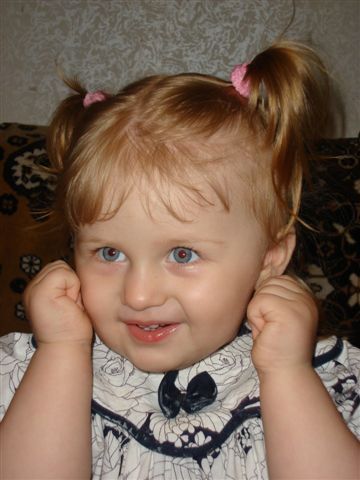
Original Image -
Step 2. Call the AKVIS Sketch plug-in by selecting Effects -> AKVIS -> Sketch from the menu. As soon as the plug-in workspace opens, the Preview Window will show the result when processed with default settings (preset AKVIS Default).
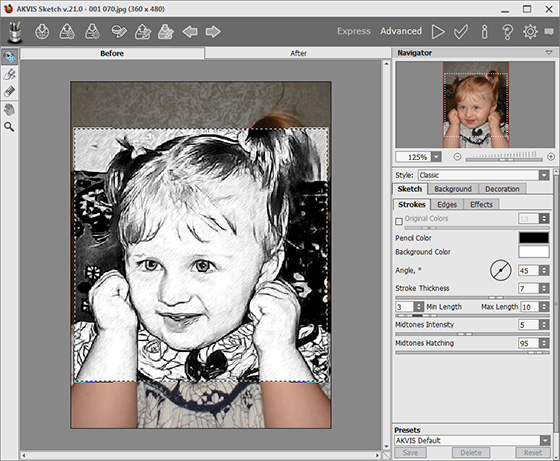
AKVIS Sketch Workspace -
Step 3. Change the following settings in the Settings Panel to convert the image to a picture:
Strokes tab:
Angle = 45;
Stroke Thickness = 6;
Min/Max Length = 3/10;
Midtones Intensity = 5;
Midtones Hatching = 62.Effects tab:
Watercolor = 0;
Charcoal = 1;
Coloration = 0;Press the
 button to process the image with the given parameters, and
  to accept the result.
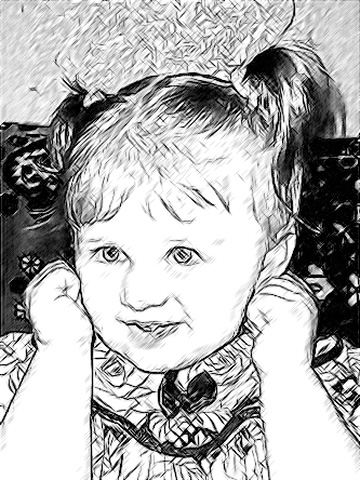
Result of Conversion to Drawing -
Step 4. Now we need to lighten the background, and make some parts of the image (her hair and pupils) darker. These adjustments can be made with the tools Lighten Tool
 and Darken Tool
  , which can be found in Toolbar in the graphics editor.
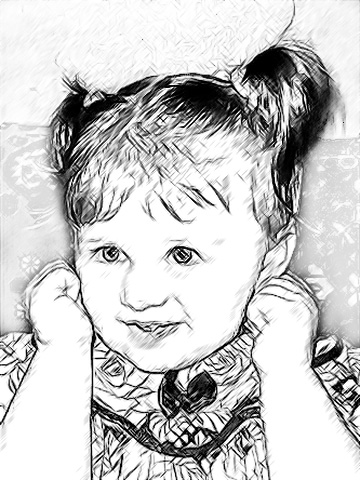
Corrected Drawing -
Step 5. To simulate a drawing on colored paper, add a new layer (menu Layers -> New -> Raster Layer or press the New Layer at the bottom of the Layers palette). Once the layer is created, fill the layer with any color by using Paint Bucket
 (the author used a beige-orange color f0df8d).
Then, while in the new layer, choose Multiply blending mode. And here is the result: a pencil sketch on yellow paper.
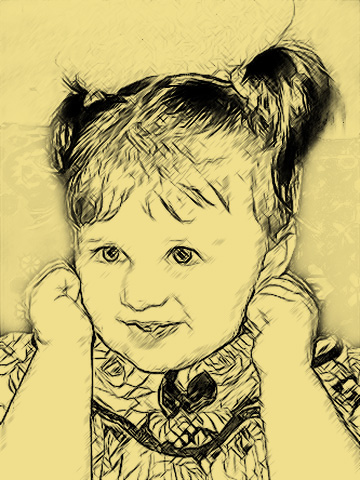
Drawing on Yellowed Paper -
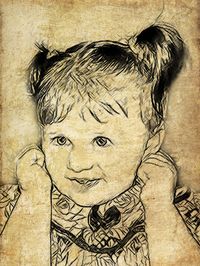
Step 6. Another option is to create the effect of drawing on aged paper - using your own texture pattern.
Choose Edit -> Free Transform from the menu and resize the photo of the girl to cover the entire texture.
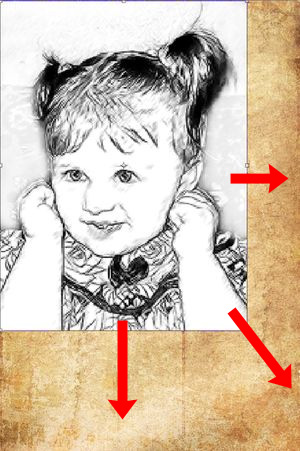
Resizing the Image -
Step 7. While on the same layer, choose Multiply blending mode. Here is the result:
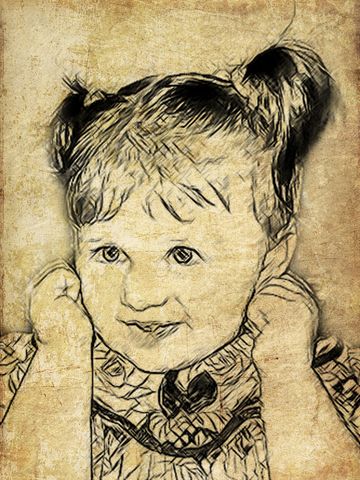
Drawing on Aged Paper

Sketch v. 28.1 - 10 jours d'essai
