Graphic software for Windows Mac graphic software  
Entrez votre e-mail pour souscrire à notre liste de diffusion.
 
  
  Produits     Télécharger     Magasin en ligne     Tutoriel     Support      Compagnie
en  fr  de  es  pt  it  jp  ru    
 

Tutoriel: AKVIS Sketch

Winter Dream


Désolé, à présent cette information n'est disponible qu'en anglais. La version française sera bientôt affichée.

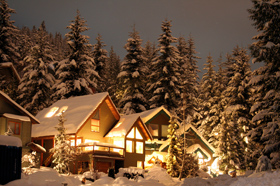
Would you like to celebrate New Year's Eve or Christmas in this fairy-tale wooden house? Just imagine - nothing but snow-covered fir-trees all around, transparent winter air.. it's cold outside, but you sit in a cosy wicker chair near the fireplace.. wooden logs crackle in the fire and the scent of the fir tree adds to the aroma of tangerines and pastry.

Winter Forest

This photo can be easily converted into a pencil sketch with the AKVIS Sketch plug-in. Follow the instruction:

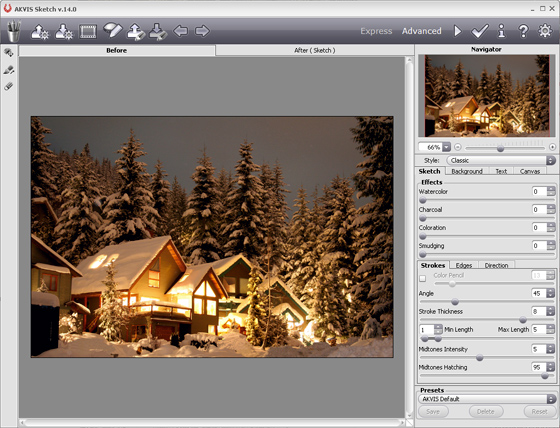
  • Step 1. Open the photo with your photo editor and call the plug-in AKVIS Sketch.
    AKVIS Sketch
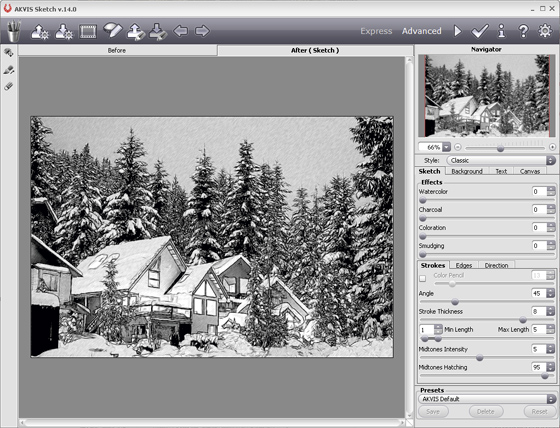
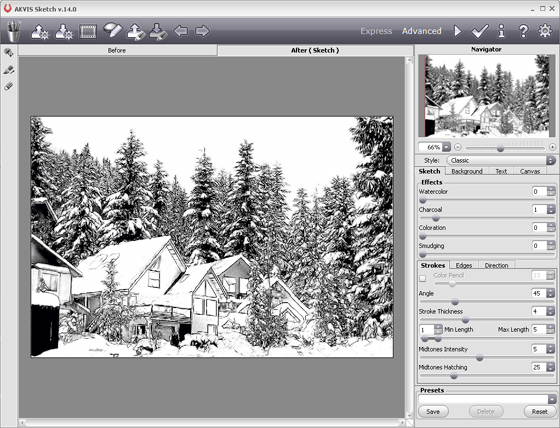
  • Step 2. When the plug-in window opens, press the button Convert photo to pencil sketch. The photo will be converted into a pencil drawing with the default settings.
    pencil drawing
  • Step 3. Adjust the settings:

    - reduce the value of the parameter Size so that the sketch was drawn in finer traits;

    - reduce the value of the parameter Midtones Hatching to reduce the number of traits in the sky and in the snow.

  • Step 4. Press the button Convert photo to pencil sketch and see the photo converted into a pencil sketch with the new settings.
    pencil drawing
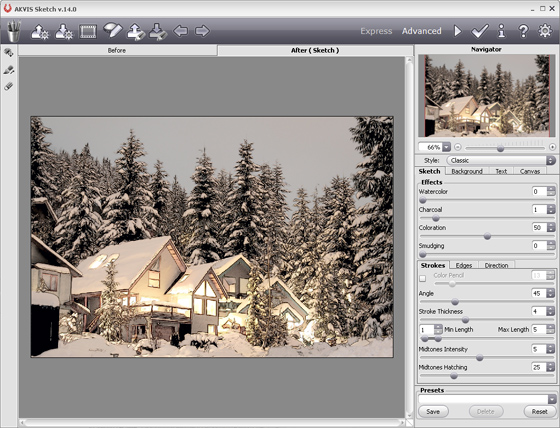
  • Step 5. Now add color to the sketch by increasing the value of the parameter Coloration.
    Color pencil sketch
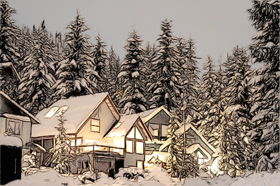
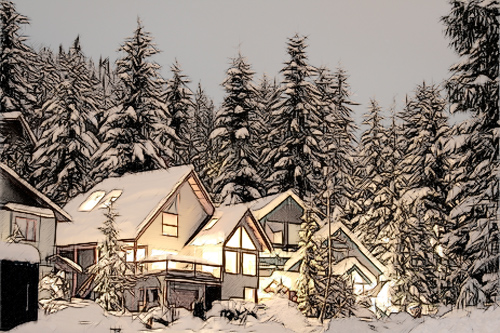
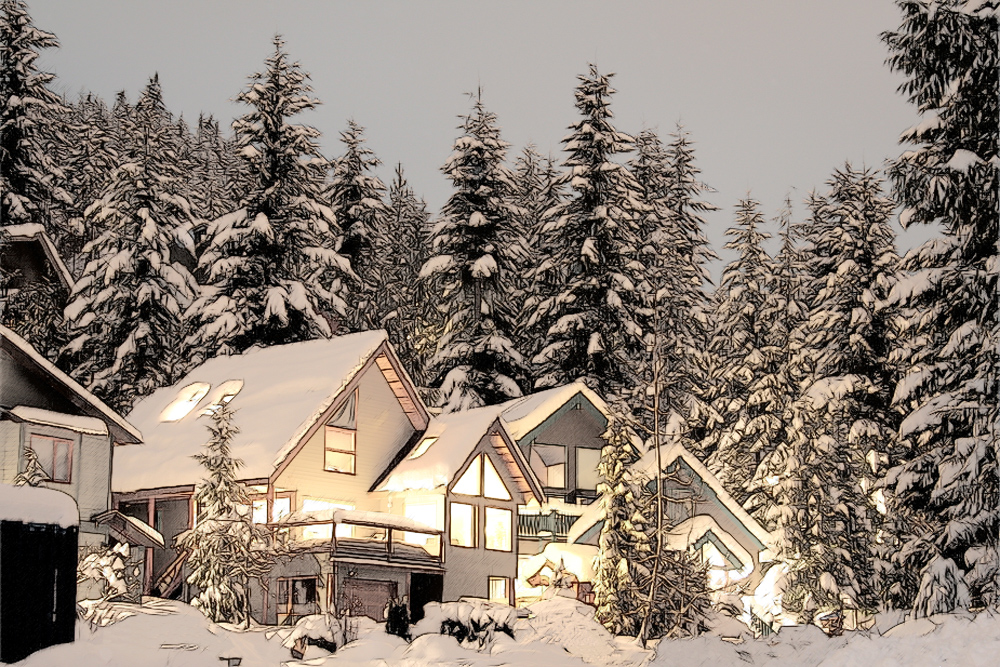
  • Step 6. Apply the result by pressing the button . Here is our winter dream in artistic realization.
Winter dream: color pencil sketch
Click on the picture to open the photo in a new window.
 
Comment fonctionne t-il? Comment fonctionne t-il?
   — AKVIS Sketch plug-in — AKVIS Sketch plug-in
   — AKVIS Sketch stand-alone — AKVIS Sketch stand-alone
   — La conversion des photos en dessins — La conversion des photos en dessins
   — Le signet Fond — Le signet Fond
   — Dessin sur la toile (signet Toile) — Dessin sur la toile (signet Toile)
Exemples Exemples
   — Dessin d'une tulipe — Dessin d'une tulipe
   — Dessin en couleurs — Dessin en couleurs
   — Dessins à la mine de plomb — Dessins à la mine de plomb
   — Aquarelle — Aquarelle
   — Le traitement artistique — Le traitement artistique
   — La femme dans la salle de bain — La femme dans la salle de bain
   — Photo encadrée sur un dessin — Photo encadrée sur un dessin
   — Dessin au pastel — Dessin au pastel
   — Aquarelle: loup comme sujet — Aquarelle: loup comme sujet
   — Transformer une vidéo en dessin animé — Transformer une vidéo en dessin animé
   — Un couple charmant — Un couple charmant


   Politique de Confidentialité | Plan du Site | Recherche | English  | Français  | Deutsch  | Español  | Português  | Italiano  | 日本語  | Pусский  | © 2004-2008, AKVIS Software Inc. Tous droits réservés.