Winter Dream: FairyTale Forest
Would you like to celebrate New Year's Eve or Christmas in this fairy-tale wooden house? Just imagine - nothing but snow-covered fir-trees all around, transparent winter air... it's cold outside, but you sit in a cosy wicker chair near the fireplace... wooden logs crackle in the fire and the scent of the fir tree adds to the aroma of tangerines and pastry.
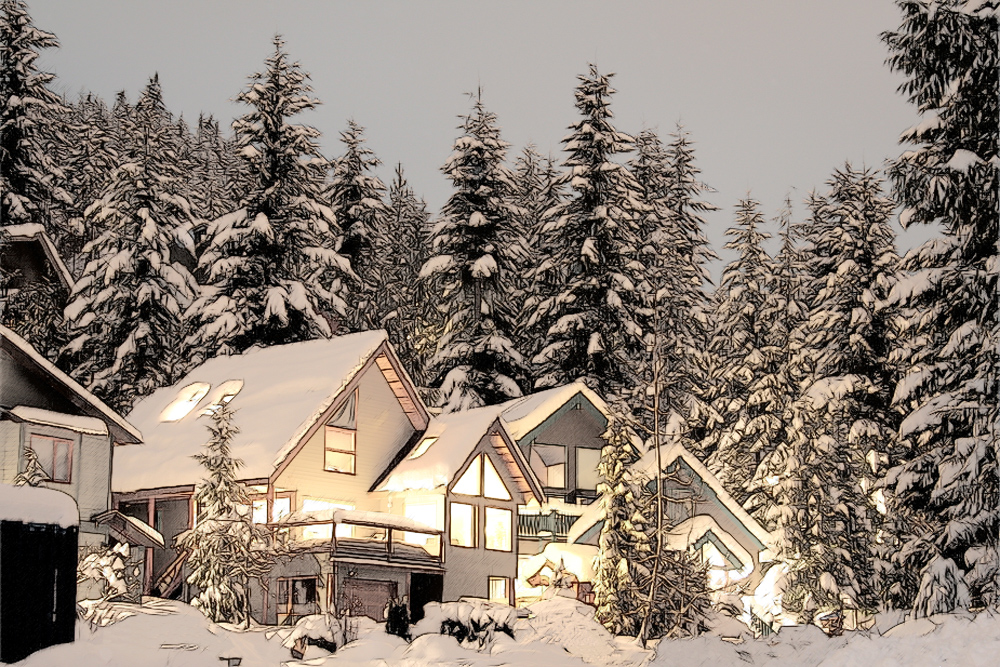
This photo can be easily converted into a color pencil sketch with the AKVIS Sketch.
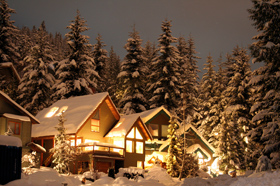
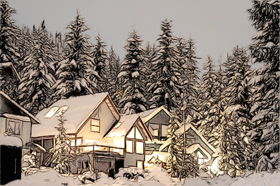
We use the Sketch plugin in this tutorial, but you can take the standalone edition and use the same parameters to achive this result.
Follow the instructions:
- Step 1. Open the photo with your photo editor and call the AKVIS Sketch plug-in.
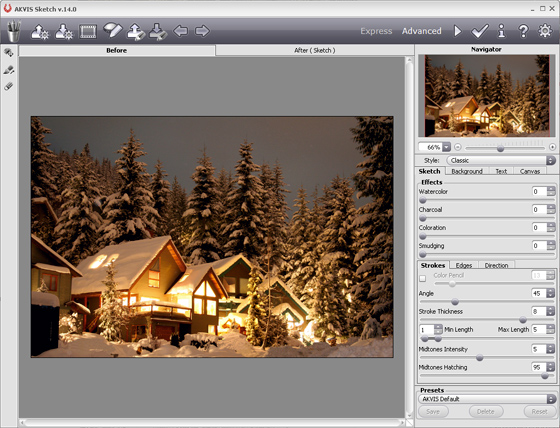
- Step 2. When the plug-in window opens, press the button
 . The photo will be converted into a pencil drawing with the default settings.
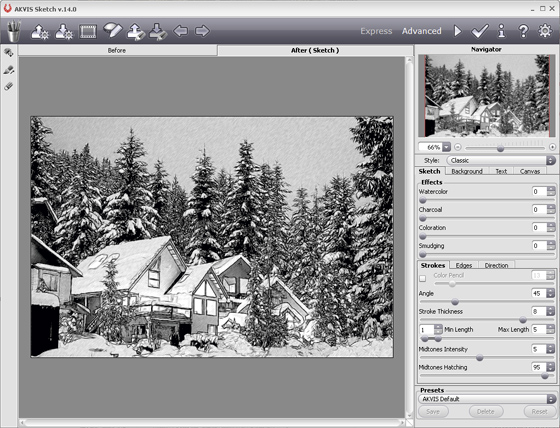
- Step 3. Adjust the settings.
Press the button
and see the photo converted into a pencil sketch with the new settings.
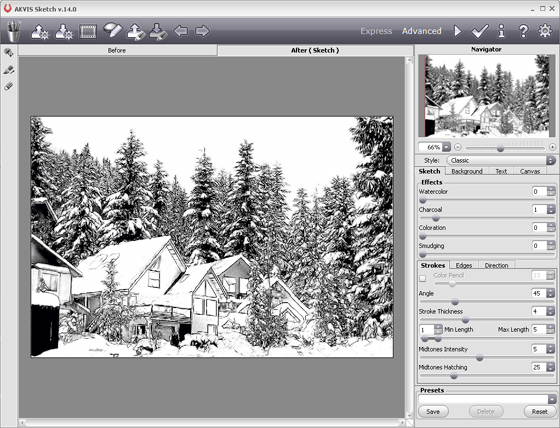
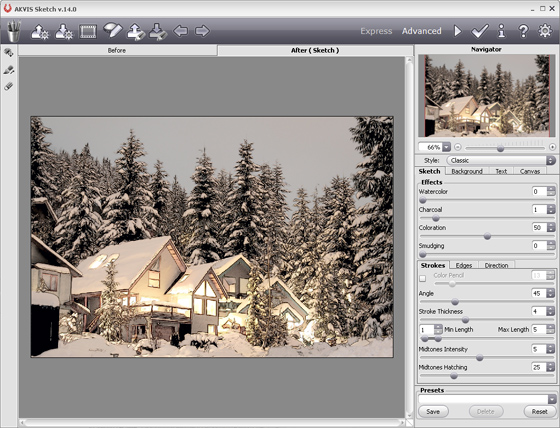
- Step 4. Now add color to the sketch by using the Original Colors option.
You can also increase the value of the parameter Coloration, it will give another result. Try, experiment, choose the best options for your needs!
- Step 5. Apply the result by pressing the button
 . Here is our winter dream in artistic realization.
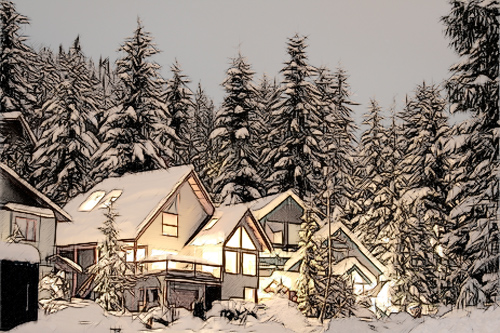
Click on the picture to open the photo in a new window
Sketch v. 28.1 - 10日間の評価期間
