Nature Effects: Rain
This effect is used to add raindrops to an image: basically, different types of rain (from drizzle to downpour), and by adjusting some parameters even snow (AKVIS Snow preset).
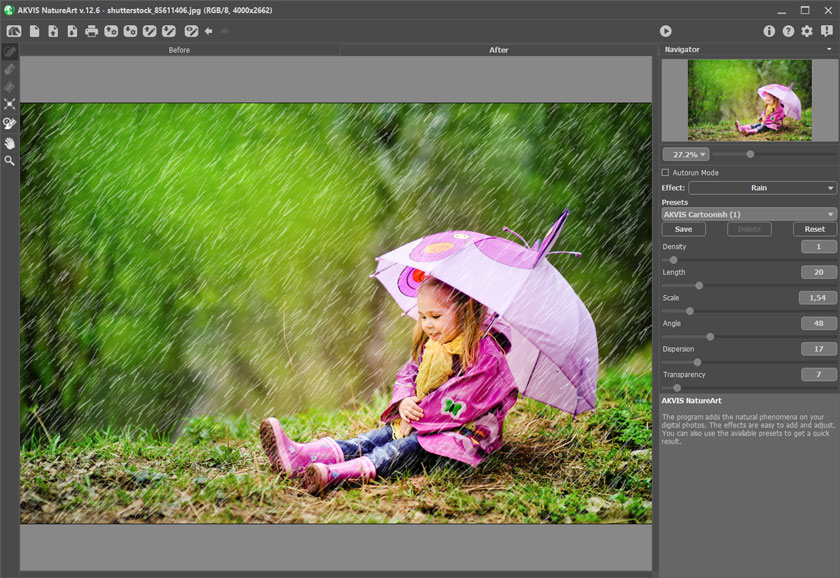
Rain Effect in AKVIS NatureArt
The effect will be applied only in a selected area! Use the follow tools to make a selection:
- Selection Brush
 . This tool is used to highlight areas to which an effect will be applied. You can change the tool's size in a pop-up window which opens with a right mouse click in the image window.
To get a straight line, draw a line while holding down Shift.
- Eraser
 . Use this tool to erase selection areas. You can change the tool's size in a pop-up window.
 - Selection Bucket
 . The tool fills an area outlined with the Selection Brush (helpful for selecting large areas).
If the area was not circled by
, the entire image will be selected by clicking with .
Hint: You can use Selection Bucket in "eraser mode" to erase all selections at the image. Just click the left mouse button while pressing Ctrl.
In Settings Panel you can adjust the parameters for the Rain effect:
- Density (0-20). This parameter sets the density of the rainfall. At lower values the effect appears as drizzle, the raindrops are sparse and are far from each other. At higher values is is similar to a "wall" of rain.
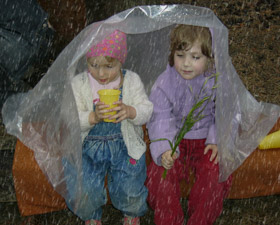
Density = 5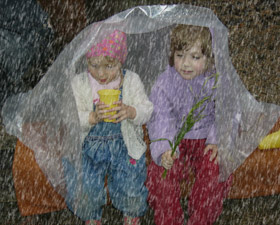
Density = 15 - Length (0-100). This parameter defines the degree to which drops are lengthened. It also acts as a constraint on length. The length of drops may be different, but their length will not exceed the specified value.
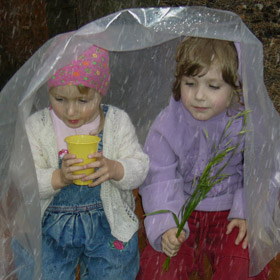
Length = 10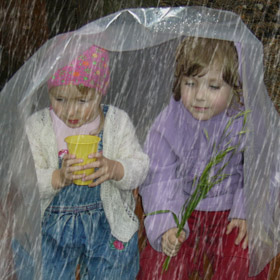
Length = 40 - Scale (0.10-10.00). This parameter affects the size of raindrops. If Length is changed the raindrops will only change in length, but changing this parameter affects the size of raindrops in all geometric directions. The higher the value, the larger the raindrops.
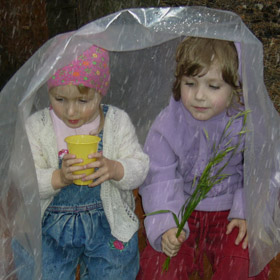
Scale = 1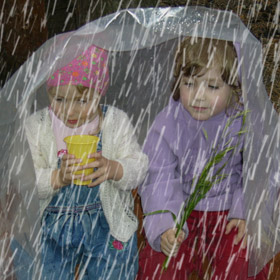
Scale = 3 - Angle (0-180). This parameter determines the direction of falling raindrops and leads to the creation of another effect - wind. If the value is equal 90, rain falls vertically (no wind). At values less than 90 the rain falls at a right angle (wind is blowing from right to left). At values higher than 90 it falls at a left angle (wind is blowing from left to right).
Note: If you watch through a window at how rain falls, it's clear to see that wind deforms raindrops: smearing them on the glass, stretching them. It does the same thing in the air. Therefore, to achieve the most realistic effect it is necesssary to change both the Angle and Length of the raindrops. The greater the slope, determined by Angle, the stronger the force of the wind and the stronger the effect of Length.
- Dispersion (0-90). This parameter determines the deviation of raindrops from the general direction of rainfall (which is based on Angle). When the value is set to 0 all raindrops fall at the same angle. At higher values raindrops will deviate from the direction specified by Angle. The higher the value, the greater the deviation of the raindrops' pattern.
Angle = 90
Length = 10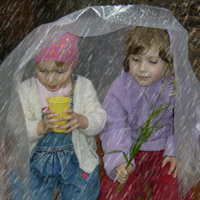
Angle = 60
Length = 15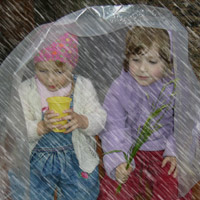
Angle = 135
Length = 25The value of "Dispersion" has been set to 0
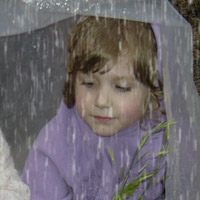
Dispersion = 0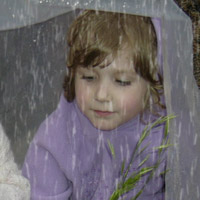
Dispersion = 15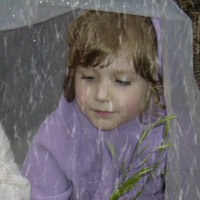
Dispersion = 35The value of "Angle" has been set to 90
- Transparency (0-100). This parameter affects the translucency of raindrops. At higher values, their color fades and more of the image is visible through them.
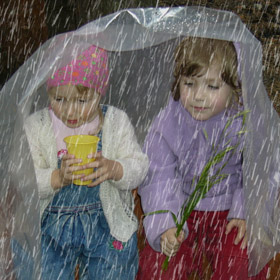
Transparency = 5%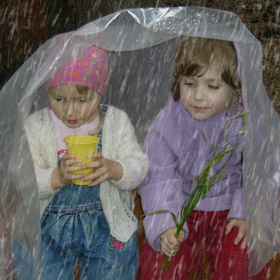
Transparency = 40%
NatureArt v. 12.7 - Free 10-day Trial
