Frozen River
Snow falling gently from the sky and ice on lakes and rivers tend to bring thoughts of winter to mind. But do such conditions only occur in winter? With AKVIS NatureArt you can bring a breath of frosty air to even the hottest summer day.
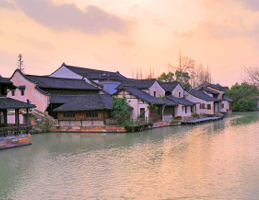
Original Image
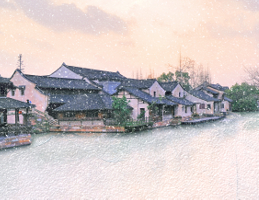
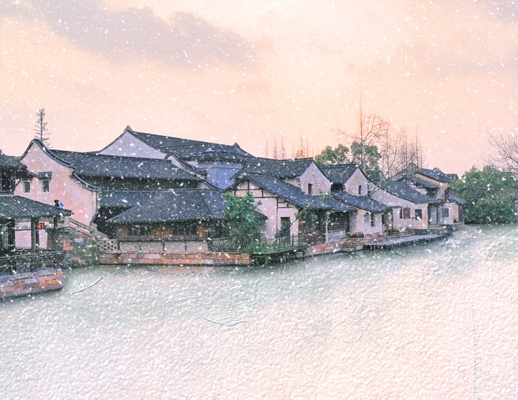
Result
This example was made with AKVIS NatureArt in AliveColors.
- Step 1. Open the image in AliveColors.
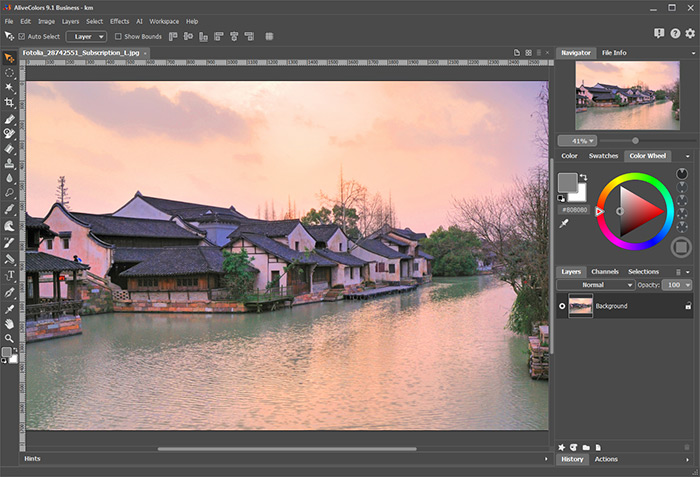
- Step 2. To begin the transformation of the photo from summer to winter, we should first add a layer of ice to the river. Call the AKVIS NatureArt plugin from the menu (via Effects -> AKVIS -> NatureArt) and when it opens choose Ice from the list of effects.
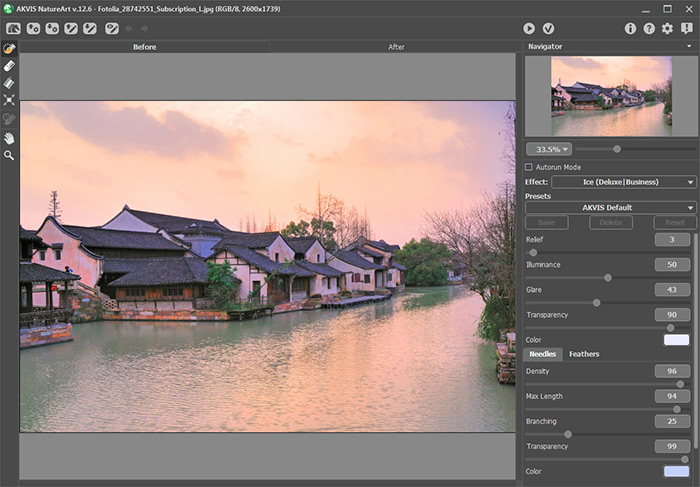
Select the river’s surface with the Selection Brush
 and Selection Bucket
  tools. Any mistakes can be corrected with the Eraser
  tool.
tool.
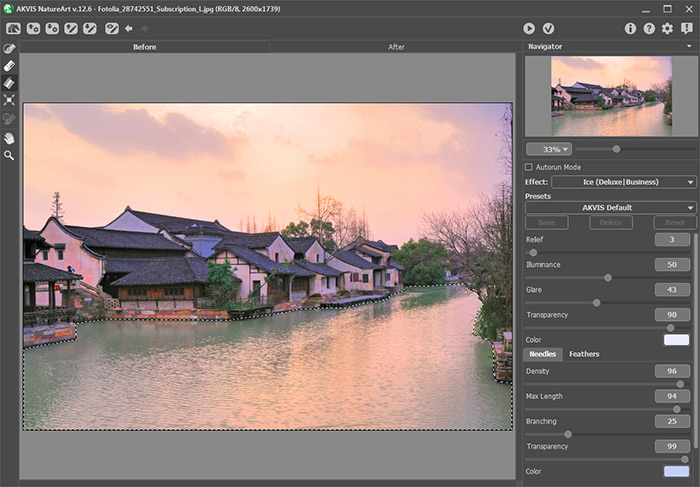
- Step 3. Adjust the settings as you wish or use one of the program’s standard presets. Press
 to process the image.
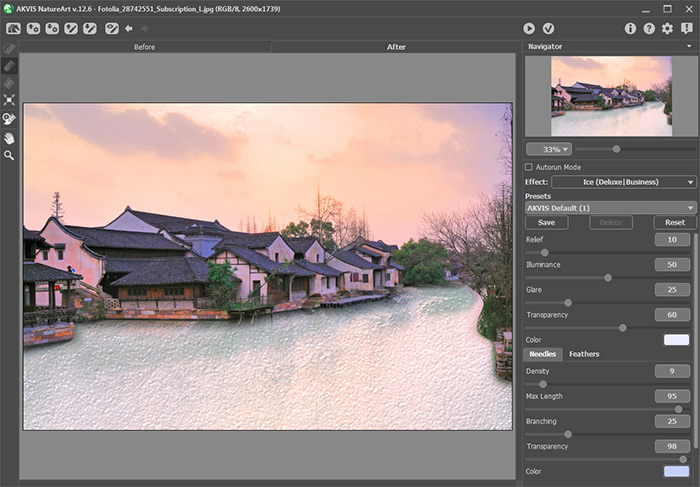
If you are satisfied with the result, press
 to apply it to the image and return to the graphics editor.
- Step 4. The image needs some falling snow. To add it, call the AKVIS NatureArt again. Choose Snow from the list of effects. Choose AKVIS Cold Snap from the presets list and process the image.
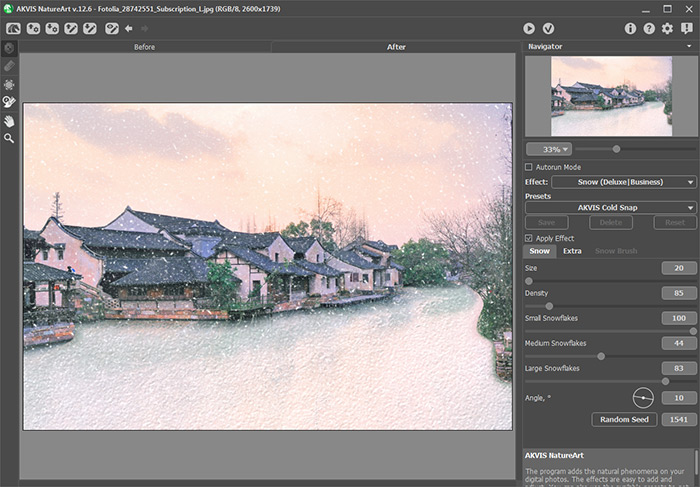
Press
to return to the graphics editor.
- Step 5. The ice along the trees on the right doesn't look natural. Use the Crop tool
 to remove that part of the image.
In just 5 minutes our warm summer scene has been overtaken by a frosty winter:
NatureArt v. 12.7 - Free 10-day Trial
