Nature Effects: Fire
The Fire effect adds flames to an image. You can create a realistic fire over an object or make a flaming text.
Note: The Fire effect is available for the Home Deluxe and Business licenses. In Home version, it can be applied with a watermark. Compare the licenses.
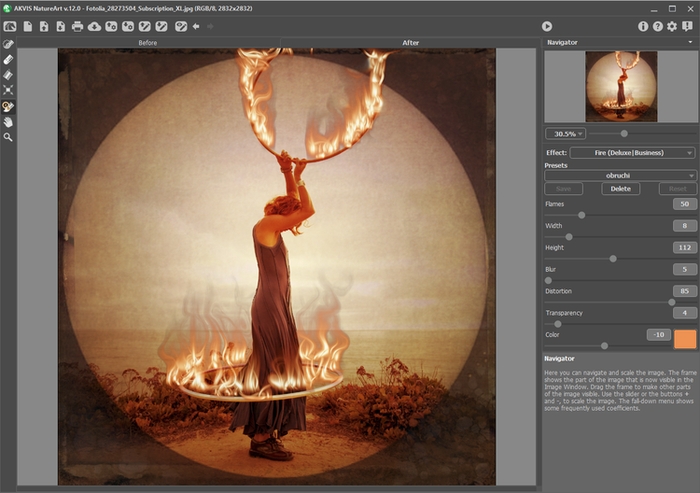
Fire Effect in AKVIS NatureArt
The effect is applied in a selected area and extends beyond it. Use the follow tools to make a selection:
- Selection Brush
 . This tool is used to highlight areas to which an effect will be applied. You can change the tool's size in a pop-up window which opens with a right mouse click in the image window.
To get a straight line, draw a line while holding down Shift.
- Eraser
 . Use this tool to erase selection areas. You can change the tool's size in a pop-up window.
- Selection Bucket
 . The tool fills an area outlined with the Selection Brush (helpful for selecting large areas). If the area was not circled by , the entire image will be selected by clicking with .
Hint: You can use Selection Bucket in "eraser mode" to erase all selections at the image. Just click the left mouse button while pressing Ctrl.
Note: The selection indicates an approximate effect area. Sometimes it can be difficult to place a fire into a certain area especially into a small area. When creating a selection take into account that the fire spreads from the center of the selected area upward, left and right.
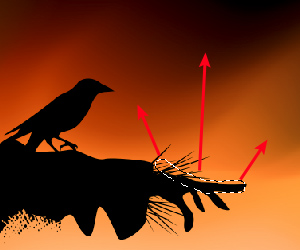
Selection
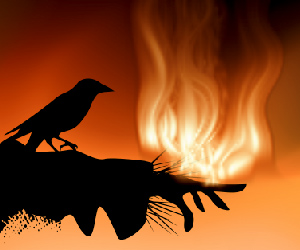
Effect area
The following parameters are available for this effect in the Settings Panel:
- Flames (5-200). This parameter determines the number of basic components (flames) which make the fire.
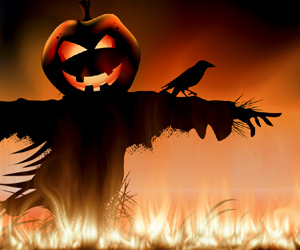
Flames = 10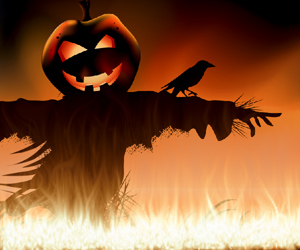
Flames = 130 - Width (1-50). This parameter controls the width of the effect area. It determines the fire distribution within and beyond the selection. It also influences the width of a flame tongue.
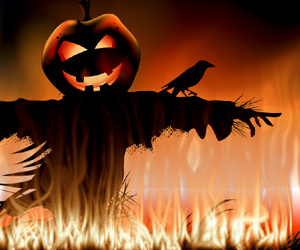
Width = 5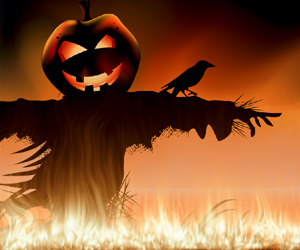
Width = 50 - Height (1-250). This affects the height of the tongues of flame.
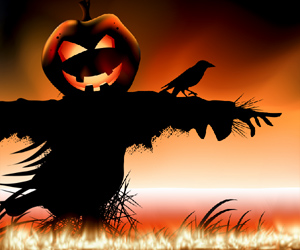
Height = 40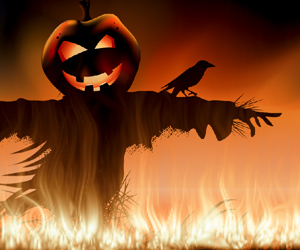
Height = 250 - Blur (1-50). This controls the clarity of outlines of the tongues of flame. At higher values the softness of the edges as well as the glow intensity increase.
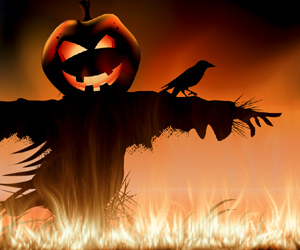
Blur = 5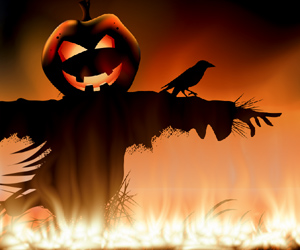
Blur = 50 - Distortion (1-100). This parameter determines how curved the tongues of flame will be. The higher the value, the more strongly the flame will be distorted, and the more changeable it will become.
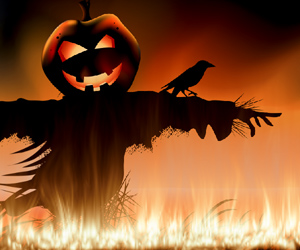
Distortion = 30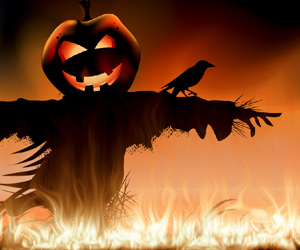
Distortion = 85 - Transparency (0-60). This parameter affects the translucency of the flame. At higher values, the color of the tongues of flame fades and the image becomes visible through them.
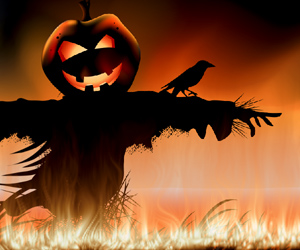
Transparency = 10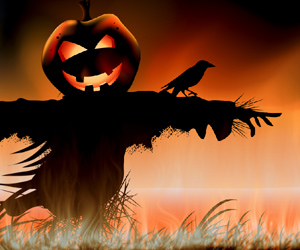
Transparency = 40 - Color (-180 to 180). You can change the color of the flame by using the gradient line or entering a value.
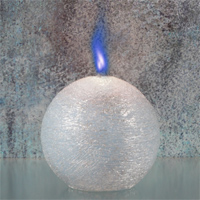
Color = -160 (cobalt blue flame)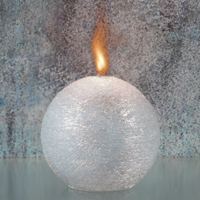
Color = 0 (natural color of flame)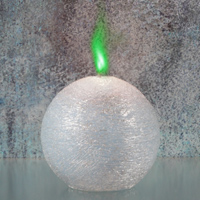
Color = 85 (chrome green flame)
NatureArt v. 12.7 - Free 10-day Trial
