Enchanted Forest: Adding Fog & Mist
The author of this tutorial is Irene Briz (Lake Como, Italy).
With a little imagination, you can use AKVIS NatureArt to quickly create fantastically surreal scenery. For example, the Clouds effect can be used to add fog and mist on an image.
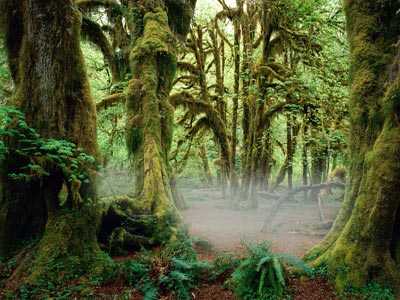
By playing with selections and settings, you can obtain different results for any image.
Here are a couple of examples:
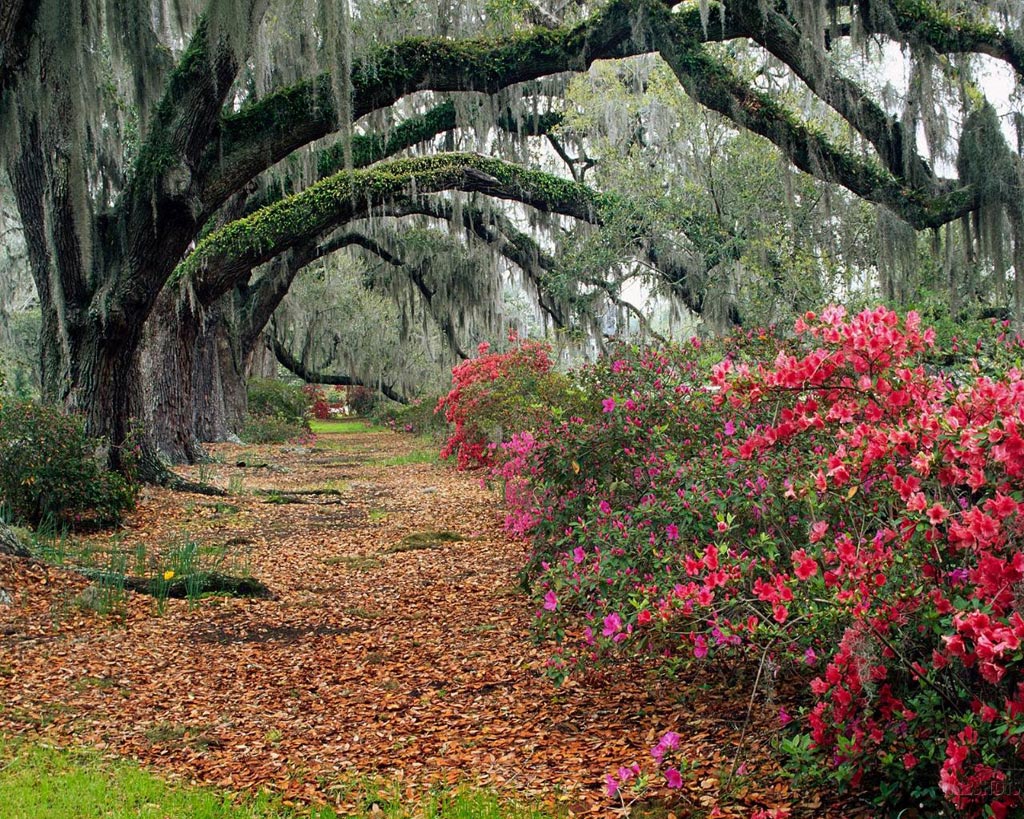
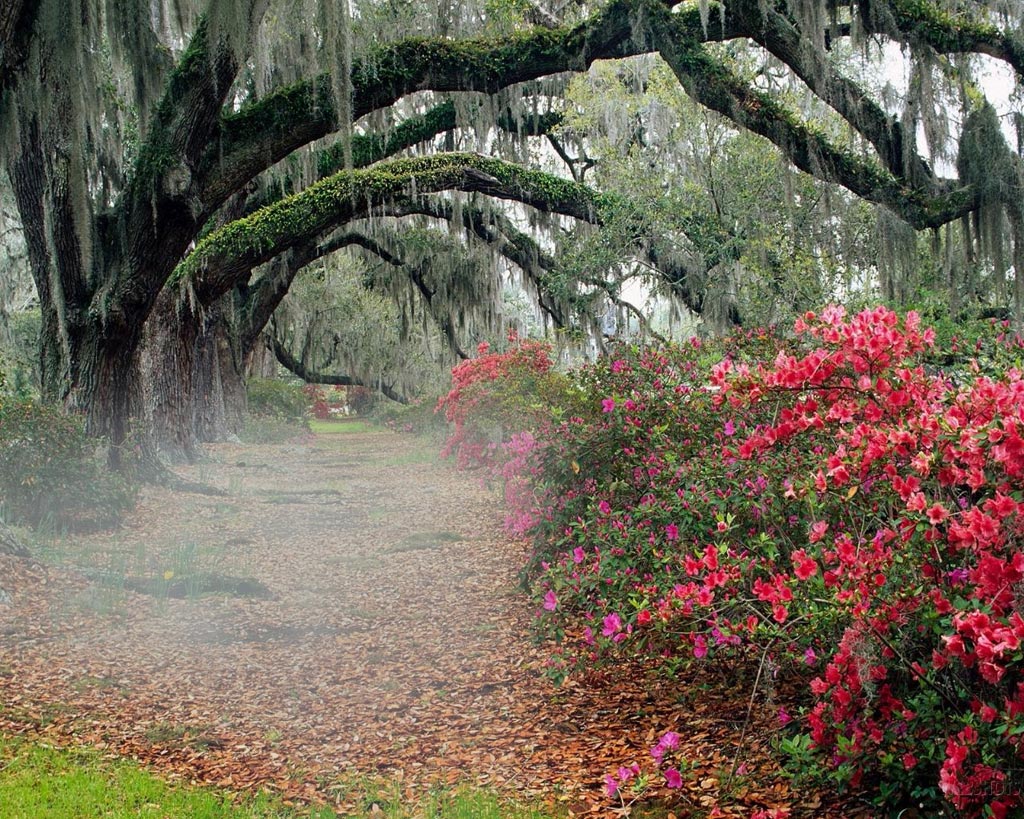

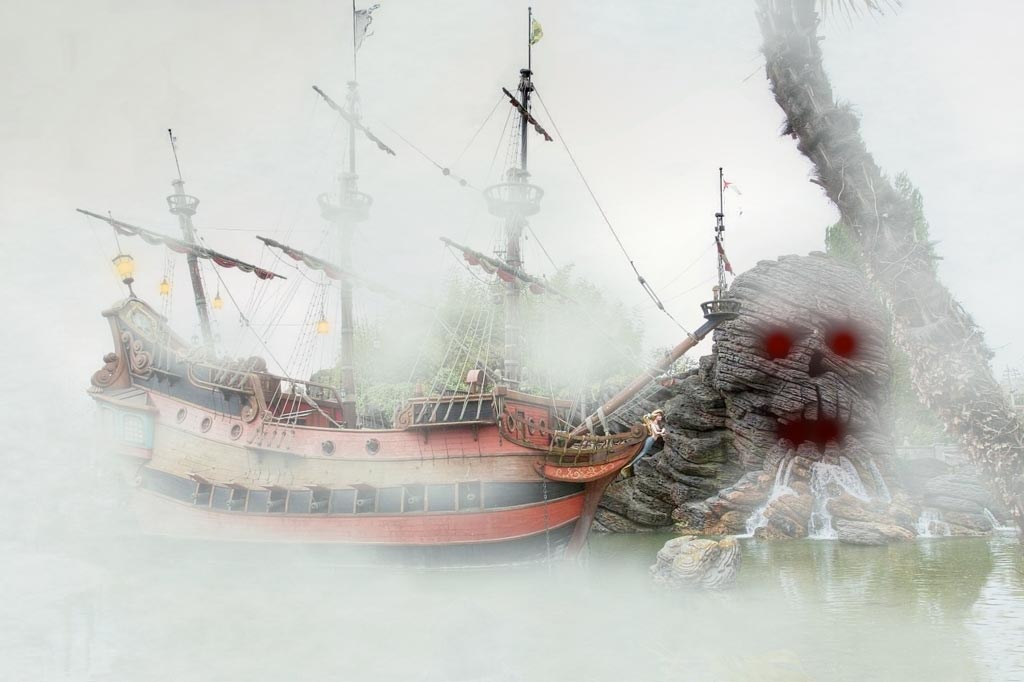
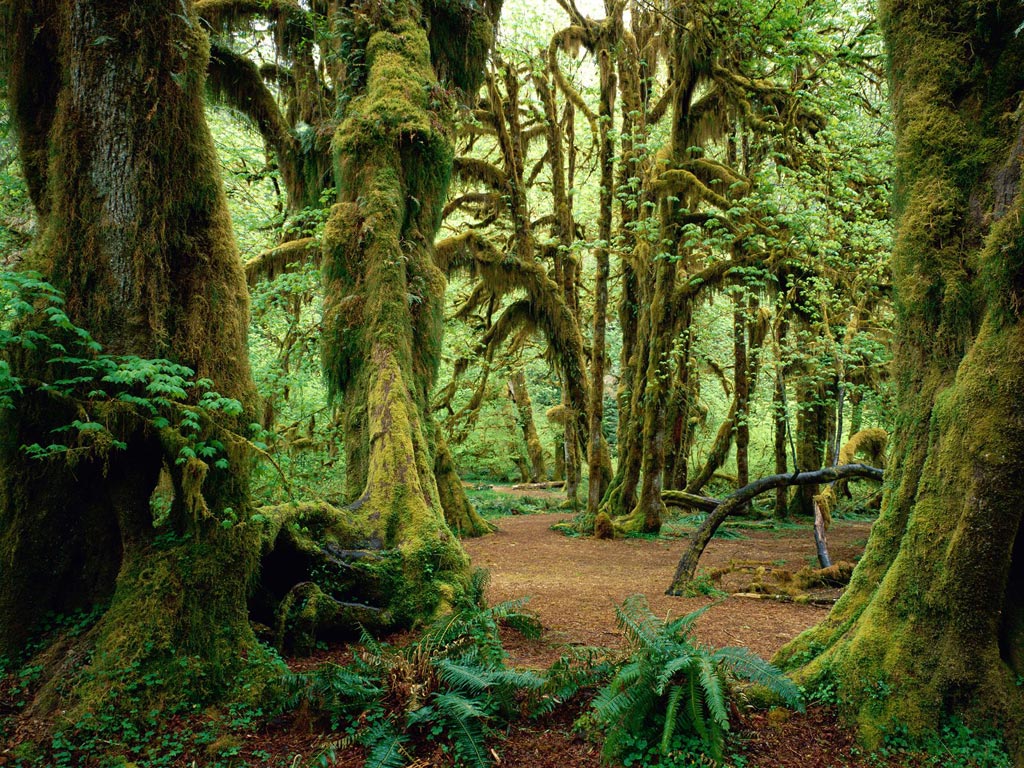
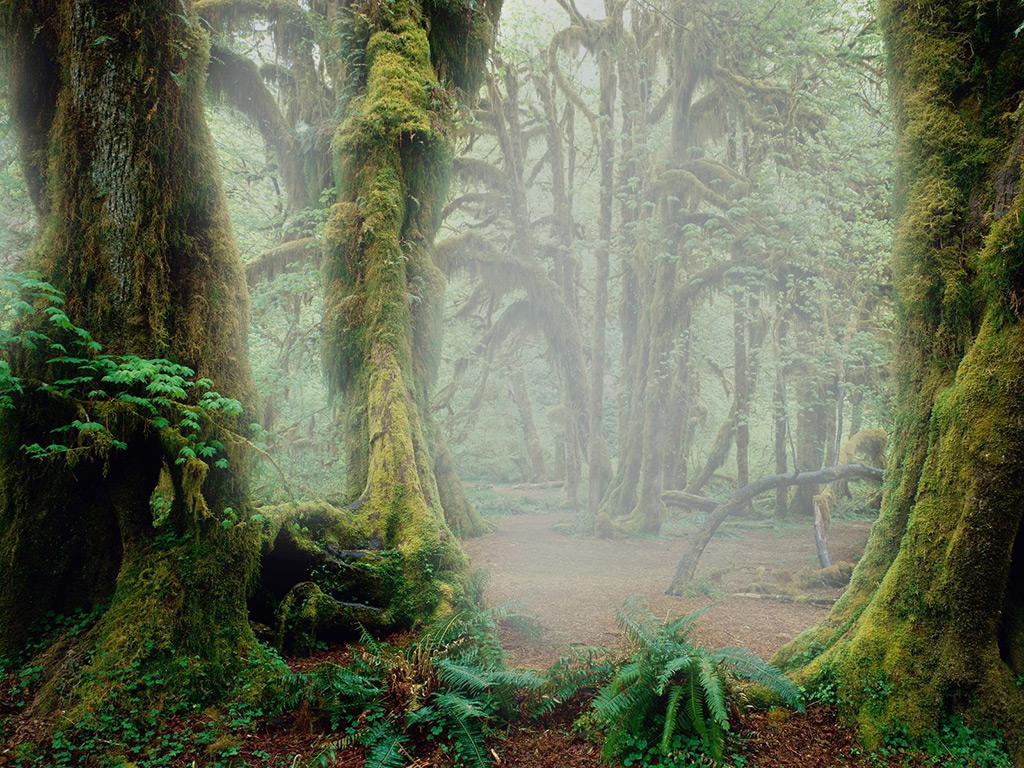
Have a look how to easily add some morning fog and give the forest an element of mystery using the Clouds effect:
-
Step 1. Start AKVIS NatureArt and open the image.
-
Step 2. Choose Clouds from the list of effects in the Settings Panel.
Use the tools
 and
and  to select an area where the fog will appear.
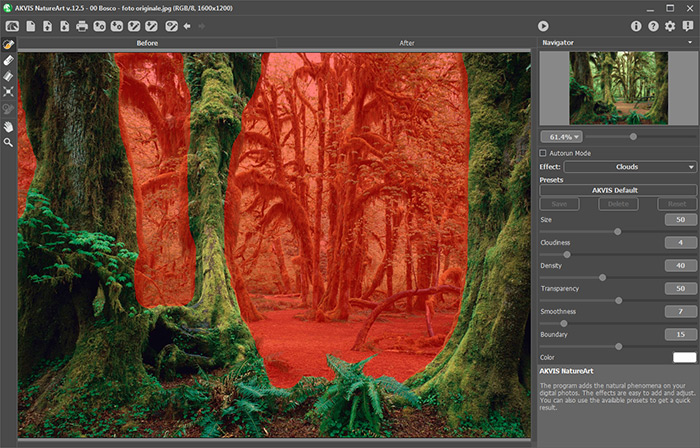
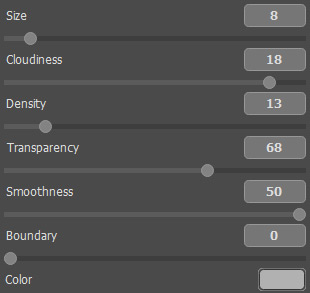
To create a more realistic effect, the fog should be applied only to the background. Adjust the parameters as shown below:
-
Step 3. Press
 to start processing the image. Here is the result:
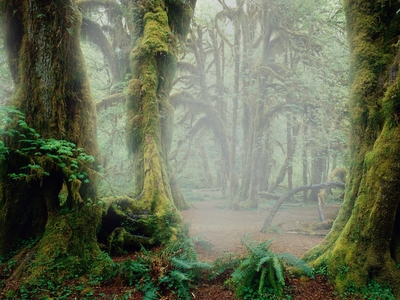
By playing with selections and settings, you can obtain different results:
NatureArt v. 12.7 - Free 10-day Trial
