Examples of Using The Program
It's hard to compete with nature in diversity and the man has still much to learn from it. We are not able to create the Earth in seven days, but we can imitate some of the nature phenomena in digital art!
AKVIS NatureArt lets you imitate the magnificence of natural phenomena on your digital photos. The program includes the effects: Rain, Sun, Water, Lightning, Clouds, Frost, Rainbow, Aurora, Fire, Ice, Night Sky, and Snow. Make incredible images with NatureArt!
Click image to see the tutorial page.
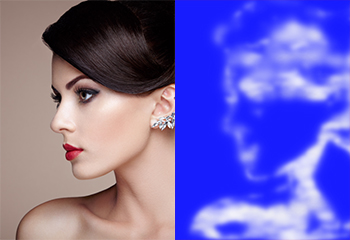 Fabulous Cloud Figures
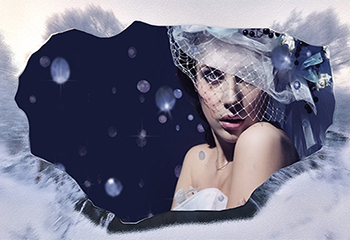 Creating Ice Frames
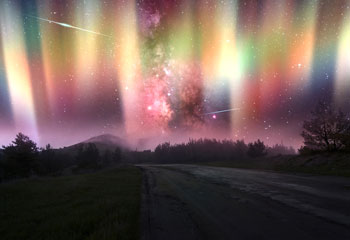 Iridescent Aurora Lights
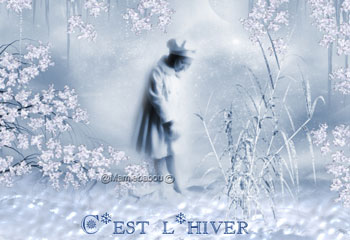 Charming Winter Card
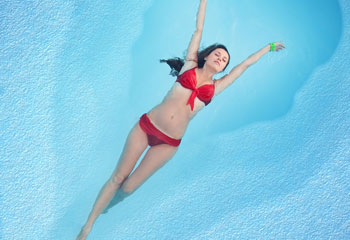
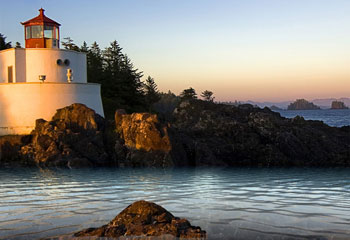 Water Effect on Specific Areas
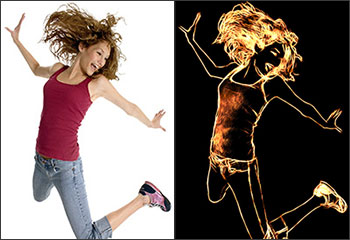 Fiery Girl: Drawing with Flame
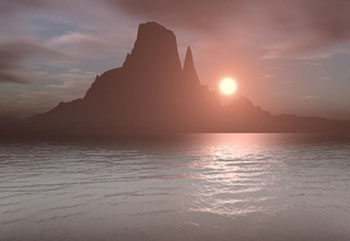 Sunset Picture
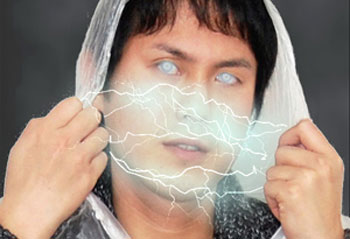 Creating an Animated Avatar
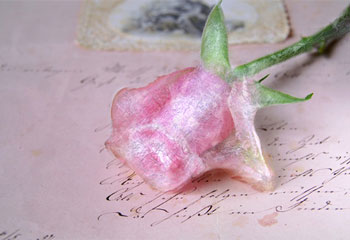 Ice Rose: Art of Freezing
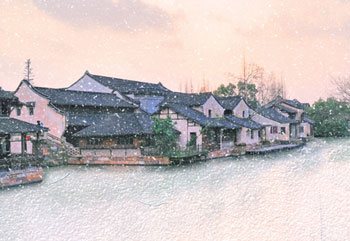 Frozen River
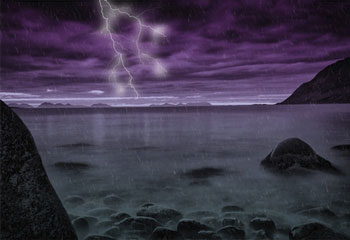 Planet of Storms
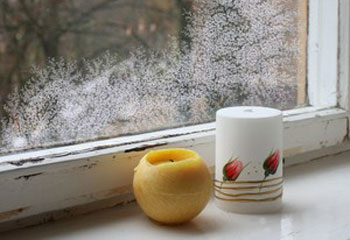 Frosty Window
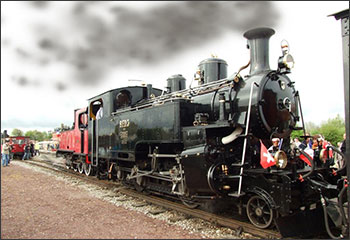 Smoke & Sandstorm Effects
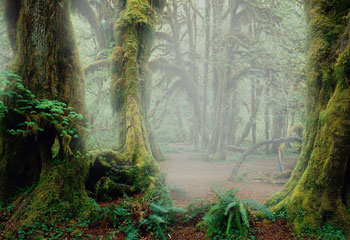 Enchanted Forest: Adding Fog & Mist
 Greeting Card with a Christmas Tree
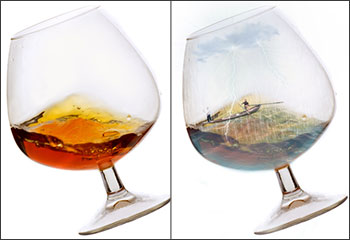 Tempest in a Glass
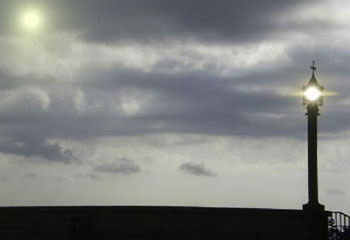 Playing with Light
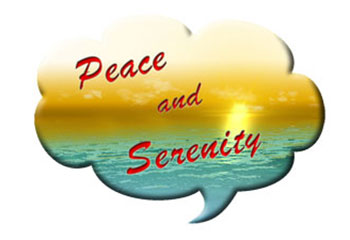 The Sea on a Midsummer Night
 Flaming Text
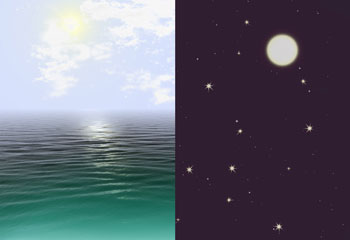 Day & Night
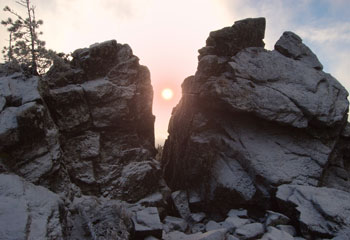 Above the Sea
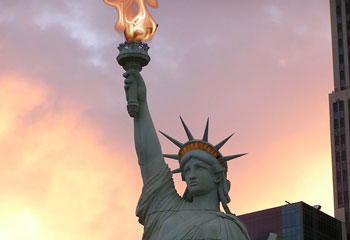 Torch of Liberty
 NatureArt Gallery
NatureArt v. 12.6 - Free 10-day Trial

