Above the Sea
This tutorial shows how differently a photo can look, after two different nature effects are applied.
This tutorial uses the standalone version of AKVIS NatureArt. The results will be the same if the plug-in is used instead.

Original Image
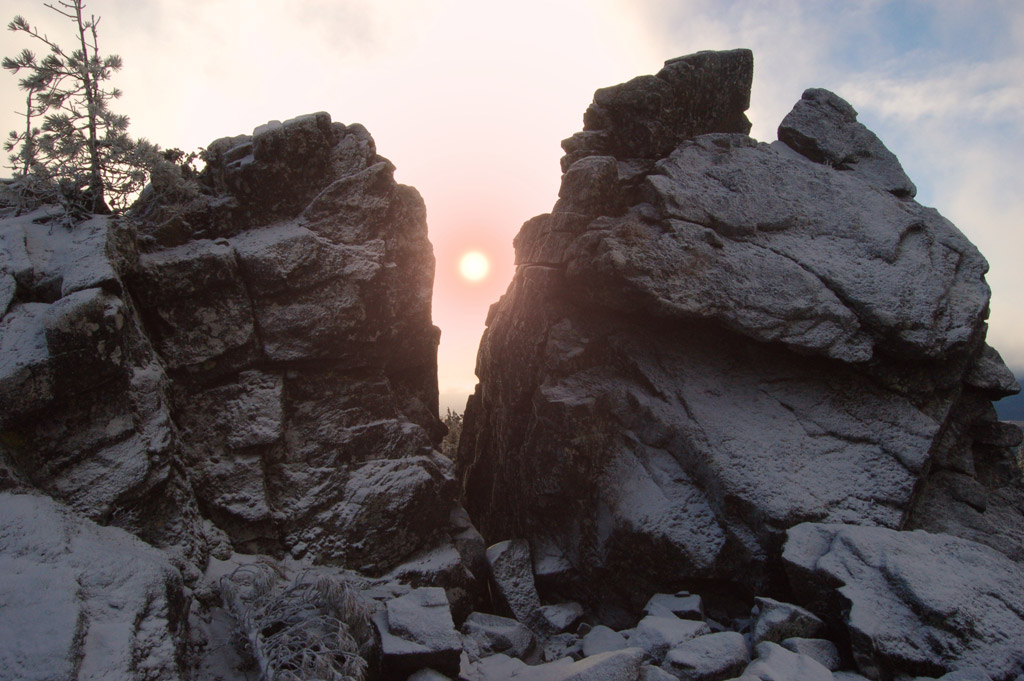
Result After Applying the
Sun Effect
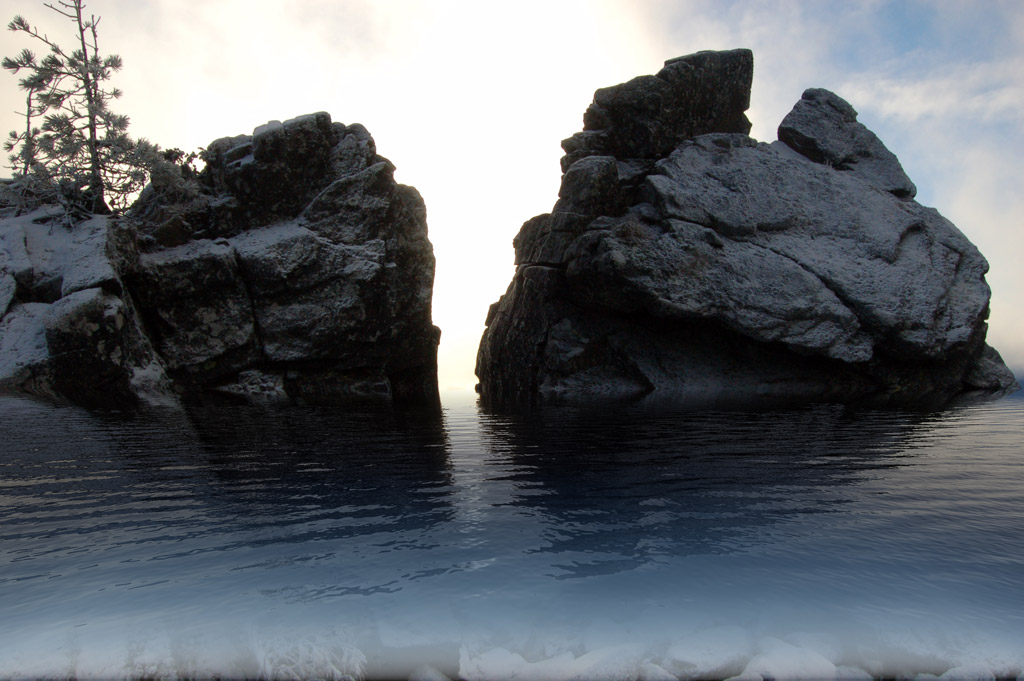
Result After Applying the
Water Effect
-
Step 1. Open the standalone version of AKVIS NatureArt. Open the image of the mountains by pressing
 .
.
-
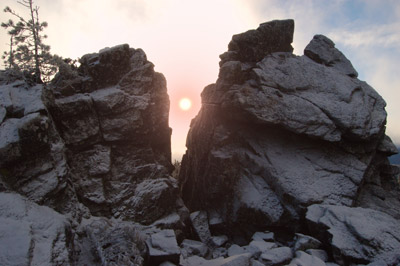
Step 2. Begin by creating a sunset. Choose the corresponding effect from the list.
The sun could be placed, for example, between the rocks. Use the Transform
 tool to place it there.
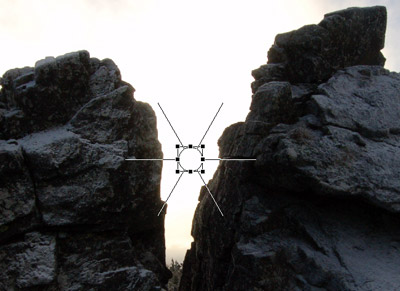
Slightly reduce its size.
Disable the drawing of rays and adjust the parameters in the Sun tab as follows:
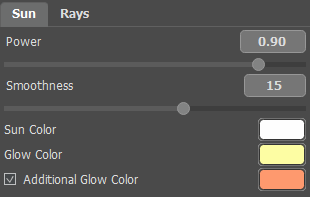
Since this is a winter image, the chosen colors are not very bright.
-
Step 3. Press
 to start processing. Here is the result:
-
Step 4. Save the image by pressing
 .
.
After saving the image to a file, a dialog window appears, which asks if the result should be used as a source image. Since no further processing of this image is necessary, answer No. Save the image under a different name and the original will remain in the Before tab, without an effect applied.
-
Step 5. Let's use this same image to create a rocky shore of a northern sea.
Choose Water from the effects list.
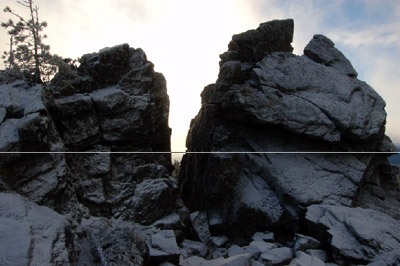
Indicate the line of the future horizon with the Move
 tool.
tool.
-
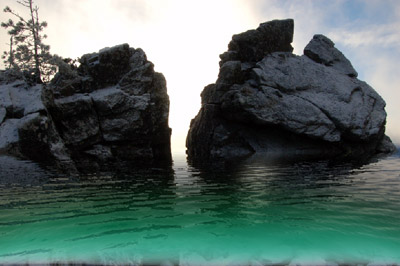
Step 6. First process the image using the default settings (AKVIS Default Preset).
-
Step 7. The result is far from what was expected.
First change the color of the water. Next adjust the parameters as shown below.
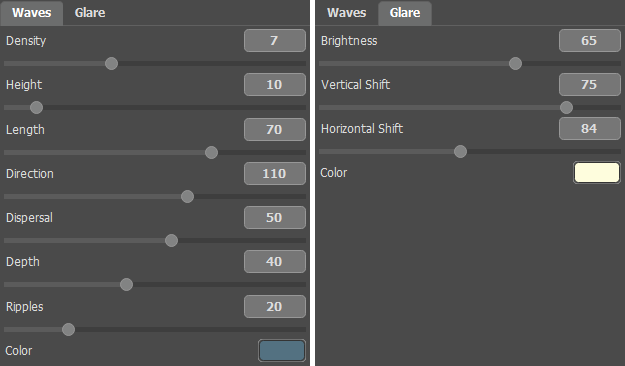
After adjusting the parameters you will receive the following image:
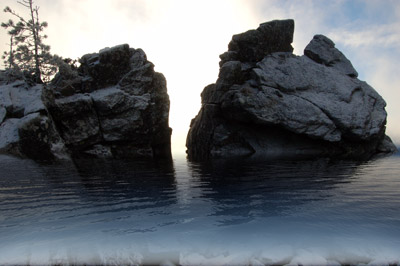
For a few minutes the high mountains have become coastal boulders.
NatureArt v. 12.7 - Free 10-day Trial
