Image Restoration Parameters
AKVIS Retoucher is an efficient photo restoration program operating in 2 retouching modes.
For precise retouching of fine defects (scratches, spots, dust), use the Small Defects mode. If you need to remove large objects and quickly restore a photo, the All-Purpose Retouching mode is preferable.
All-Purpose Retouching Mode:
- Sample Size (0-16) affects the size of sample fragments. At higher values of this parameter, more of the background's texture is preserved, but image detail appears coarser.
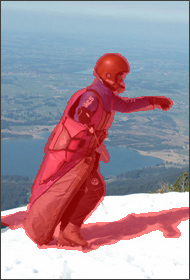
Original Image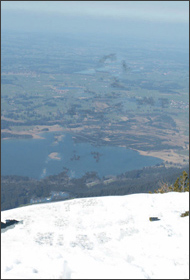
Sample Size = 3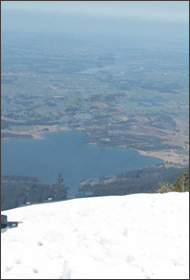
Sample Size = 14 - Sample Number (1–50) affects the number of sample fragments taken from surrounding areas and used in reconstruction. They are chosen randomly. At higher values, more of the background's texture is reconstructed, but processing time increases.
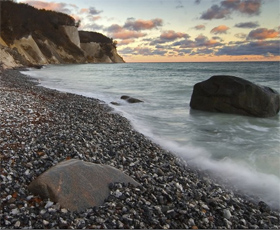
Original Image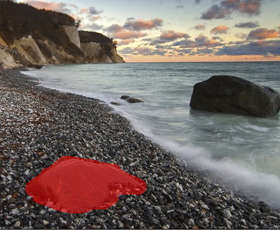
Selection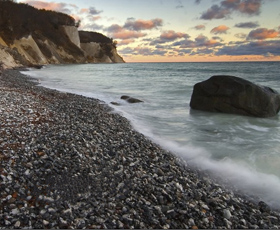
Sample Number = 1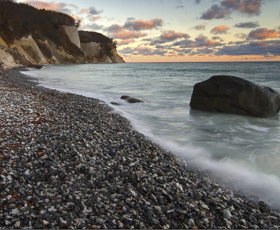
Sample Number = 50 - Search Radius (16-250) affects the size of the area used to search for sample fragments used in reconstruction. The higher the value, the longer reconstruction takes. If the radius is too large, sample fragments from remote areas of the image could be chosen, which would not be suitable in reconstruction.
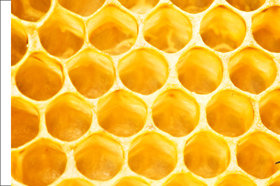
Original Image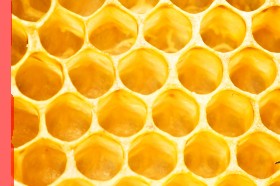
Selection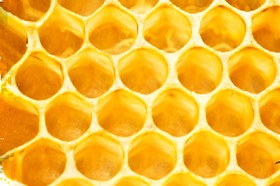
Search Radius = 30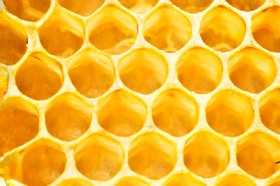
Search Radius = 220 - Smoothing check-box. This mode reduces the transition between fragment edges. It's helpful if edges are similar in texture but not in color. If the check-box is deactivated there is no alignment.
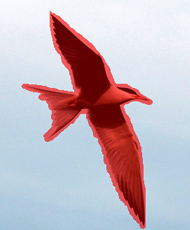
Original Image with Selection
'Smoothing' check-box
deactivated
Reconstruction and Smoothing - Fast Processing check-box. When this check-box is activated, processing speed is increased by simplifying the original image. This is useful in most cases and allows you to quickly get a good result.
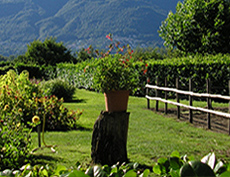
Original Image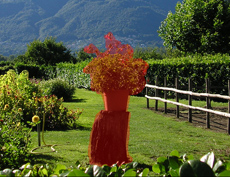
Selection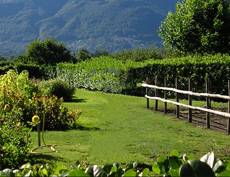
Result after Full Processing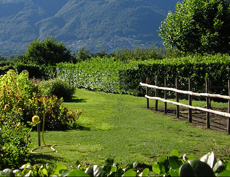
Result after Fast Processing
Small Defects Mode:
- Search Radius (10-70). The parameter defines the search range of a fragment which will be used for the restoration. The higher the value, the longer the processing time.
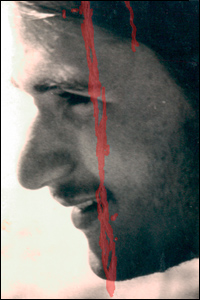
Source Image With a Selection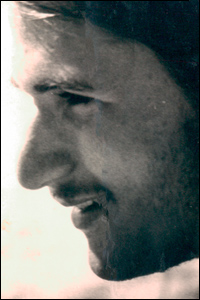
Search Radius = 10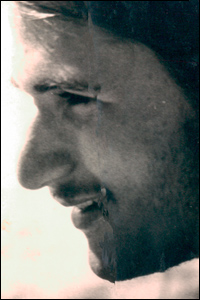
Search Radius = 50 - Comparison Radius (2-20). The parameter specifies the size of the area used for the comparison of points.
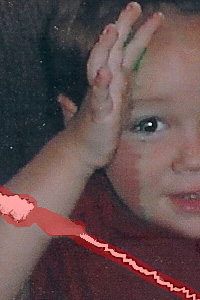
Source Image With a Selection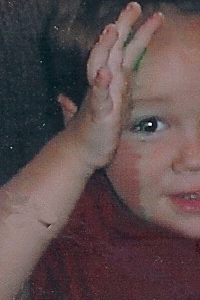
Comparison Radius = 2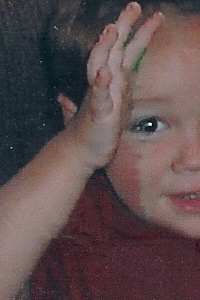
Comparison Radius = 17 - Variance (1-25). The parameter sets the maximum allowable difference between the points.
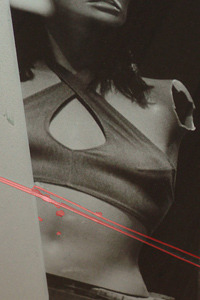
Source Image With a Selection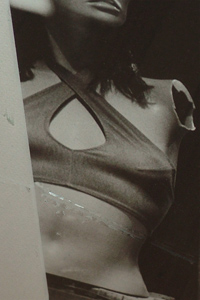
Variance = 1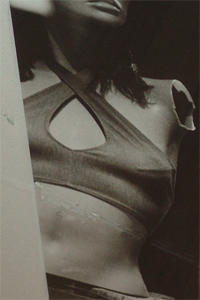
Variance = 25
Color Correction Group:
With the color correction settings, additional image processing is performed.
- Brightness (-100..100). The parameter is used to change the image brightness. The higher is the value of the parameter, the lighter all pixels are, and vice versa.
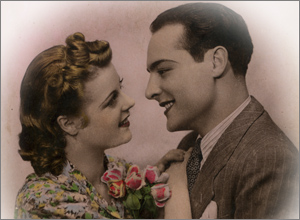
Brightness = -50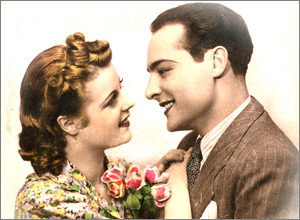
Brightness = 50 - Contrast (-100..100). The parameter is used to increase (if the value is over 0) or reduce (if the value is under 0) the difference between bright and dark parts of the image.
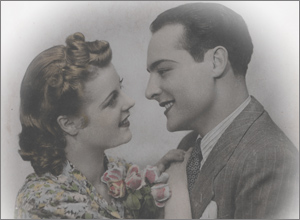
Contrast = -100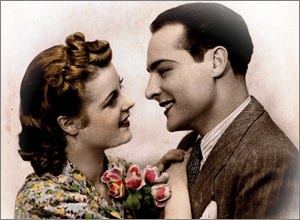
Contrast = 100 - Saturation (-100..100). The parameter is used to change the intensity of colors.
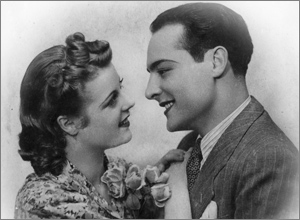
Saturation = -100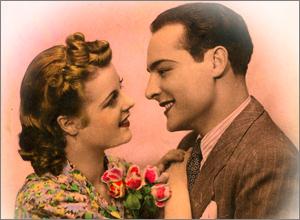
Saturation = 50 - Sepia check-box. Activate the check-box to apply the typical brownish shade of old photographs to your image.
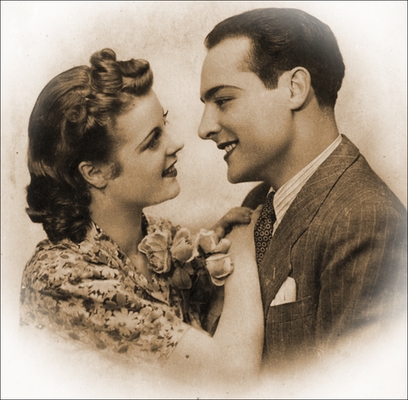
Sepia Effect
Retoucher v. 12.2 - Free 10-day Trial
