Lioness in a Cage: Remove Iron Rods
AKVIS Retoucher is efficient for photo restoration tasks. It can be applied to restore old damaged photos or to remove a date stamp or an unwanted object, like a finger that covered the lens when shooting or an irrelevant object that spoils the shot.
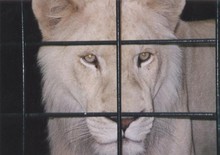
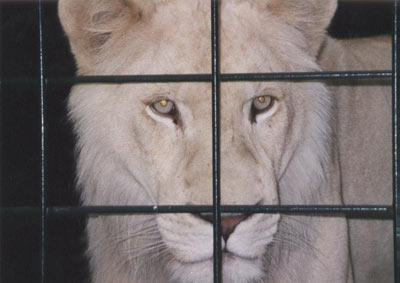
This tutorial illustrates the second case: we will use AKVIS tools to remove the cage rods from the photo below.
- Step 1. Open the image in AKVIS Retoucher. Select the bars using the Selection Brush
 . Don't forget to also select their shadows.
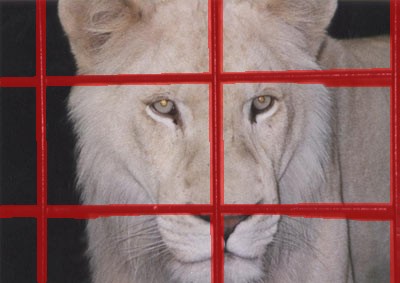
- Step 2. After starting the retouching process by pressing
 , the red area (along with the cage's bars) disappears. The image will appear like this:
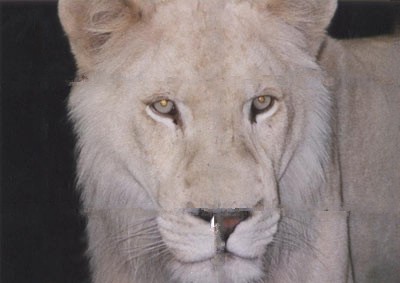
- Step 3. The joint at the bottom does not look correct. The image needs to be processed more accurately. Therefore, press
 to cancel the previous action. Switch to Advanced and choose the Linear Retouch
  tool. Draw a few strokes over places where you want to restore lines:
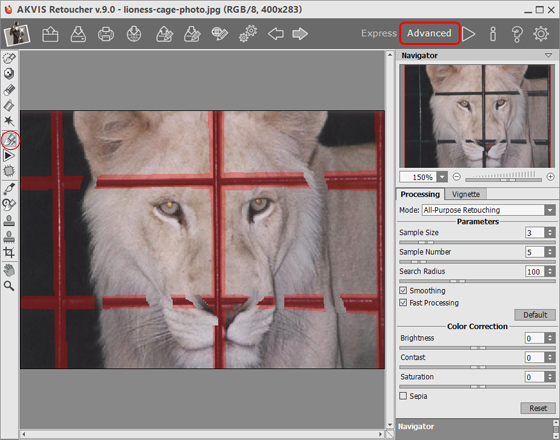
Process the image by pressing
.
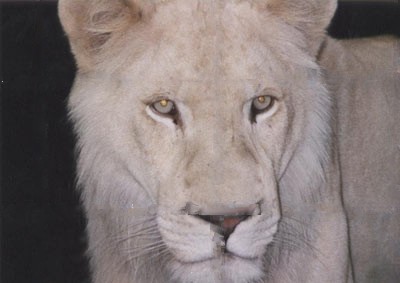
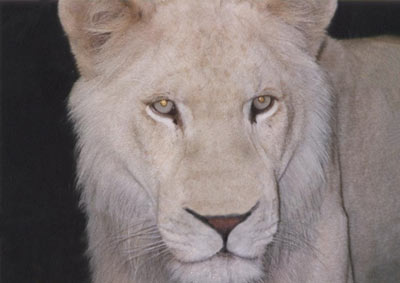
- Step 4. The processing result, of course, is not ideal: Retoucher failed to restore the nose, which was almost completely obscured by the cage's bars. We can use the Clone Stamp
 tool to deal with the incongruities of the fur.
The Clone Stamp repairs damaged areas using cloned fragments from other parts of the photo. Choose a cloning sample by left-clicking on a suitable area while holding Alt (Option in Mac). To apply the clone sample, bring the cursor over the area you want to repair and left click.
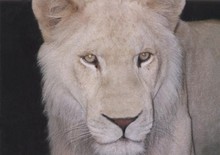
Look at this picture — the cage is gone, the lioness is free, and she even looks happier.
Retoucher v. 12.2 - Free 10-day Trial
