Fotografia de caça
Este tutorial foi criado em AliveColors, mas você pode fazer o mesmo em qualquer outro editor de fotografia compatível com o plugin AKVIS Chameleon.
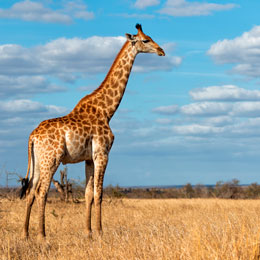
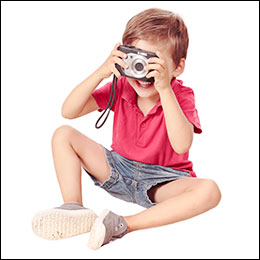
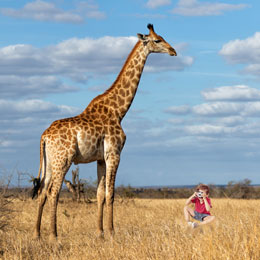
-
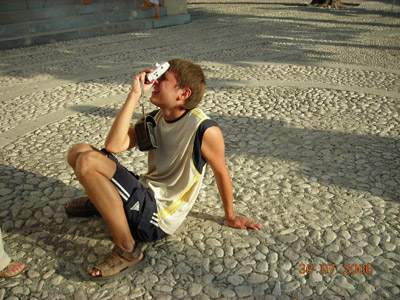
Passo 1. Abra a fotografia que contém um fragmento para a colagem de fotografia nova.
-
Passo 2. Selecione o fragmento para uma colagem. Em nosso caso é o menino com uma máquina fotográfica. A seleção não necessita ser precisa, como o plugin Chameleon oferece a técnica avançada que permite quase separar automaticamente.
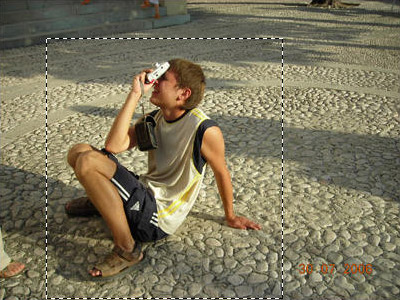
Selecione os comandos Effects -> AKVIS -> Chameleon – Grab Fragment (="capturar o fragmento") do menu principal. Você verá uma mensagem que diz que o fragmento foi salvado.
-
Passo 3. Abra a imagem de fundo.
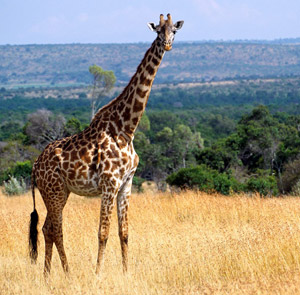
-
Passo 4. Selecione os comandos Effects -> AKVIS -> Chameleon – Make Collage (="fazer uma colagem").
AKVIS Chameleon plugin abrirá e você verá a imagem de fundo e o fragmento de imagem sobre ele na aba Antes na área de trabalho.
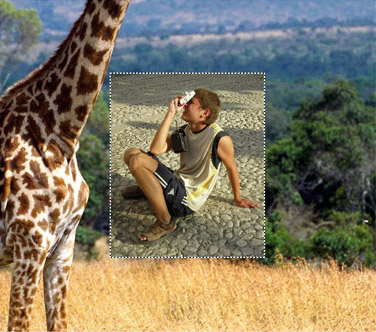
Por padrão o modo Montagem está ativo. Nós continuaremos trabalhando neste modo.
-
Passo 5. Selecione a ferramenta Transformar
 na e ajuste a posição do menino no fundo.
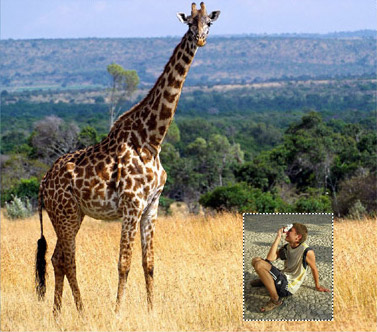
-
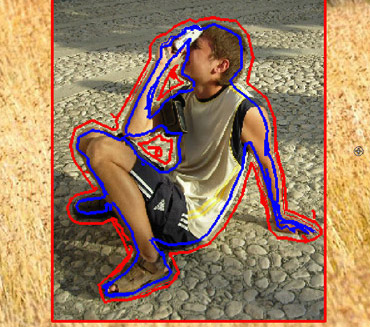
Passo 6. Agora nós deveremos adquirir partes livres irrelevantes do fragmento, como sòmente a figura do menino deverá ser mantida.
Primeiro de tudo, selecione a ferramenta Borracha
 e exclua automaticamente a linha azul desenhada.
Selecione a ferramenta Lápis eliminar área
 arraste e desenhe a linha ao redor do menino. Então ative a ferramenta Lápis manter área
  e desenhe dentro da figura do menino; neste modo você define que áreas do fragmento deverão ser mantida e se aparecem nas montagens das fotografias finais.
-
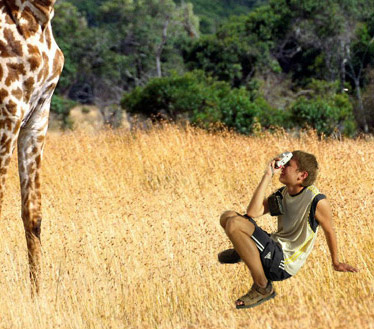
Passo 7. Clique em
 para iniciar o processo da criação da montagem da fotografia. O resultado será mostrado na aba Depois.
-
Passo 8. Clique em
 .
.
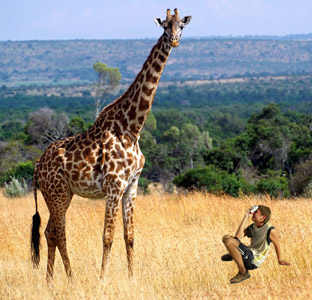
O plugin AKVIS Chameleon fechará e você verá a montagem da foto na área de trabalho do seu editor de foto.
-
Passo 9. Para a fotografia parecer mais realística desenhe as laminas da grama sobre os sapatos do menino: selecione a ferramenta Color Brush, ajuste seu tamanho e cor (você pode usar o "apontador da cor" para apontar o a cor da grama na fotografia) e desenhar algumas linhas em sobre os sapatos do menino. Então aponte outra cor e desenhe outras linhas:
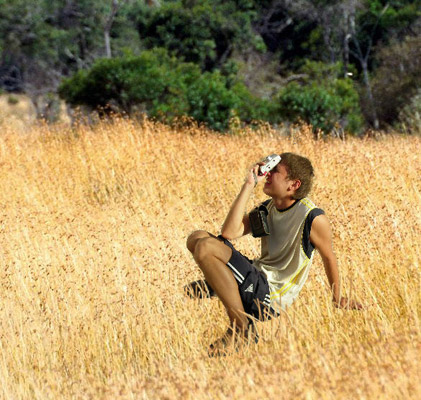
Aqui está o resultado final:
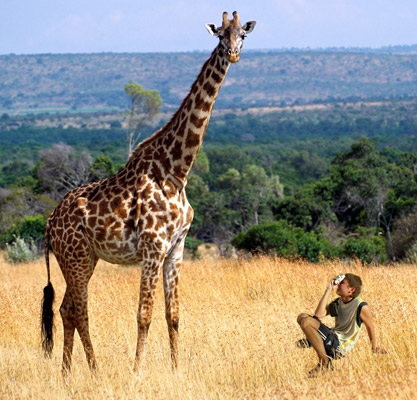
O menino quase não poderia imaginar, enquanto deixava a casa naquele dia, ele foi achados na companhia de uma girafa no meio de pradaria africana.
Chameleon v. 12.2 - Teste gratuito 10 dias
