Convierte una foto en un dibujo
Para hacer un dibujo se necesitan ciertas habilidades. Usted tiene que ser capaz de dibujar a mano, o tener un buen conocimiento de un editor gráfico para cambiar su foto en un dibujo mediante una serie de comandos, filtros y capas con diferentes modos de fusión.
Pero si usted no puede dibujar y no tiene tiempo o ganas de realizar una serie larga y tediosa de pasos, puede utilizar AKVIS Sketch. Es fácil de usar y le permite obtener un dibujo realista en pocos segundos.
En este ejemplo vamos a mostrar el proceso para cambiar la foto de un lobo en un dibujo a lápiz.
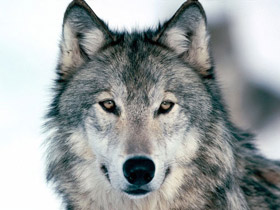
Foto original de un lobo
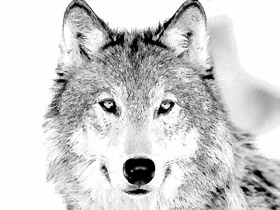
Dibujo a lápiz de un lobo basada en la foto
Utilizamos el plugin Sketch en este tutorial, pero usted puede usar la edición independiente (standalone) y utilizar los mismos parámetros para lograr este resultado.
Por lo tanto, abra la foto en un editor de imágenes y abra el plugin Sketch.
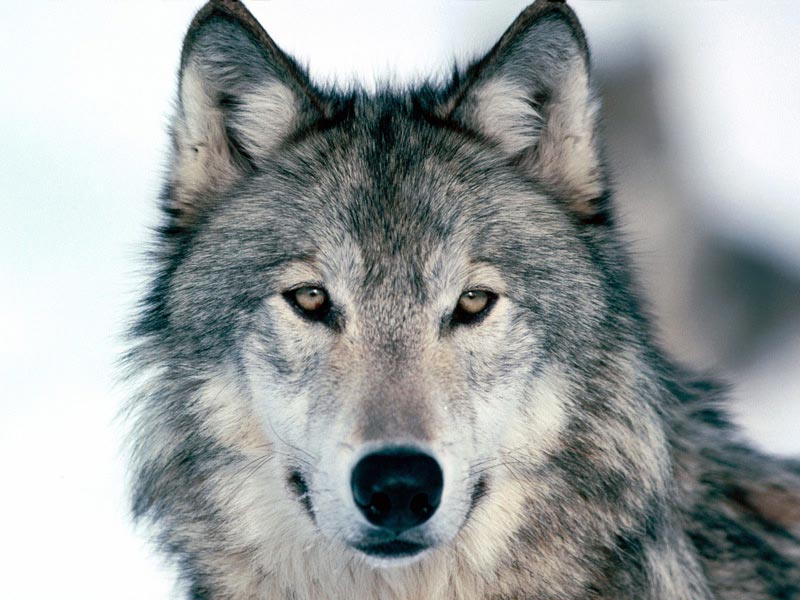
Foto de un lobo: haga clic en la foto para abrirlo en una ventana más grande
Al abrir AKVIS Sketch presione el botón  en la ventana del plugin. La fotografía se convierte en un dibujo con la configuración predeterminada.
Analizamos la imagen resultante y ajustamos la configuración del plugin. Podemos ver la configuración que hemos elegido para este dibujo en la imagen de abajo.
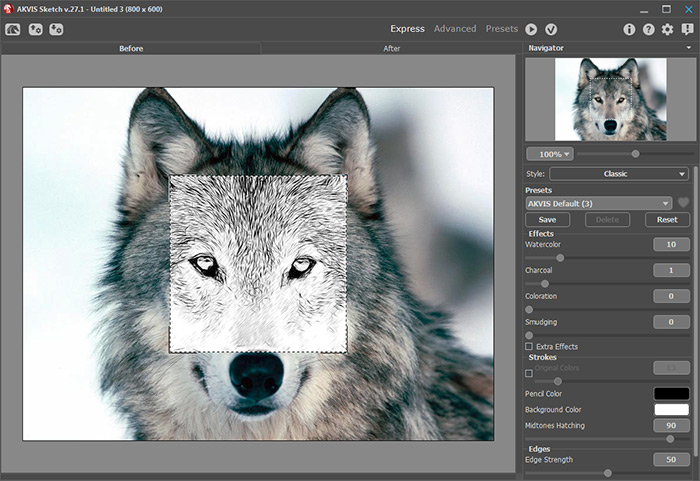
Vamos a analizar más detenidamente algunos de los parámetros:
- Parámetro Acuarela. Al aumentar este parámetro sólo 10 puntos se hacen borrosos los trazos más pequeños lo que podría dar mayor "suciedad".
- Parámetro Espesor. Cuanto menor es el valor, más finos serán los trazos del dibujo.
- Parámetro Sombreado de tonos medios. Al disminuir este parámetro se disminuye el nivel de detalle en las zonas más claras de la imagen.
Los parámetros fueron ajustados y usted ya está satisfecho con el dibujo.
Todo lo que tiene que hacer ahora es aplicar el resultado presionando el botón  en la ventana del plugin. Usted obtendrá el dibujo a lápiz de un lobo en su editor de imágenes. Ahora puede guardar la imagen.
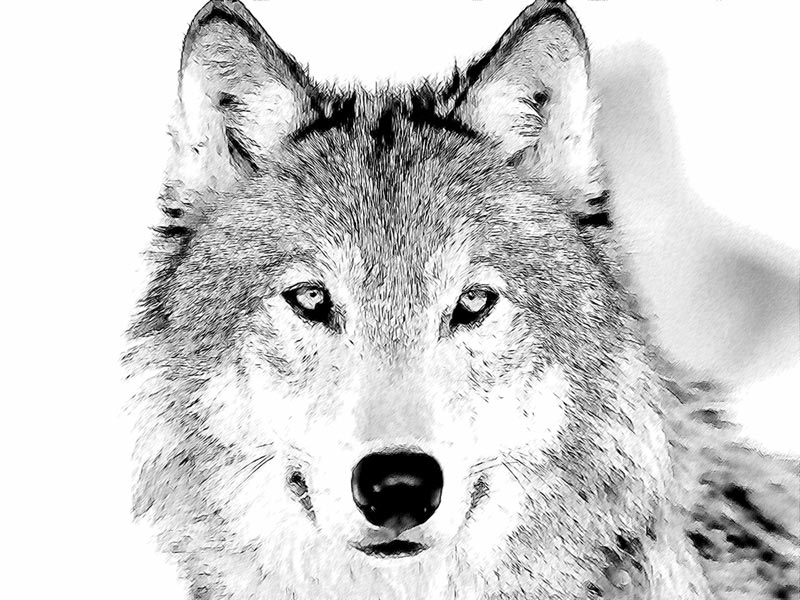
Haga clic en la imagen para ver el dibujo a lápiz de un lobo en una ventana más grande
Sketch v. 28.1 - Prueba gratuita de 10 días
