Creating a colorful background
The instruction below will show you how to turn an abstract image into a colorful background. You can use this technique to create a background for a greeting card or a home-made CD cover.
We have chosen a black and white abstract image, but you can also use a color photo.
-
Step 1. Open the original image in your photo editor and call the AKVIS Coloriage plugin.

-
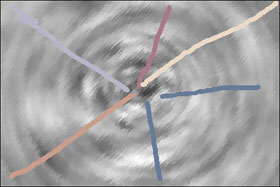
Step 2. Use the Pencil tool
 to draw color strokes. It can be straight lines, points, ticks, circles, etc. Let your imagination run wild.

-
Step 3. Start the colorization process by pressing the button
 .
.

-
Step 4. Apply the colorization result to the photo by pressing the button
 .
.


Below you can see other versions of the image colorized: on the left are the strokes, on the right is the result.

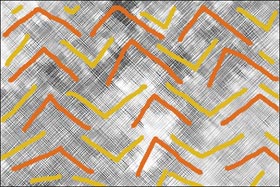
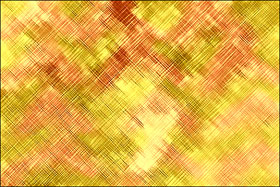
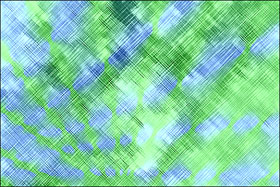
Below is one more abstract image that we have colorized using AKVIS Coloriage: on the left is the original image with the strokes, on the right is the result.

Coloriage AI v. 16.0 - Free 10-day Trial
