Help the dove
あいにく, このページは英語にだけ使用可能です。
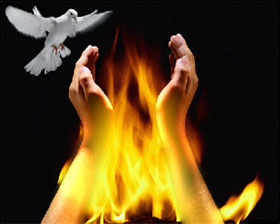
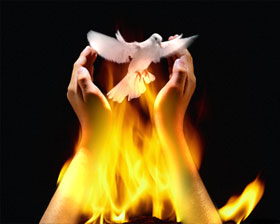
We will use these three images to create a photo collage: a fire, a dove and hands. The photo of the fire will serve as a background image where we will add the dove and the hands.
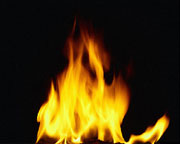
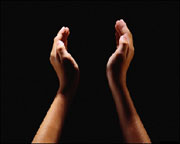
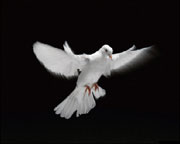
Source images
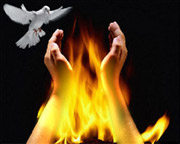
Result
- First, we will transfer the hands into the image of the fire.
- We select the hands with any selection tool.
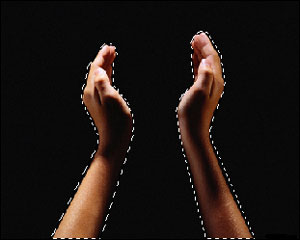
- Copy the selection by calling AKVIS -> Chameleon - Grab Fragment from the Filter menu.
- Open the image of the fire and call AKVIS -> Chameleon - Make Collage from the Filter menu. The AKVIS Chameleon plug-in window will appear. In the Before tab you will see the fire image with the fragment (hands) you selected earlier.
- Select Chameleon mode from the drop-down menu in Settings Panel.
- Change the size and position of the hands with the Transform tool
 .
.
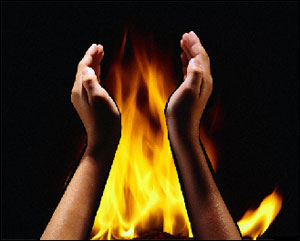
- Press the button
 to begin the collage creation process. The result will appear in the After tab.
- Apply the change by pressing the button
 and save the photo.
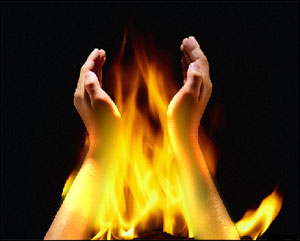
- We select the hands with any selection tool.
- Now we add the dove.
- Select the dove in the same way and copy it to the clipboard as before, by calling AKVIS -> Chameleon - Grab Fragment in the Filter menu.
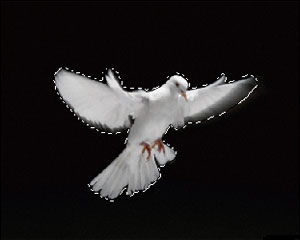
- Next we go to the collage we created earlier and call AKVIS -> Chameleon - Make Collage from the Filter menu. In the Before tab you will see the collage you made earlier and the dove you selected.
- Select Chameleon mode.
- Change the size of the dove and its position with the Transform tool .
The position of the dove depends on the idea you want to convey.
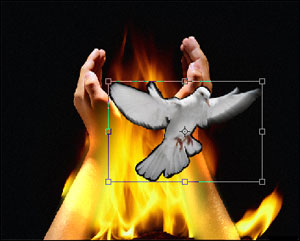
- Begin the collage creation process as before by pressing the button .
- If you like the result, press the button to apply the collage to the photo.
- Select the dove in the same way and copy it to the clipboard as before, by calling AKVIS -> Chameleon - Grab Fragment in the Filter menu.
Chameleon v. 12.2 - 10日間の評価期間
