A kid with a rattle: Improving Local Contrast
Questa pagina al momento è usufruibile in lingua inglese. La versione italiana sarà presto disponibile.
Children are the joy of our life. When you have a baby, you want to capture every moment of his life. Besides, babies grow very fast, especially during the first year. As your baby grows, so do your family albums. However, the results of photo sessions are not always pleasing to the eye - photos can turn out to be too dark, too bright, blurred, etc.
This example shows how to correct a dark photo with AKVIS Enhancer.
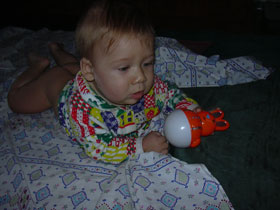
|
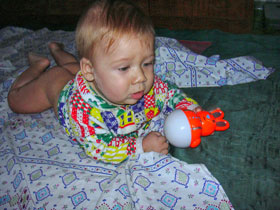
|
| Before | After |
- Step 1. If you use AKVIS Enhancer in its standalone edition, run it and open the photo.
If you use the plugin version of Enhancer, open the photo in your photo editor and then call the AKVIS Enhancer plugin from the Filter menu.
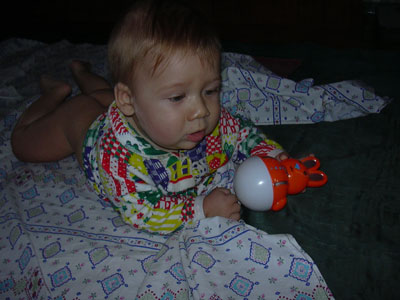
- Step 2. In Improve Detail mode adjust the parameters to draw details out of shadows.
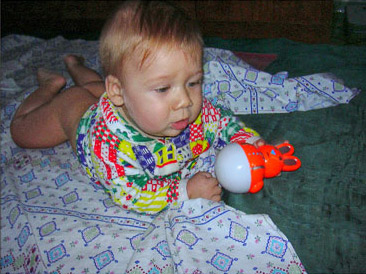
- Step 3. Now, if you use the standalone version of Enhancer, save the image with
 ; or, if you use the Enhancer plugin, first click on
  to apply the result and then save it in your image editor.
Enhancer v. 17.7 - 10-giorni di prova gratuita

