A kid with a rattle
あいにく, このページは英語にだけ使用可能です。
Children are the joy of our life.
When you have a baby, you want to capture every moment of his life. Besides, babies grow very fast, especially during the first year. As your baby grows, so do your family albums. However, the results of photo sessions are not always pleasing to the eye - photos can turn out to be too dark, too bright, blurred, etc.
This example shows how to correct a dark photo.
- Step 1. Open the dark photo in your photo editor.
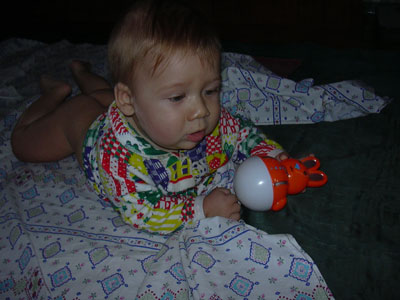
- Step 2.Call AKVIS Enhancer plugin. To this effect select the command Filter - AKVIS - Enhancer in Adobe Photoshop; the menu item Effects - Plugins- AKVIS - Enhancer if you work with Jasc Paint Shop Pro; or Effects - AKVIS - Enhancer if you use Corel Photo-Paint.
- Step 3. Adjust the parameters Level of Detail, Highlight/Shadow priority and Intensity. For the present example we set the following values: Level of Detail 40, Highlight/Shadow priority 40, Intensity 50.
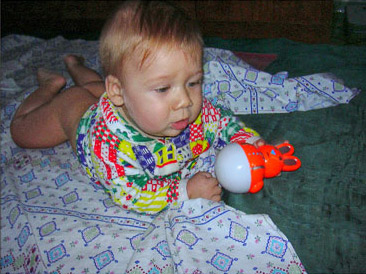
- Step 4. Press the button
 in the Toolbar to apply the result of the photo correction and close the plugin window.
Before After
Enhancer v. 17.7 - 10日間の評価期間

