The Golden Pavilion: Correction in Lab Color Space
La version française sera bientôt affichée.
The author of the tutorial is Manfred Zobrist.
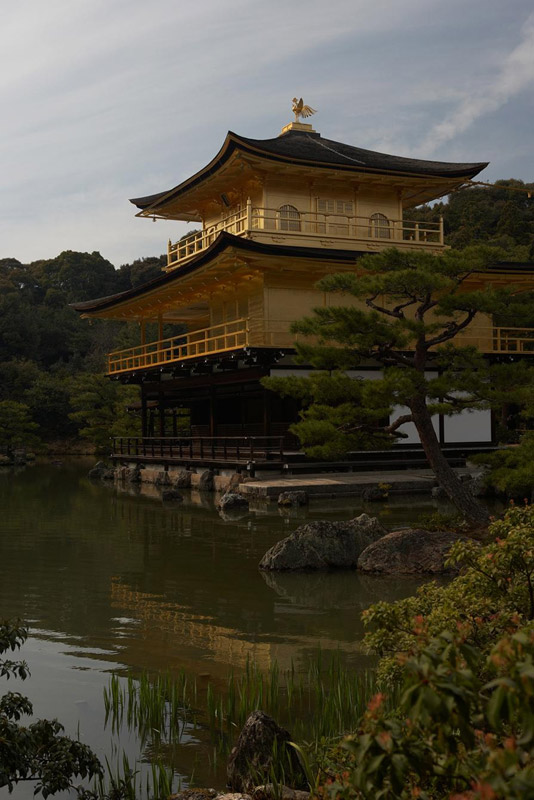
The photo of the Golden Pavilion in Kyoto/Japan was processed in the Lightness channel of the Lab color space.
"The original photo of the Golden Pavilion is too dark. I tried to keep the delicate cloud pattern in the sky, but consequently the photo came out underexposed. It was strictly prohibited to use tripods, so I could not take several shots with different exposures. The Highlights/Shadows in Photoshop did not deliver the desired effect. Finally I tried the AKVIS Enhancer plugin and it was able to cope with the problem and improve details both in dark and light parts of the photo."
 |
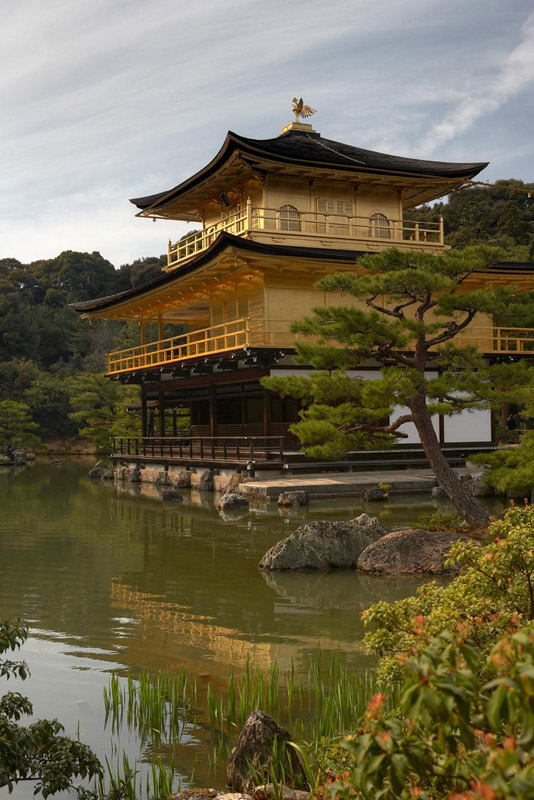 |
| Original | Result |
-
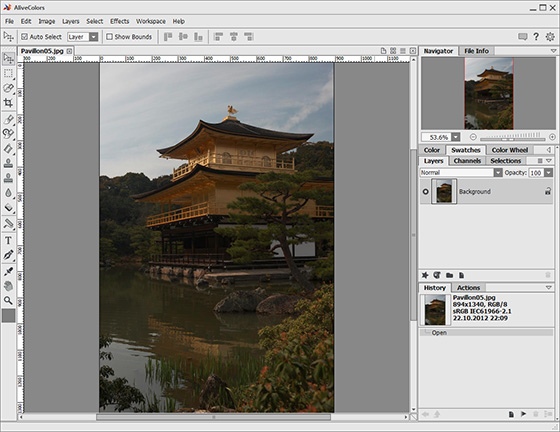
Step 1. Install AKVIS Enhancer on your computer. The author used the plugin version with AliveColors. Open the photo to process.
-
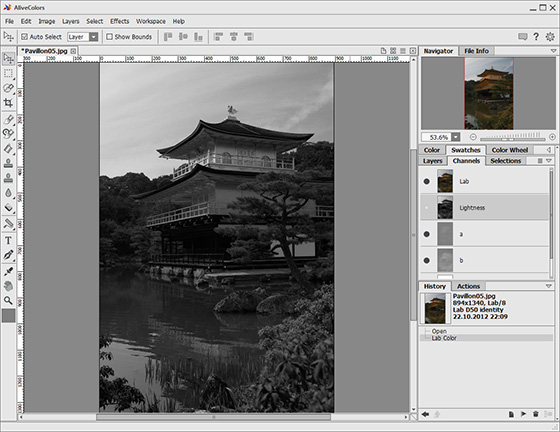
Step 2. You are working now in RGB color space. To achieve the best result, switch to the Lab color space and choose the Lightness channel. In this way we will avoid color and luminance noise. As we work in the Lightness channel, the photo is displayed in black and white.
-
Step 3. In Improve Detail mode, set Preview Size to 1 and the image will scale to 100%. In this way you can fully control the influence of the filter on the image.
The workpace should be opened to the full size.
To check the result on individual parts of the image, press the space bar (the cursor will convert into a Hand tool) and scroll the image with the left mouse button pressed. If you want to compare the result and the original image, just left-click on the result.
Adjust the parameters as you like. You can save your settings as a Preset, if you want to use them in the future.
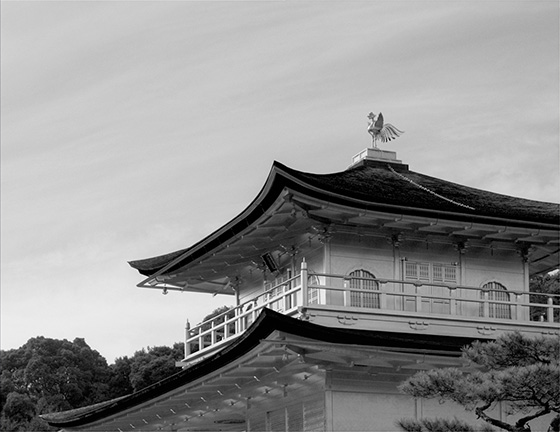
-
Step 4. Once you have chosen the settings, click on the check mark
 to apply the filter to the image and close the plugin. Then switch again to RGB Mode (the command Image -> Mode -> RGB). Now the photo is displayed in color.
Here is the result. Not only are the green plants on the left visible, the woods in the background are easier to discern. The gold of the pavilion shines and even the lower part of the pavilion (not gilded) is visible too. What the author likes about the result is that no details in the sky have been lost.
Enhancer v. 17.8 - 10 jours d'essai
