El pabellón dorado
El autor de este tutorial es Manfred Zobrist.
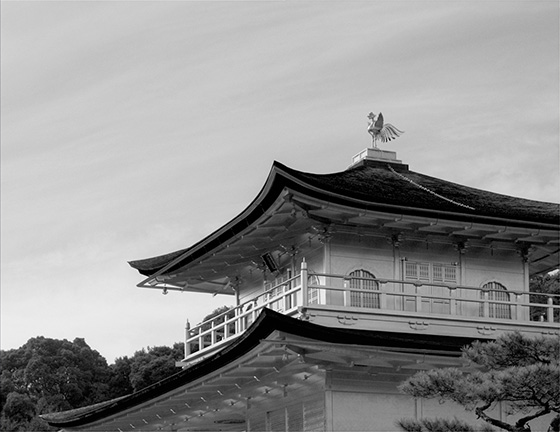
El Pabellón dorado en Kyoto, Japón, fue procesado en el canal Luminosidad del modo de color Lab.
La foto original del pabellón dorado es muy oscura. Traté de mantener el delicado patrón de la nube en el cielo, pero como consecuencia, la foto quedó subexpuesta. Está terminantemente prohibido utilizar trípodes para tomar fotos, así que no pude hacer tomas con mucha variación en la exposición. La herramienta de Photoshop Sombras/Iluminaciones no me arrojó el efecto deseado. Finalmente, lo intenté con el plugin de AKVIS Enhancer, y fue posible solucionar el problema y mejorar los detalles tanto en las partes oscuras como de las claras de la foto.
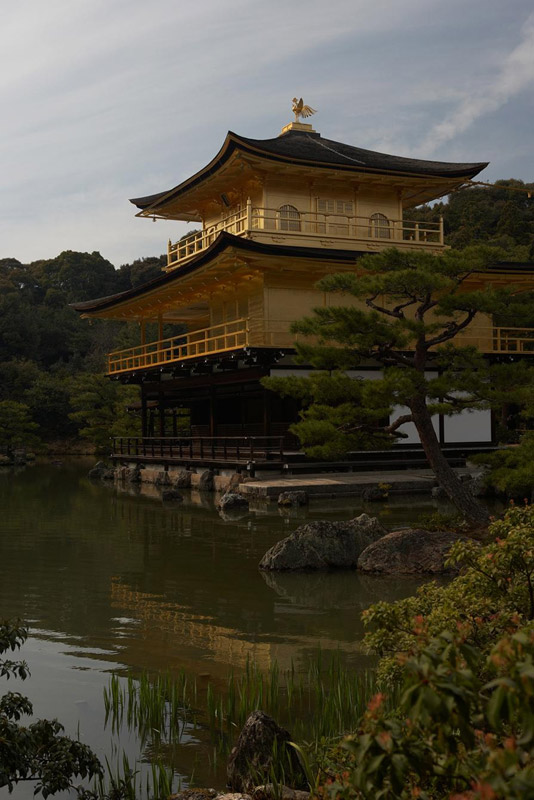
Original
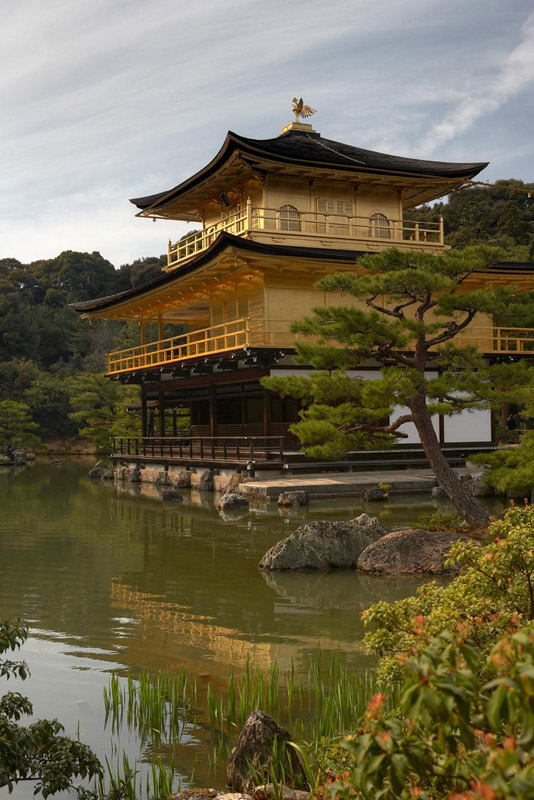
Resultado
Haga clic en las imágenes para abrir versiones más grandes
-
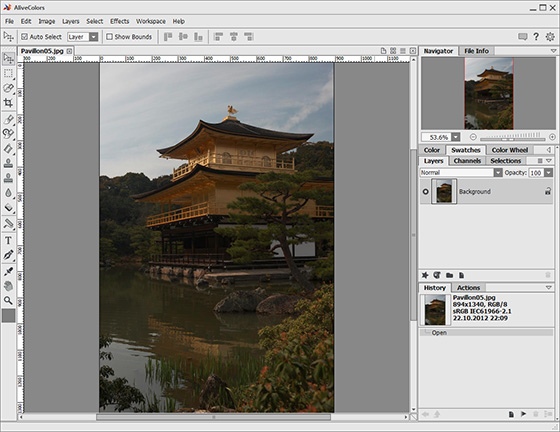
Paso 1. Instale AKVIS Enhancer en su ordenador. Utilicé la versión en plugin con AliveColors. Abra la foto a procesar.
-
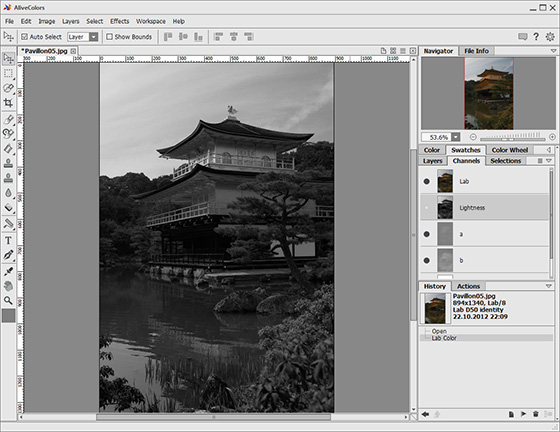
Paso 2. Usted está trabajando ahora en modo RGB. Para conseguir el mejor resultado, cambie al modo Lab y elija el canal de Lightness. De esta manera evitaremos ruido en color y luminancia. Como trabajamos en el canal de Luminosidad, la foto es presentada en blanco y negro.
-
Paso 3. Ponga el Tamaño de previsualización en 1 y la escala de la imagen al 100%. De esta manera puede controlar la influencia del filtro a la imagen. El modo Realzar detalles está activo por defecto. El área de trabajo debería abrirse a tamaño completo.
Para verificar el resultado en partes individuales de la imagen, presione la barra de espacio (el cursor se convertirá en la Herramienta Mano) y deslice la imagen manteniendo el botón izquierdo del ratón presionado. Si desea comparar el resultado con la imagen original, haga clic con el botón izquierdo sobre el resultado.
Ajuste los parámetros como le guste. Puede guardar sus cambios como un preset, si desea utilizarlos en el futuro.
-
Paso 4. Una vez que ha escogido los ajustes, haga clic en la casilla verde de verificación para aplicar el filtro a la imagen y cerrar el plugin. Luego cambie otra vez al modo RGB (comando Image -> Mode -> RGB). Ahora la foto aparece en color.
Aquí tenemos el resultado. No sólo las plantas verdes de la izquierda se hacen visibles, sino que los árboles del fondo son más fáciles de distinguir. El dorado del Pabellón brilla, e incluso la parte baja (sin dorado) es visible también. Lo que me gusta del resultado es que no se perdieron detalles del cielo.
Enhancer v. 17.8 - Prueba gratuita de 10 días
