Changing Reality: Make a Dramatic HDR Photo
This tutorial was done using the AKVIS HDRFactory plug-in in AliveColors.
When creating a HDR-image from a series of photos, we increase the dynamic range to maximize realism and detail. This is done using the HDRI tab. But HDR can also be used to create bright and colorful images that look surreal. This can be done using the settings in the HDRI and Adjustment tabs.
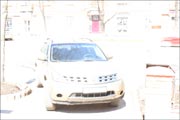

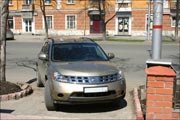
Original Images
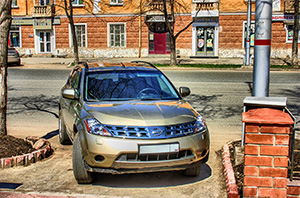
Result
Note: You can download the original photos and try to repeat the example.
-
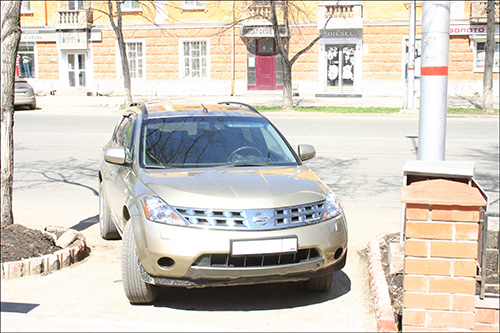
Step 1. Open one of the photos in AliveColors.
-
Step 2. Start the AKVIS HDRFactory plug-in by selecting Effects -> AKVIS -> HDRFactory from the main menu.
Press
 in the Control Panel, select the desired images and click Open. The files will be automatically processed using the default settings in the HDRI tab.
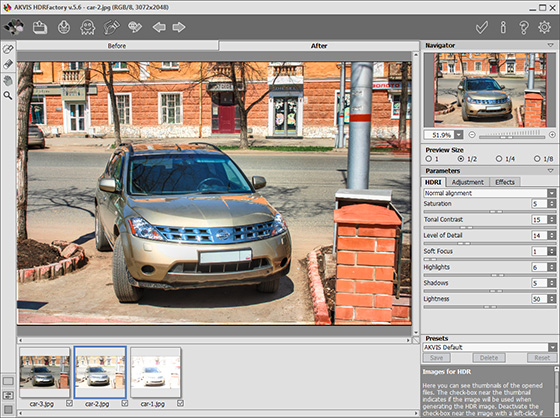
-
Step 3. Adjust the settings to your liking. Some "ghosts" will appear in the resulting image. Get rid of them with the Ghost Removal tool. Choose
 in the Toolbar, and right-click in the image window. Select the source image and paint over the "ghost".
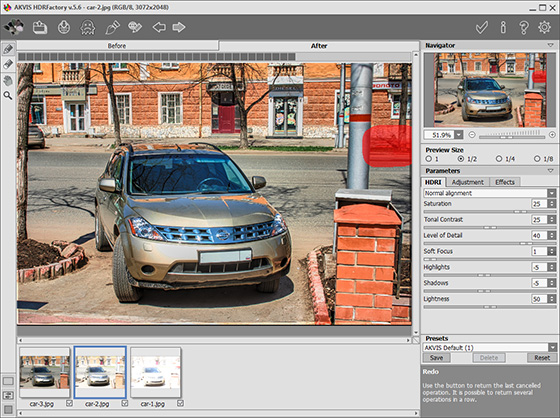
-
Step 4. Switch to the Adjustment and apply the settings to achieve the desired result.
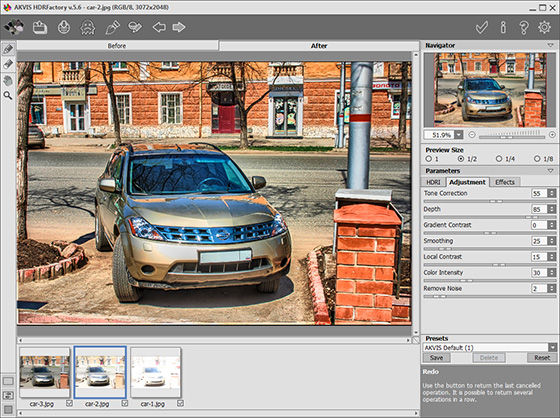
-
Step 5. Press
 to accept the result and return to the graphics editor. Since there was a shift when shooting, the image has got a thin band at the edges during the alignment in HDRI tab. Remove this with the Crop
  tool.
tool.
The result is a very dramatic and expressive picture.
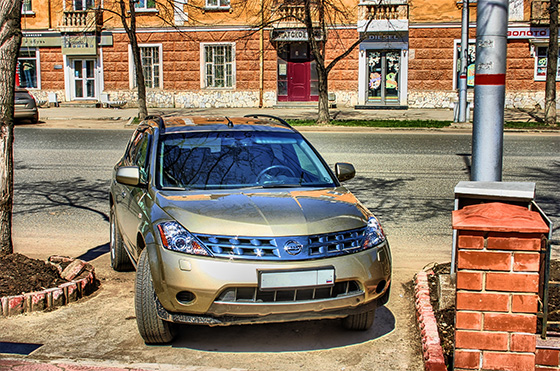
HDRFactory v. 8.1 - Free 10-day Trial
