Summer Twilight: Creating a HDRI Landscape With a Series of Photos
The photos for this tutorial were provided by Johan Jensen, Denmark.
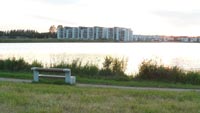
When taking pictures in the late evening you are always confronted with the same problem: all shadows and dimly lit areas appear as one black splotch. Only brightly lit areas are visible (such as the sky or a body of water).
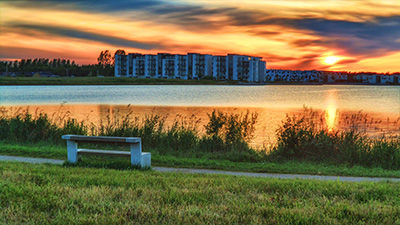
If you want a well-done photo of an evening landscape, take a series of photos at different exposures, and combine them into an HDR Image. To get the best result use AKVIS HDRFactory.
Original images:
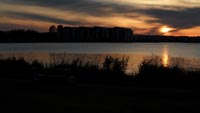
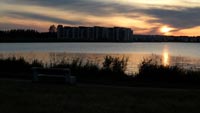
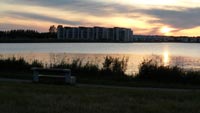
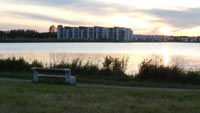
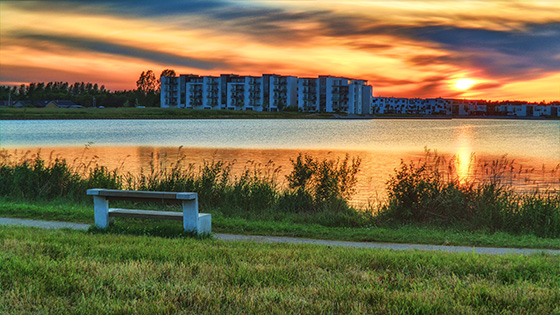
Result:
-
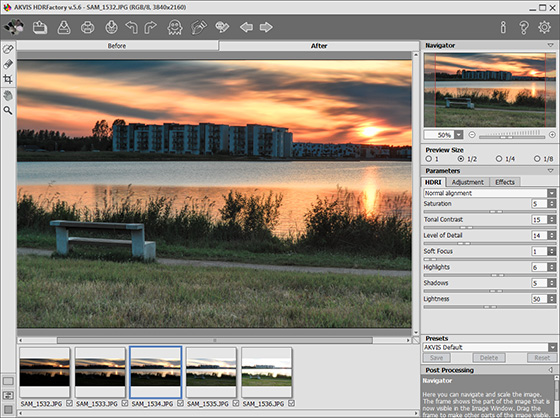
Step 1. Start the stand-alone version of AKVIS HDRFactory. Press the
 button in the Control Panel and choose the desired photos to be used for the HDR image in the pop-up window.
These images will be loaded into the program and processed automatically using the default settings (in this case the AKVIS Default preset). The result will be shown in the After tab.
-
Step 2. If you are not happy with the result of the default settings, change the parameters to obtain the desired effect.
For this tutorial we changed the Post Processing parameters: Brightness = 20, Contrast = 20, and Saturation = 50.
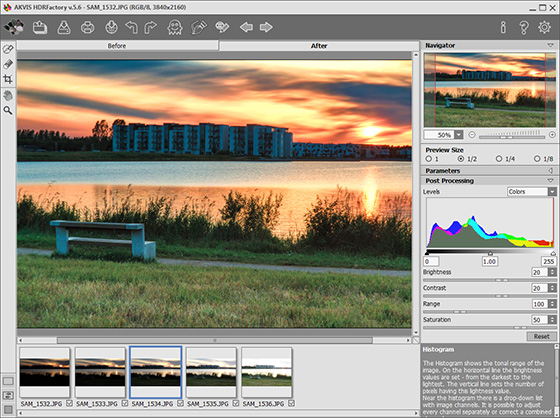
You can also add special effects to the resulting HDR-image in the Adjustment tab.
-
Step 3. In the resulting photograph the sunset looks brighter and more saturated and the black parts show their true details: houses and grass.
Finally, save the image by pressing
 .
.
Note: You can watch a video tutorial made by Johan Jensen here, or download the avi file from here.
Also you can download an archive of the original photos used in this tutorial.
HDRFactory v. 8.1 - Free 10-day Trial
