Interior Design
AKVIS Decorator will help you to choose a suitable interior design for your apartment. You can experiment with the furniture upholstery, with the color of carpets and walls, change the material of the furniture. The changes will take place only on a photo, at the same time the program will also require no more than a digital image.
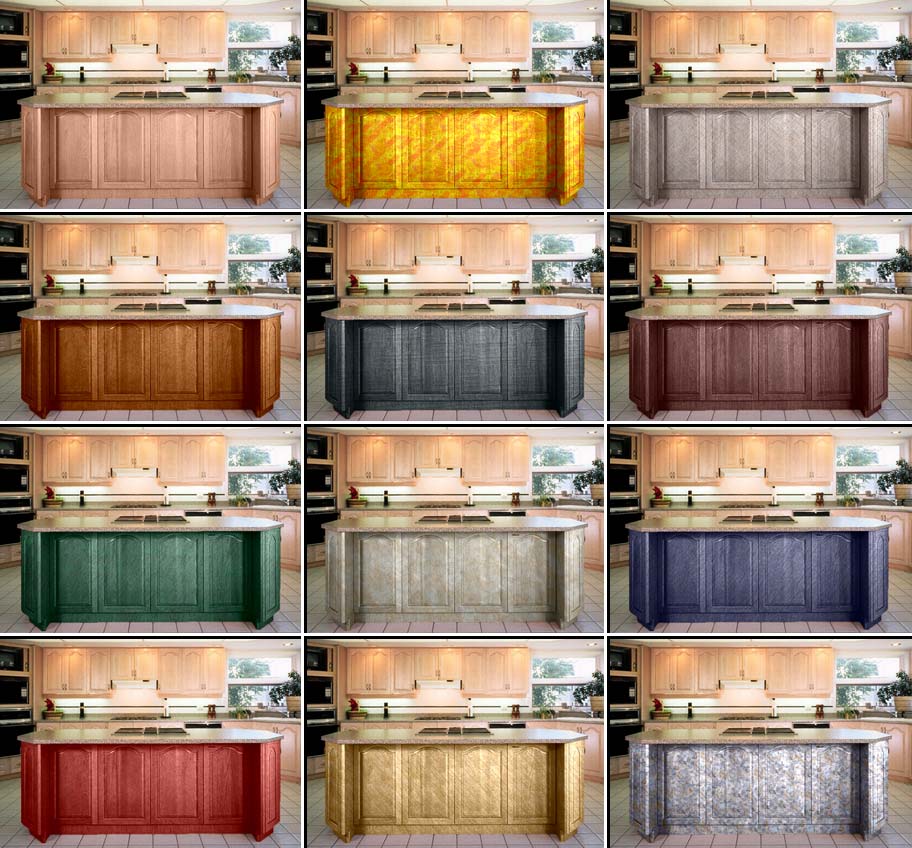
Click the pictire to see a variety of interior designs for the kitchen in a larger window
- Step 1. Open the photo in your photo editor (we use AliveColors). We've chosen a photo of a kitchen. We will try different textures for the front of the bar.
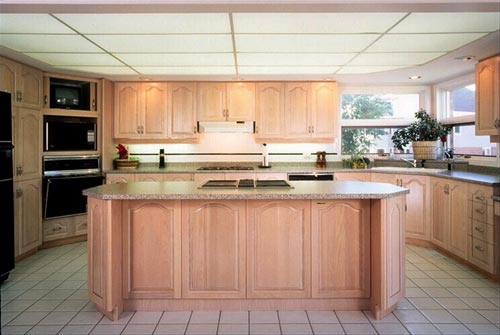
- Step 2. Select the doors of the bar.
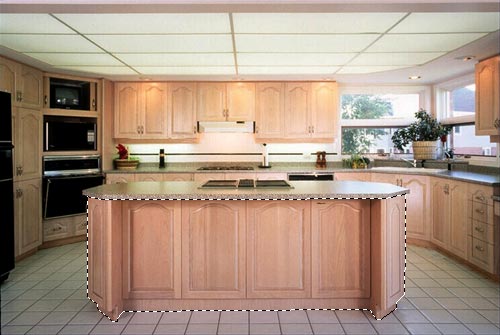
- Step 3. Call the plug-in AKVIS Decorator: Effects -> AKVIS -> Decorator.
- Step 4. Select a texture from the Texture Library.
- Step 5. Press the button
 and see the doors of the bar in a new design.
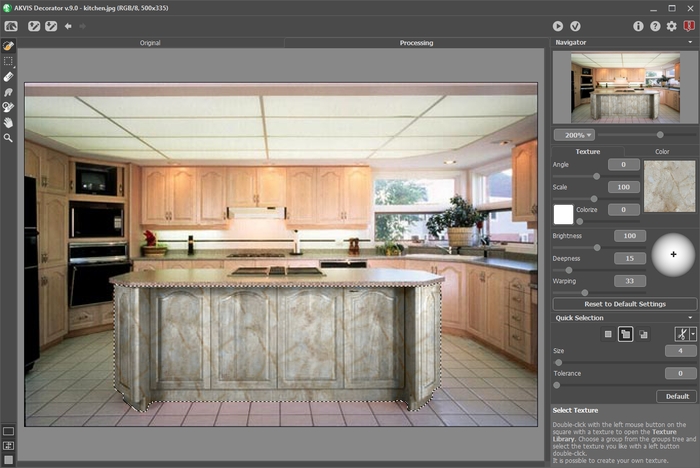
- Step 6. Apply the result by pressing the button
 .
.
- Step 7. Take the original photo once again and start the plug-in AKVIS Decorator. Select a different texture and press the button . This time we have a dark texture.
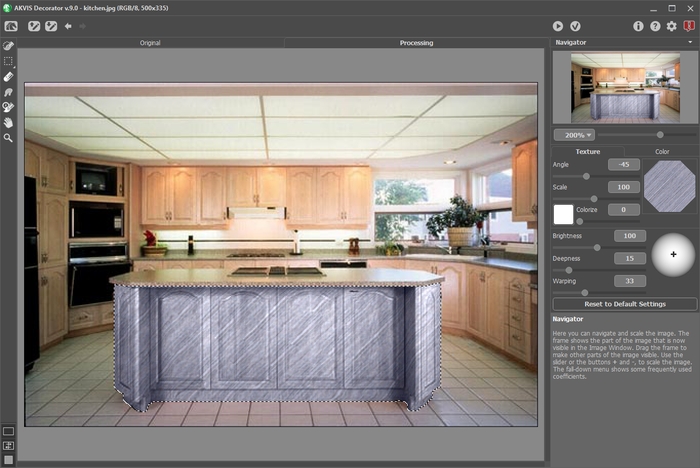
- Step 8. The original color of the bar is light. If we want to get a darker color we should reduce the value of the parameter Brightness.
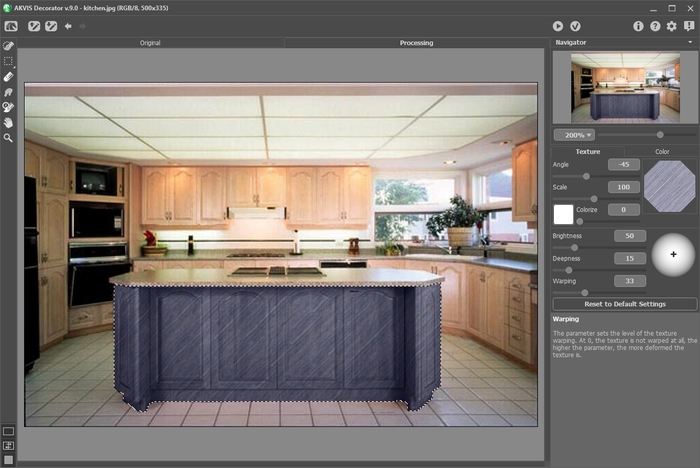
- Step 9. If after applying a texture the carving on the bar became less visible, you should increase the value of the parameter Deepness.
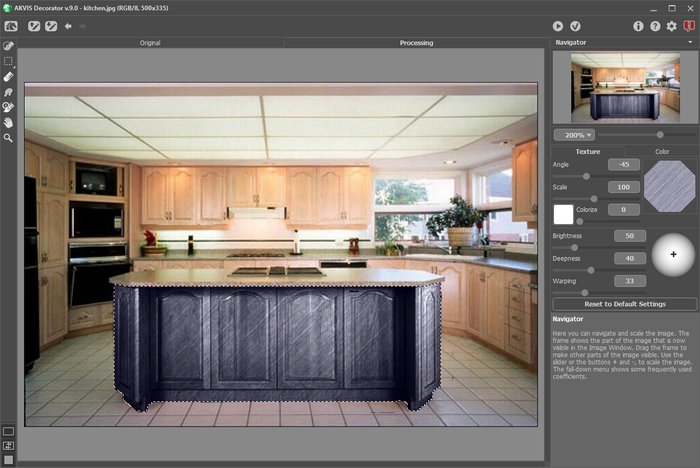
- Step 10. Apply the result by pressing the button .
If you continue, you can get a variety of interior designs for the kitchen.
Decorator v. 9.1 - Free 10-day Trial
