Design de interiores
AKVIS Decorator irá ajudar você a escolher o design adequado para o interior do seu apartamento. Você pode experimentá-lo com a mobília estofada, com a cor de tapetes e paredes, mudando o material da mobília. As mudanças irão tomar apenas o espaço de uma foto, ao mesmo tempo em que o programa não precisa de mais do que uma imagem digital.
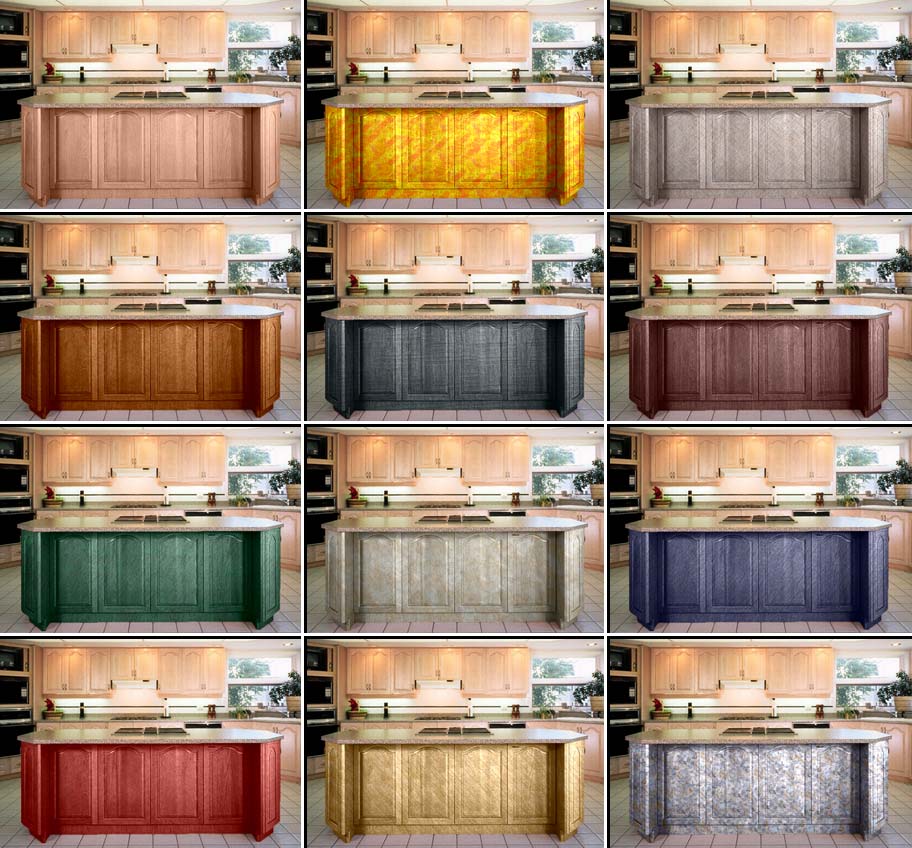
Clique na imagem para ver uma variedade de design de interiores para cozinhas em uma janela ampla
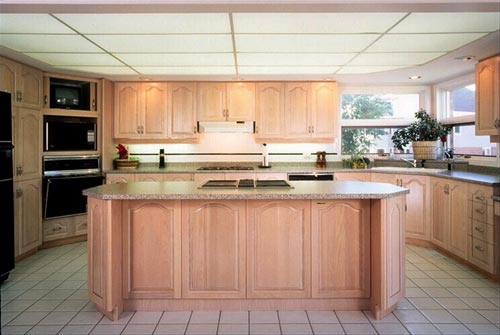
- Passo 1. Abra a imagem em seu editor de fotos (utilizando o AliveColors). Nós escolhemos uma foto da cozinha. Tentaremos diferentes texturas para a frente do bar.
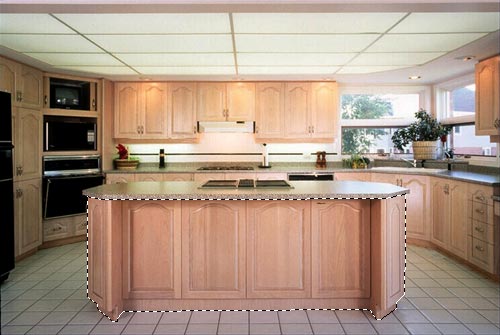
- Passo 2. Selecione as portas do bar.
- Passo 3. Ative o plug-in AKVIS Decorator: Efeitos -> AKVIS -> Decorator.
- Passo 4. Selecione a textura na Biblioteca de textura.
- Passo 5. Aperte o botão
 e veja as portas do bar em um novo design.
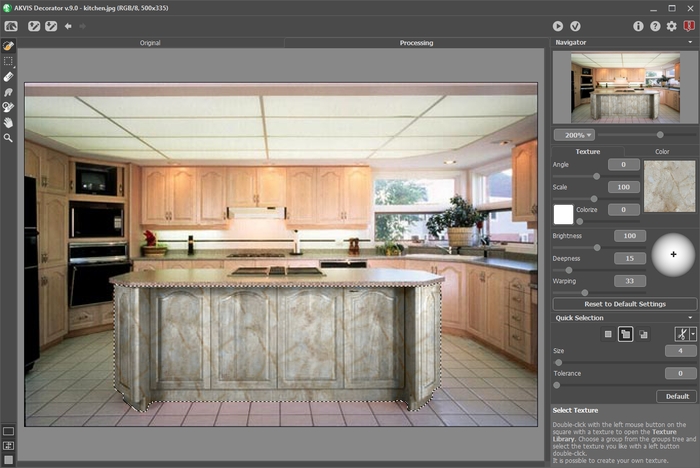
- Passo 6. Aplique o resultado pressionando o botão
 .
.
- Passo 7. Pegue a foto original mais uma vez e inicie o plugin AKVIS Decorator. Escolha uma textura diferente e aperte o botão . Dessa vez teremos uma textura escura.
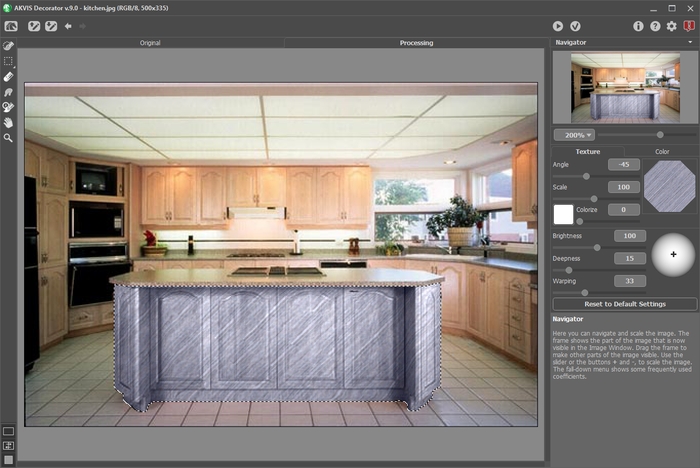
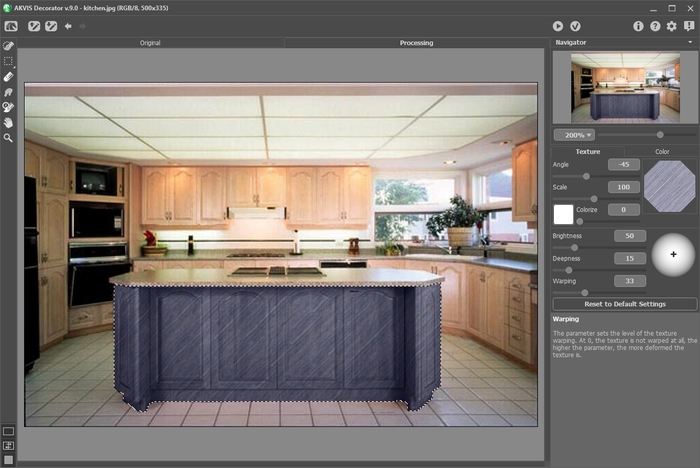
- Passo 8. A cor original do bar é clara. Se quisermos que vá para uma tonalidade escura devemos reduzir o valor do parâmetro Brilho.
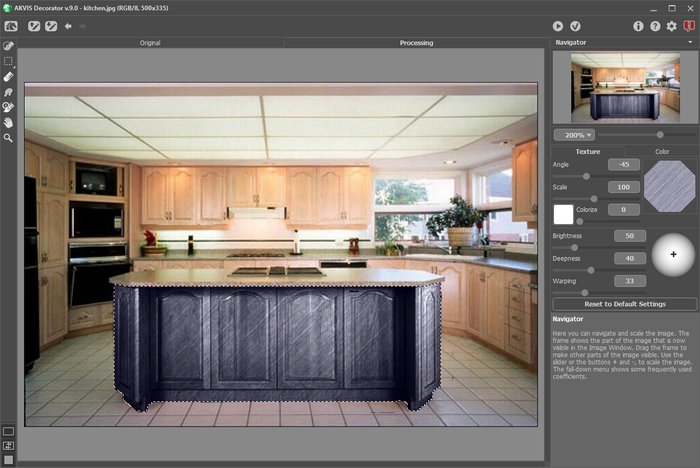
- Passo 9. Se após ter aplicado a textura a escultura do bar se tornar menos visível, você deve aumentar o valor do parâmetro Profundidade.
- Passo 10. Aplique o resultado pressionando o botão .
Se continuar, você pode ter uma variedade de design de interiores para sua cozinha.
Decorator v. 9.1 - Teste gratuito 10 dias
