Examples
Here you will find examples of how to change a texture on an image with AKVIS Decorator.
The plugin applies a texture/color preserving the volume of an object, following its folds and creases. The new pattern looks absolutely natural and makes you see things differently.
Click image to see the tutorial page.
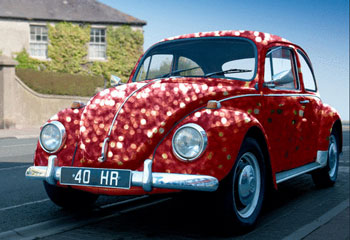 Sparkling Car
 Decorator Gallery
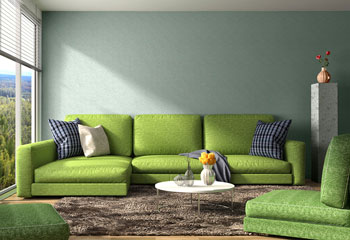 3D Interior Coloring
 Chameleon Tank
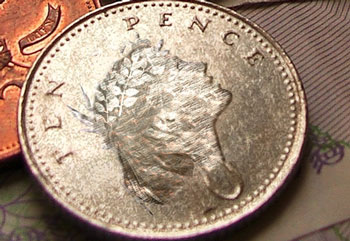 Engraved Coin
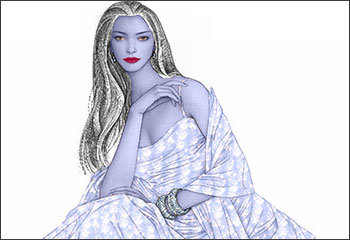 The Snow Queen
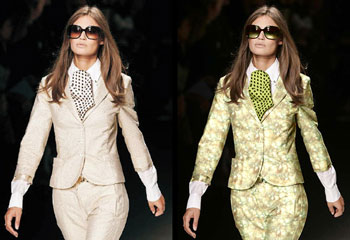 Fashion Show
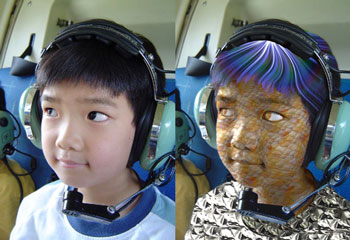 Aliens are Coming
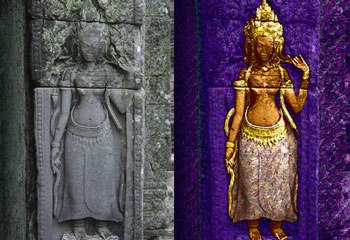 A Cambodian Bas-Relief
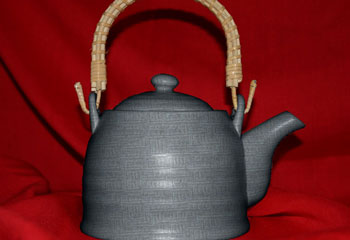 Teapots for Every Taste
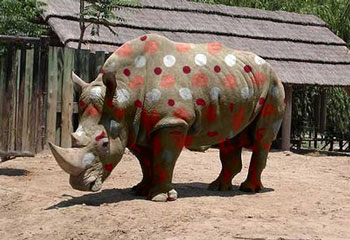 Repainting Animals
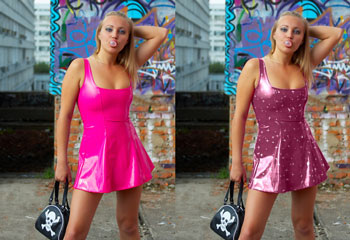 Color and Texture of Clothes
Decorator v. 9.0 - Free 10-day Trial

