Decorate Your Room
The author of this example is Alvaro Salazar Chacon.
AKVIS Decorator can help us to personalize or change the wallpaper of any room.
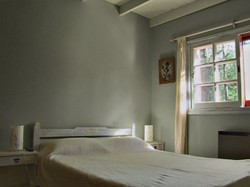
- Step 1. Choose the room's picture you'd like to modify. Open the file with AKVIS Decorator.
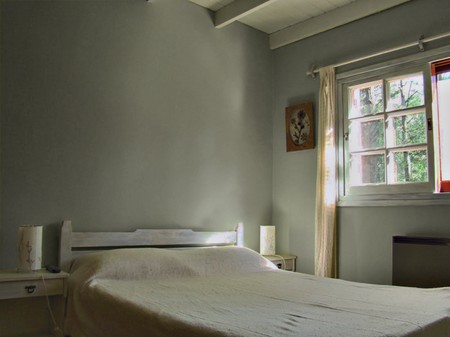
Original Image - Step 2. Define the area of the wall through a selection.
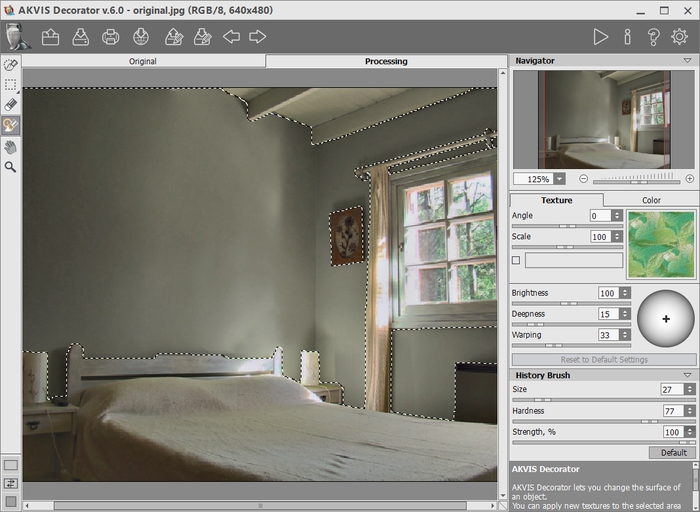
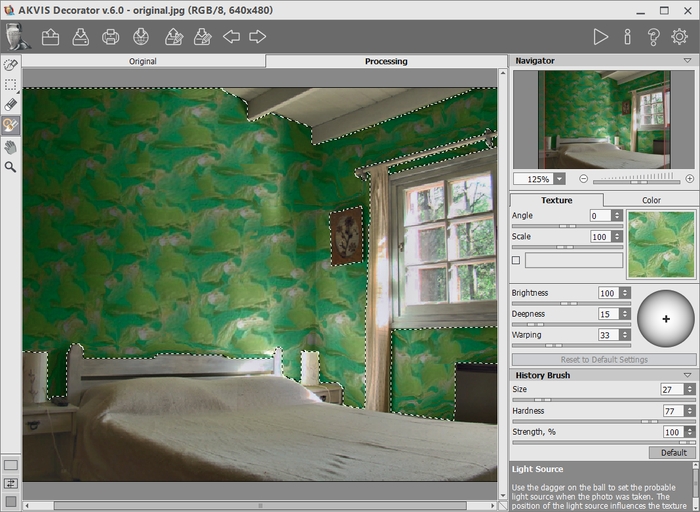
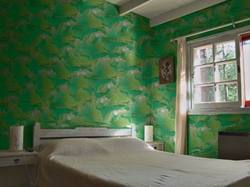
Making a Selection - Step 3. AKVIS Decorator offers you a variety of styles to choose from. In this case, for instance, we are going to choose a flower print wallpaper. Click on
 and you will see the result.
Texture Mapping - Step 4. If you are satisfied with the result, click on
 to save the image.
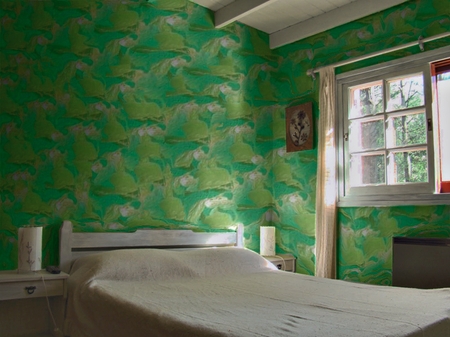
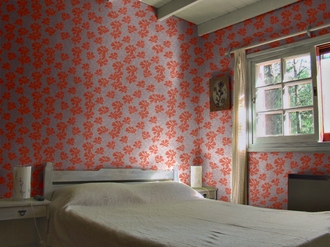
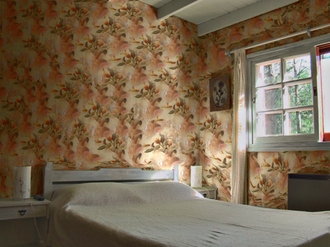
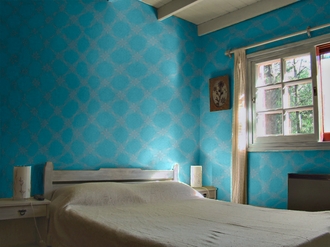
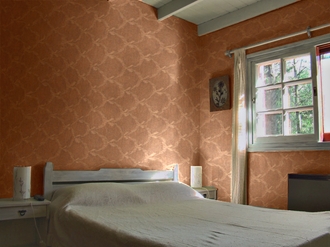
Result - new wallpaperSome examples of using Decorator to apply various textures are shown below.
Decorator v. 9.1 - Free 10-day Trial
