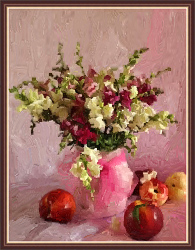
Still Life With Peaches
Still life is a painting genre in which the image is composed of inanimate objects. Subjects in a still life can be - fruit, tableware, household objects, as well as things found in nature but removed from their natural settings, such as a fish on a table, insects, or a bouquet of flowers. Still life can be made in different styles (realistic, decorative, modern) using various techniques (watercolor, oil, pastel, digital). Floral still lifes - garlands and bouquets - are often complemented with items arranged on a table.
The following tutorial shows how AKVIS ArtWork can be used to turn a photograph into a classic still life.
-
Step 1. Open the image in AKVIS ArtWork.
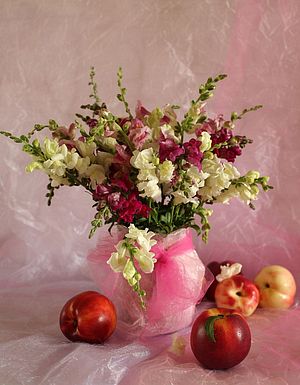
Original Photo -
Step 2. The preview window will show how the image will appear using various presets, making it easier to choose the best one. We chose the AKVIS Light Strokes preset, in order to not roughen detail and make the paint appear more fluid.
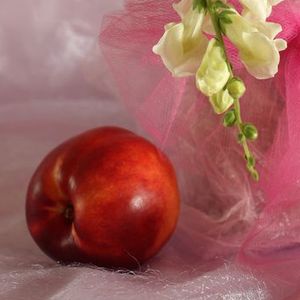
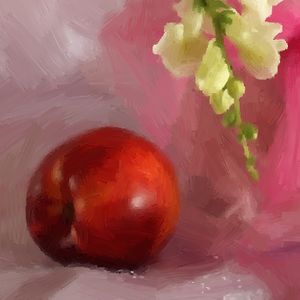
Fragment of the image in the preview windowPress the
 to begin processing the image.
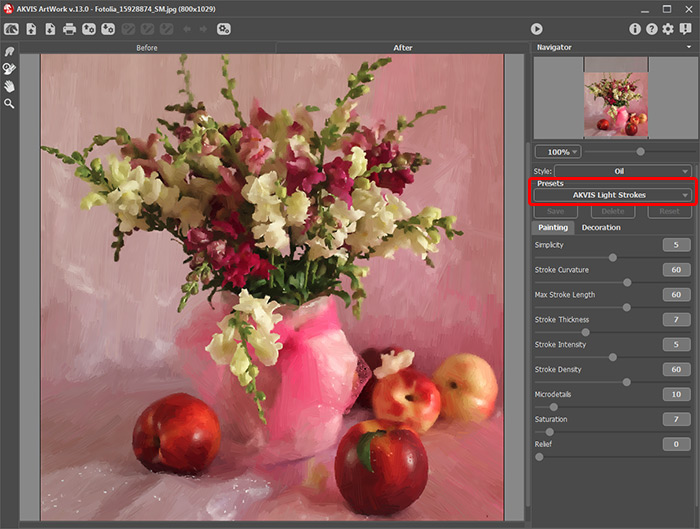
-
Step 3. The strokes which make up the background, do not fall in an orderly direction, but you can fix this Stroke Direction
 tool. The correct stroke direction is shown with lines:
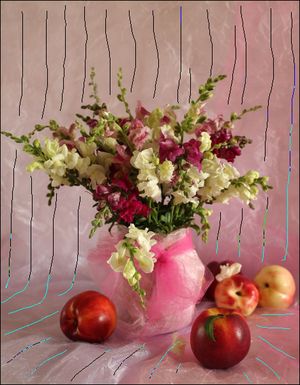
Guiding Lines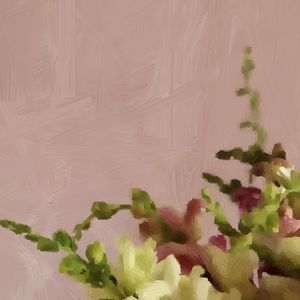
Randomly arranged strokes in the painting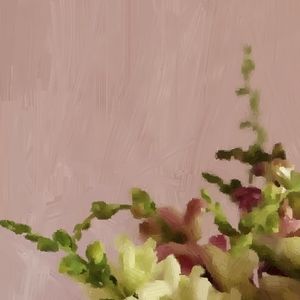
Strokes arranged verticallyReprocess the image
and save it  .
.
-
Step 4. For more colorful strokes open the image that was just saved and process it using other settings (for example, the AKVIS Dry Brush preset).
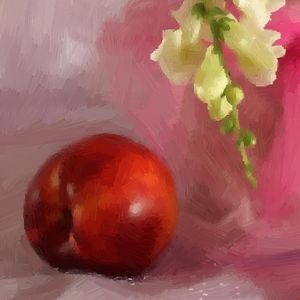
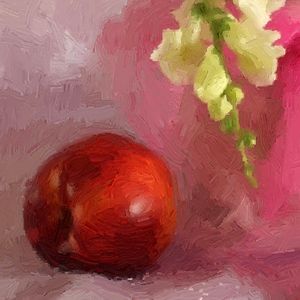
Part of the image in the preview windowPress
to begin processing.
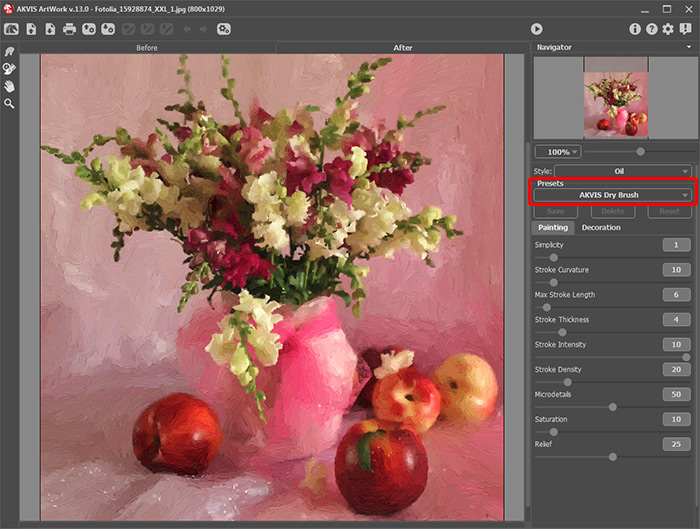
Result after reprocessing in ArtWorkSave the image
. Now the painting is complete:
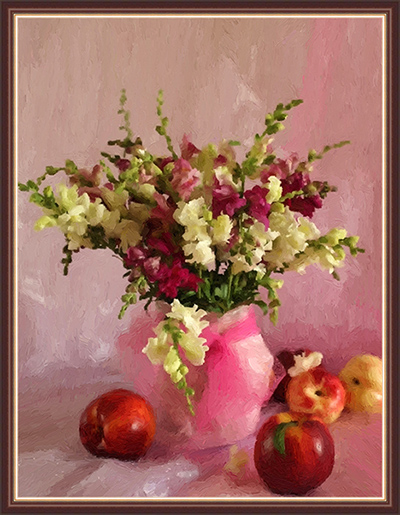
Still Life With Peaches

ArtWork v. 15.1 - 10日間の評価期間
