Graphic software for Windows Mac graphic software  
Please enter your email to be kept posted on updates and discounts:
 
  
  Products     Download     Online Store     Tutorial     Support     About Company
en  fr  de  es  pt  it  jp  ru    
 

Tutorial: AKVIS LightShop

PhotonSpikeBall


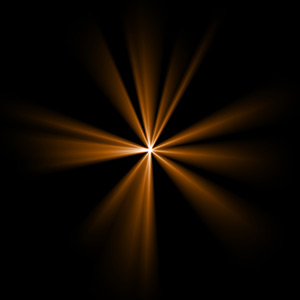
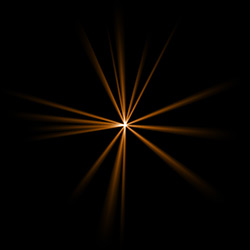
PhotonSpikeBall is an element in a form of beams of light coming out of a single center.

Preview of the element PhotonSpikeBall

The Color of the PhotonSpikeBall is set on a gradient line that has two white sliders initially. The left slider represents the color in the center of the element, the right slider - the edge color, with soft transitions between them.

To change a slider color you should double-click on it with the left mouse button and choose a color from the Standard color selection dialog box. You can add an infinite number of intermediate sliders and set a color to each of them.

Color selection

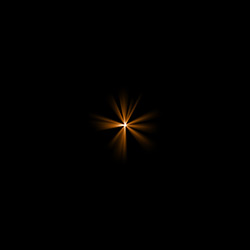
The Size parameter sets the size of PhotonSpikeBall element as a percentage of the minimal image size, so that the element applied to the image at 100% Size would fit in.
Size = 40% Size = 100%

The Opacity parameter sets the opacity level of the light effect. The default value of the parameter is 100% that corresponds to a solid PhotonSpikeBall element. The less is the parameter value the more transparent the element would be. With Opacity =0% the element is completely transparent.
Opacity = 50% Opacity = 100%

The Rays count parameter sets the number of rays in the element.
Rays count = 15 Rays count = 70

The Random size sets the spikes length diapason. With the diapason set to zero all spikes have the same maximum size. When Random size is 50% the length randomly varies between the half and the whole length. With Random Size at 100% the length of the spikes randomly varies between the zero and the whole length.
Random size = 0% Random size = 95%

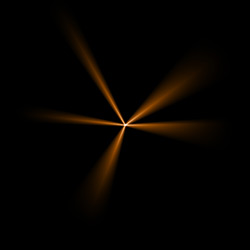
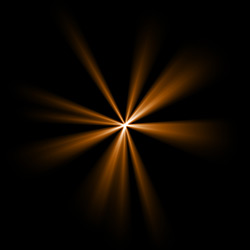
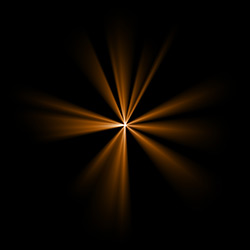
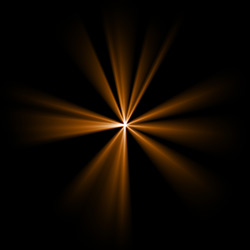
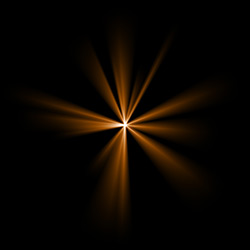
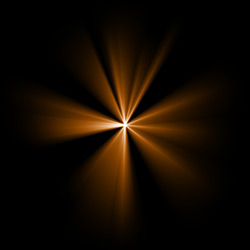
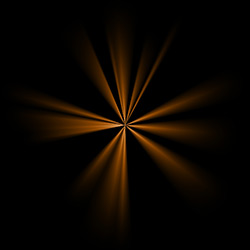
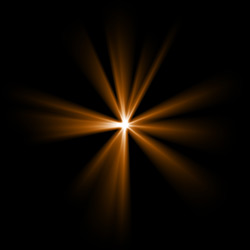
The Random seed is the starting number for the random-number generator. This parameter is set within the range of 0 to 9999; every number produces a unique distribution of rayss within the element.
Random seed = 1084 Random seed = 2897 Random seed = 7564

 
How It Works How It Works
   — Workspace — Workspace
   — Applying a Light Effect — Applying a Light Effect
   — Editing Light Effects — Editing Light Effects
   — Creating new light effects — Creating new light effects
   — Common parameters — Common parameters
   — Options — Options
Elements and Their Parameters Elements and Their Parameters
   — Blob — Blob
   — Ring — Ring
   — Rays — Rays
   — Stripe — Stripe
   — Particles — Particles
   — SpikeBall — SpikeBall
   — PolySpikeBall — PolySpikeBall
   — PhotonSpikeBall — PhotonSpikeBall
Modifiers Modifiers
   — Scale — Scale
   — Rotate — Rotate
   — Move — Move
   — Flower — Flower
   — Star — Star
   — Whirlpool — Whirlpool
   — MaskSector — MaskSector
   — Fractal — Fractal
   — Inferno — Inferno
Examples Examples
   — Thunder and Lightning — Thunder and Lightning
   — Firework over the City — Firework over the City
   — Rooster constellation — Rooster constellation
   — Fantastic cocktail — Fantastic cocktail
   — Snow Bursts (Greeting Card) — Snow Bursts (Greeting Card)
   — A fire in a castle — A fire in a castle


   Privacy Policy | Site Map | Search | English  | Français  | Deutsch  | Español  | Português  | Italiano  | 日本語  | Pусский  | © 2004-2008, AKVIS Software Inc. All rights reserved.