Graphic software for Windows Mac graphic software  
Please enter your email to be kept posted on updates and discounts:
 
  
  Products     Download     Online Store     Tutorial     Support     About Company
en  fr  de  es  pt  it  jp  ru    
 

Tutorial: AKVIS LightShop

Examples


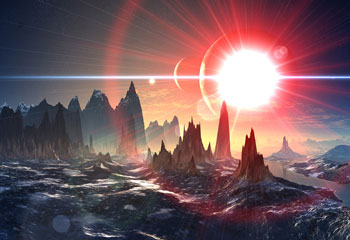
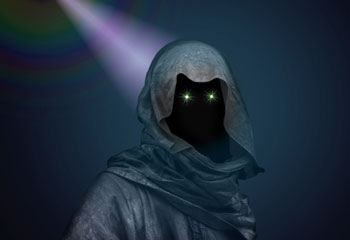
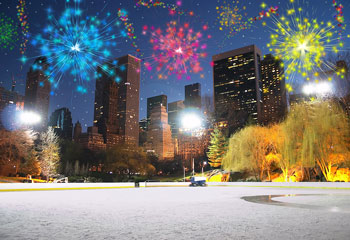
Learn how to create amazing light effects with AKVIS LightShop.

Some of the examples are sent by our users. Their efforts are appreciated and rewarded with free licenses.
You have a good chance to get a free license to the program. Send us your own example of how you used AKVIS LightShop (see our requirements).


Click to view in detail Click to view in detail Click to view in detail Click to view in detail Click to view in detail
 
How It Works How It Works
   — Workspace — Workspace
   — Applying a Light Effect — Applying a Light Effect
   — Editing Light Effects — Editing Light Effects
   — Creating new light effects — Creating new light effects
   — Common parameters — Common parameters
   — Options — Options
Elements and Their Parameters Elements and Their Parameters
   — Blob — Blob
   — Ring — Ring
   — Rays — Rays
   — Stripe — Stripe
   — Particles — Particles
   — SpikeBall — SpikeBall
   — PolySpikeBall — PolySpikeBall
   — PhotonSpikeBall — PhotonSpikeBall
Modifiers Modifiers
   — Scale — Scale
   — Rotate — Rotate
   — Move — Move
   — Flower — Flower
   — Star — Star
   — Whirlpool — Whirlpool
   — MaskSector — MaskSector
   — Fractal — Fractal
   — Inferno — Inferno
Examples Examples
   — Thunder and Lightning — Thunder and Lightning
   — Firework over the City — Firework over the City
   — Rooster constellation — Rooster constellation
   — Fantastic cocktail — Fantastic cocktail
   — Snow Bursts (Greeting Card) — Snow Bursts (Greeting Card)
   — A fire in a castle — A fire in a castle


   Privacy Policy | Site Map | Search | English  | Français  | Deutsch  | Español  | Português  | Italiano  | 日本語  | Pусский  | © 2004-2008, AKVIS Software Inc. All rights reserved.