Light Effects Elements: Ring
Ring is a light element in the shape of a ring.
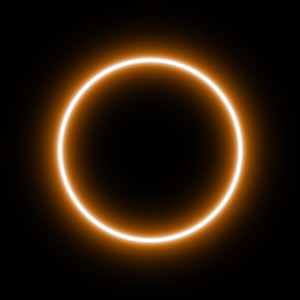
You can transform the light effect using the tool  . In the Element Properties panel you can change the Position & Size and Color for the element.
You can also adjust the special parameters of Ring:
-
Ring Width (1-100). The parameter changes the width of the ring.
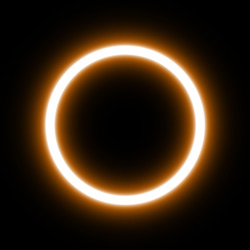
Ring Width = 5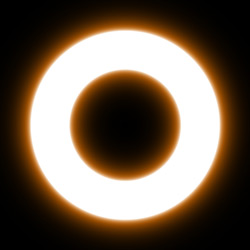
Ring Width = 25 -
Halo Width (1-100). Increasing the value of the parameter increases the area of the halo around the ring.
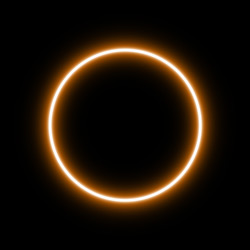
Halo Width = 10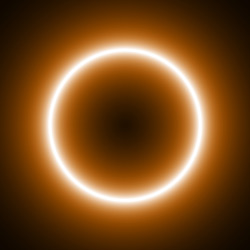
Halo Width = 50 -
Strength (5-75). The parameter changes the brightness of the halo and affects the softness of the element's edges.
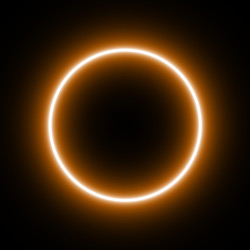
Strength = 10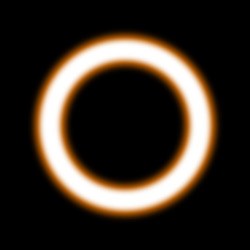
Strength = 40
LightShop v. 8.0 - Free 10-day Trial

