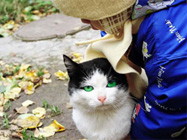
Occhi espressivi di un gatto
L'esempio è stato creato da S.I Serikov.
È possibile utilizzare AKVIS Coloriage AI per creare anche foto originali di animali.
Procederemo accentuando il rosa del naso e rendendo gli occhi di questo gatto più espressivi con un colore brillante.
-
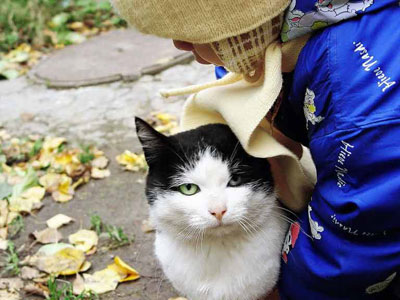
Passaggio 1. Aprire la foto originale.
-
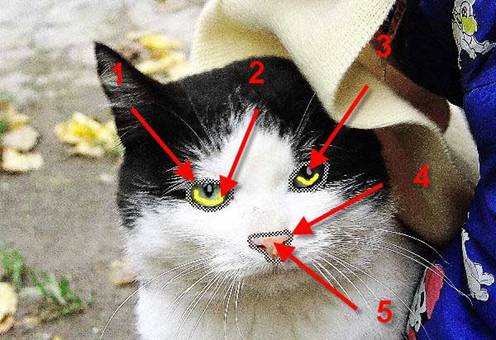
Passaggio 2. Tracciare il contorno di entrambi gli occhi con la Matita conserva colore
 (freccia 1), disegnare alcuni tratti al loro interno con lo strumento Matita
  (freccia 2) e dei punti di grigio chiaro sulle pupille (freccia 3).
Continuare delineando il naso con la Matita conserva colore
(freccia 4) e disegnando al suo interno pochi tratti con lo strumento Matita (freccia 5). Scegliere il colore appropriato dalla Libreria colori selezionandolo dalla cartella Pelle. La linea verticale non raggiunge il bordo sinistro del naso di proposito, perché questo creerà una transizione fluida del colore.
-
Passaggio 3. Premere su
 per avviare il processo di colorazione. Se il risultato non è soddisfacente, tornare alla scheda Prima e modificare il colore utilizzando lo strumento Tubetto
  .
.
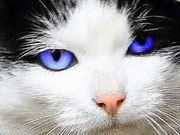
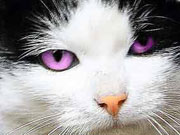
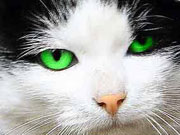
Qui di seguito ecco due versioni di correzione del colore.
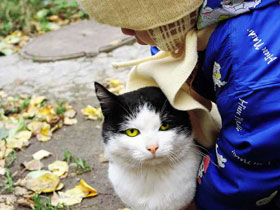
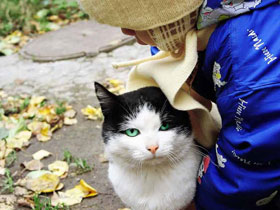
È possibile provare diverse tonalità, anche quelle più esotiche.
Coloriage AI v. 15.7 - 10-giorni di prova gratuita
