L'allegria dei colori - sfondo a mosaico
Per risollevare l’umore basta aggiungere un po’ d’allegria ai colori monotoni ed ammirare il mondo che cambia.
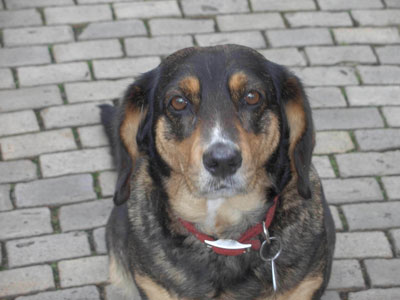
Qui abbiamo la foto di un bel cane di Dresda inviataci da Victor Novikov. Il cane è carino, ma lo sfondo è un po’ malinconico, ecco perché trasformeremo il marciapiede in un luminoso mosaico multicolore.
-
Passaggio 1. Aprire la foto del cane in AKVIS Coloriage AI e passare alla modalità Classica.
-
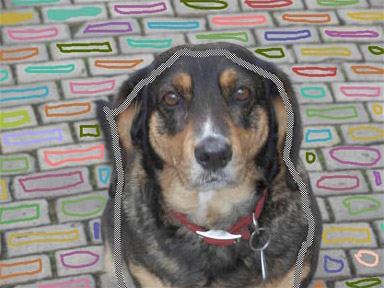
Passaggio 2. Per trasformare questo marciapiede in un mosaico colorato usare lo strumento Matita
 ed assegnare un colore ad ogni mattonella. E’ possibile anche disegnare i contorni con un unico colore e utilizzare poi lo strumento Tubetto
  per ricolorare i tratti con la tinta preferita.
-
Passaggio 3. Utilizzare la Matita conserva colore
 per tracciare il contorno interno del cane in modo che mantenga i suoi colori.
-
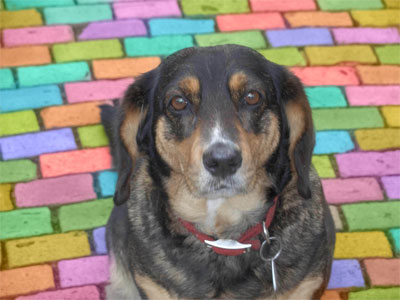
Passaggio 4. Premere su
 e la malinconica pavimentazione si trasformerà come d’incanto in uno sfondo multicolore.


Coloriage AI v. 15.7 - 10-giorni di prova gratuita
