Creare uno sfondo multicolore
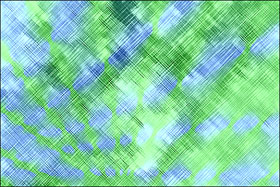
Le istruzioni riportate sotto vi mostreranno come trasformare un'immagine astratta in uno sfondo multicolore. È possibile utilizzare questa tecnica per creare lo sfondo di un biglietto d’auguri o la cover di un CD.
Abbiamo scelto un’immagine astratta in bianco e nero ma si può utilizzare anche una foto a colori.
-
Passaggio 1. Aprire l'immagine nell’editor di foto e lanciare il plugin AKVIS Coloriage AI.

-
Passaggio 2. Utilizzare lo strumento Matita
 per disegnare alcuni tratti colorati che potrebbero essere linee rette, punti, cerchi, ecc…lasciate correre la vostra immaginazione.
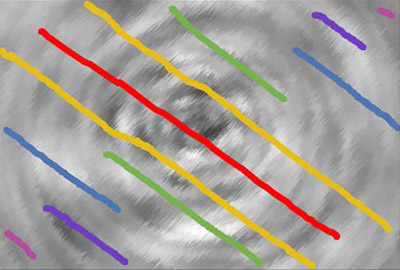
-
Passaggio 3. Avviare il processo di colorazione premendo su
 .
.

-
Passaggio 4. Applicare il risultato premendo su
 .
.


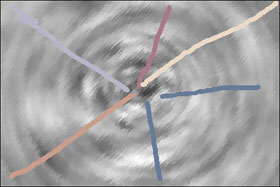
Qui sotto si può vedere un’altra variante di colorazione: a sinistra i tratti, a destra il risultato.

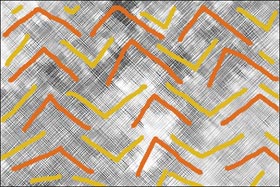
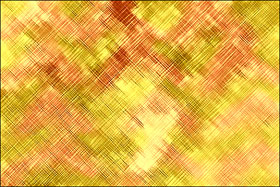
Di seguito altre immagini astratte colorate con AKVIS Coloriage AI: a sinistra l'immagine originale con i tratti, a destra il risultato.

Coloriage AI v. 15.7 - 10-giorni di prova gratuita
