Colora i tuoi ricordi
Questo esempio è stato realizzato nella modalità Classica di AKVIS Coloriage AI . In alternativa, è possibile utilizzare la modalità AI.
Potete colorare questa foto voi stessi, usando i materiali che vi forniamo. Scaricare il file che contiene l'immagine originale ed il file con i tratti (*.strokes). Leggere le istruzione per imparare ad utilizzare i file .strokes con AKVIS Coloriage AI.

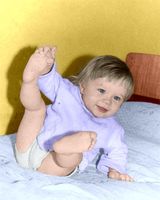
Questa immagine è stata scattata in un periodo in cui la foto a colori non era così diffusa, mentre quella in B&N era alla portata di tutti.
Tuttavia, la foto in B&N non può trasmettere l'atmosfera di quel tempo: il colore della tappezzeria su cui è stato dipinto il tuo primo disegno, i colori della copertina preferita e l'orsacchiotto tanto amato.
Ora è possibile prendere la foto dei ricordi, in B&N, e aggiungere colore utilizzando la memoria con l’aiuto di AKVIS Coloriage AI.
-
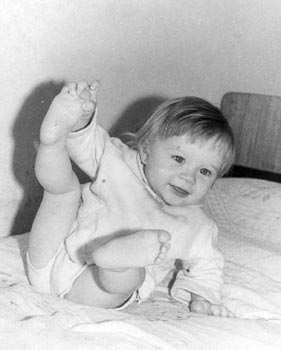
Passaggio 1. Aprire la foto.
-
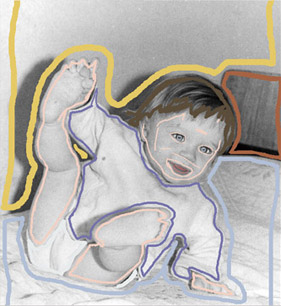
Passaggio 2. Nella modalità Classica disegnare un profilo all'interno di ogni oggetto con il colore scelto per esso.
-
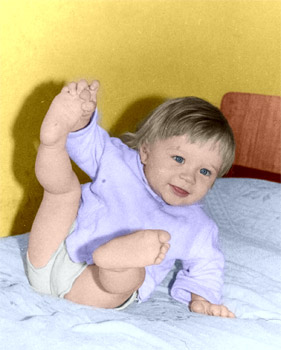
Passaggio 3. Avviare il processo di colorazione premendo su
 , il risultato verrà mostrato nella scheda Dopo.
Coloriage AI v. 15.7 - 10-giorni di prova gratuita
