Felices Pascuas!
El Domingo de Pascua o la Pascua es una importante fiesta de la primavera. Los cristianos la han celebrado durante más de 2000 años. Con el tiempo muchas de las costumbres han sido adoptadas en cumplimiento de esta fiesta: los huevos pintados, el cocinar comidas especiales, los intercambios de regalos, como: ramos de hermosas flores de primavera o dulces, etc. Vamos a intentar hacer una tarjeta especial con un tema de Pascua.
Los plugins de AKVIS Chameleon y AKVIS LightShop se utilizaron para este tutorial. Se usó el editor de gráficos AliveColors, pero también es posible utilizar cualquier otro editor de gráficos que sea compatible con los plugins de AKVIS.

-
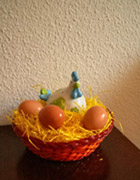
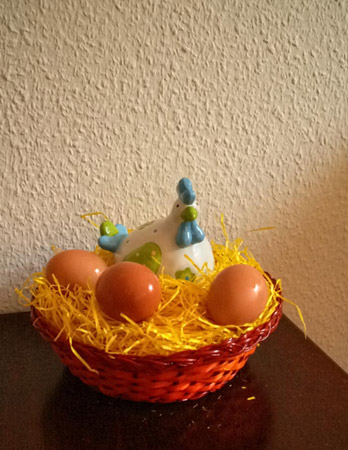
Paso 1. Un símbolo común de la Pascua es pintar los huevos de la gallina. Por lo que, en primer lugar hay que encontrar una imagen adecuada para los huevos.
-
Paso 2. Realice una selección de la canasta con la gallina y los huevos.
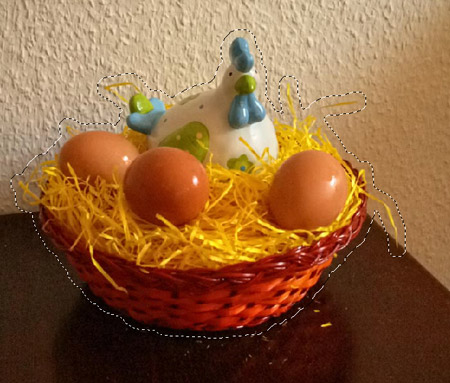
Después copie el fragmento en el búfer: en el menú principal seleccione Effects -> AKVIS -> Chameleon - Grab Fragment.
-
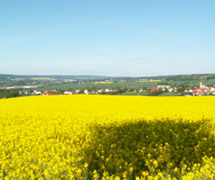
Paso 3. Seleccione una imagen para el fondo: algo brillante y colorida. Por ejemplo, esta:
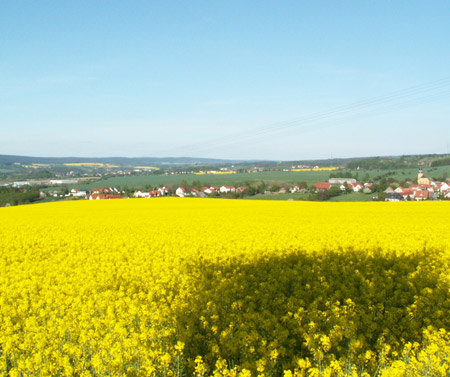
-
Paso 4. Seleccione Effects -> AKVIS -> Chameleon - Make Collage desde el menú principal. Se abre la ventana de AKVIS Chameleon plugins. El fondo elegido aparece en la ventana de la imagen, junto con el fragmento seleccionado previamente.
Modo de Montaje se elige de forma predeterminada en el Panel de ajustes. Este es el modo que se utilizará para este tutorial.
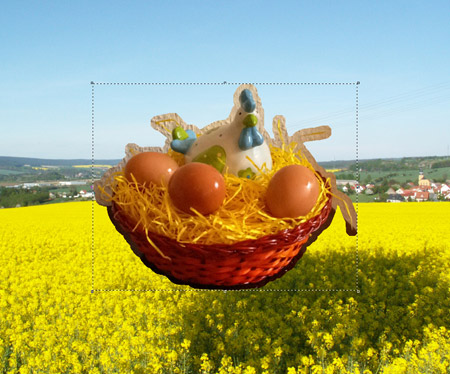
-
Paso 5. El fragmento es demasiado grande para el fondo. Utilice el Transformar
 para cambiar el tamaño del fragmento (un 75%), muévalo a la esquina inferior derecha.
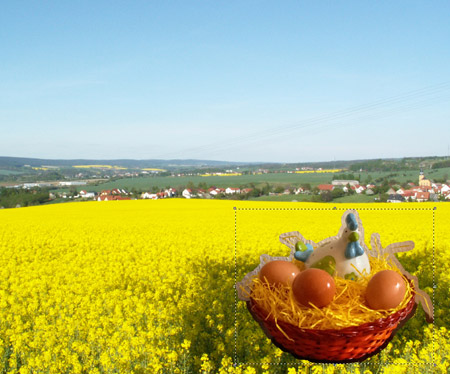
-
Paso 6. Seleccione la herramienta Conservar área
 y dibuje sólo dentro de los bordes de la cesta, los huevos y la gallina. Seleccione la herramienta Eliminar área
  y dibuje un contorno alrededor de la cesta, los huevos y la gallina.
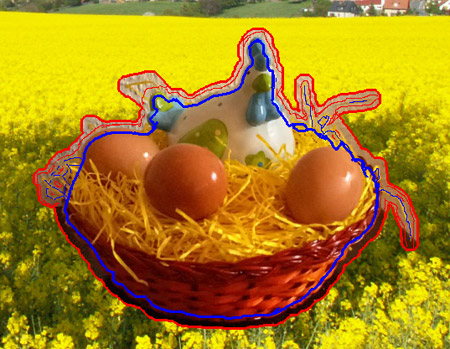
-
Paso 7. Presione
 para el procesamiento del collage. El resultado se mostrará en la pestaña Después.
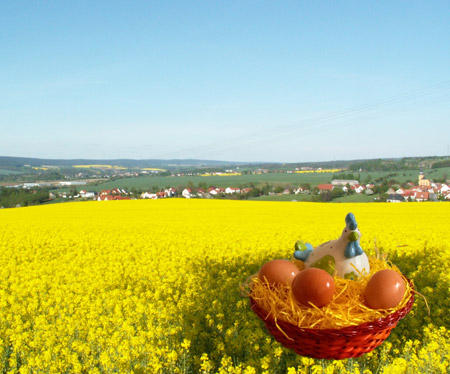
Pulse
 para aplicar los cambios en la imagen, que luego serán devueltos al editor de gráficos.
-
Paso 8. Como se puede ver, el cielo en la imagen es brillante y soleado, pero el sol no es visible. Vamos a añadir el AKVIS LightShop plugin.
Seleccione Effects -> AKVIS -> LightShop desde el menú principal. Elija el Efecto apropiado (elegimos 053) y ajuste su configuración para crear un sol de primavera.
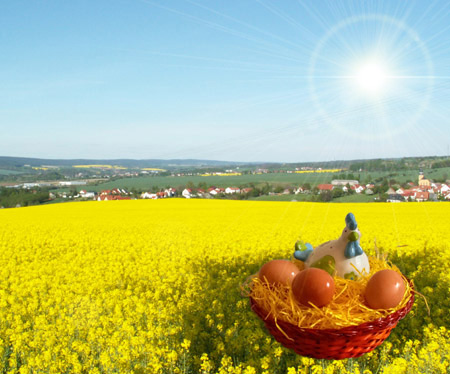
-
Paso 9. Añada un poco de texto (usamos la fuente Hobo Std) y la tarjeta está lista.

Chameleon v. 12.2 - Prueba gratuita de 10 días
