Digital Photo ABC: Final Processing of Photos
No matter how good the photos are on your memory card, they almost always need some computer processing. The main reason for going digital is not to save on film. There is a better advantage to it: prepress computer processing of photos. By denying ourselves the pleasure of using graphics editor tools, we miss out on half of the digital photography creative process.
Color correction – photos often happen to not correlate to reality: color rendition of most cheap amateur cameras leaves much to be desired. But there are a lot of tools able to do away with such defects in Photoshop. For example, you can adjust color balance through Image – Adjustment – Levels menu; widen their range considerably and increase brightness and saturation. The Color Balance menu entry lets you change the correlation of different colors. This can be very helpful in correcting wrong white balance or restoring old scanned photos.
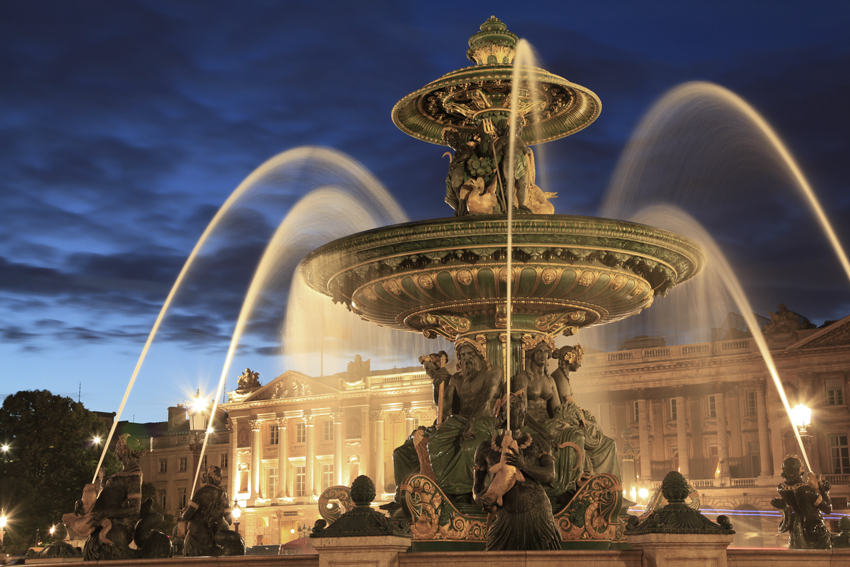
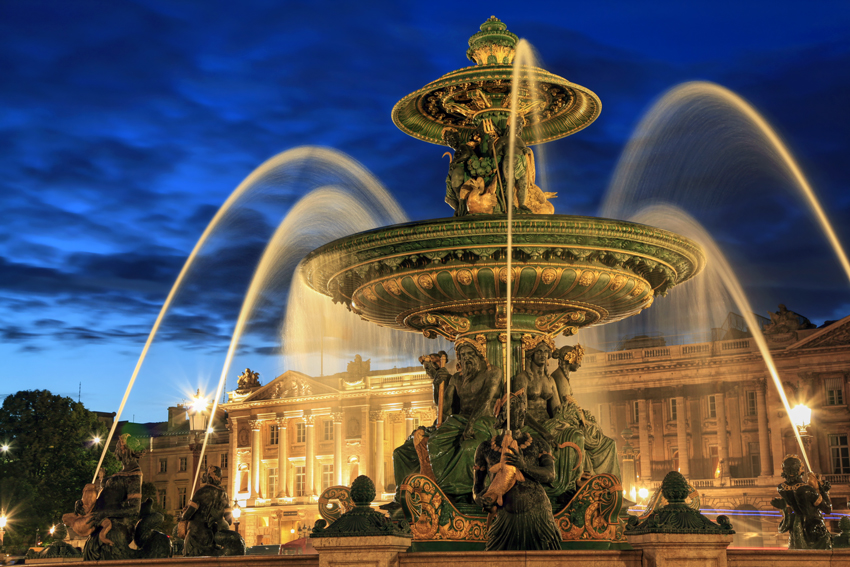
Applying filters and third-party plugins in Photoshop is a separate topic for a big series of articles. But you can't omit filters when processing photos. With the Blur filter we can hide noise in photos or smooth grain in pictures shot at high ISO speed. But the main filter function is to make a striking photo out of a poor-quality one. If, for example, your photo turned out to be blurred and you are not able to correct it, you can create a striking picture by pressing Filter – Distort – Glass menu entry. Now the blurred boundaries won't be seen and the object will be put behind ribbed glass as if it were covered with it. By experimenting with the settings you'd be able to change the look of the glass. But this example is only a small part of what can be done with filters. Even more creative freedom is provided by various plugins (for example, by AKVIS) that allow you to stylize or transform a photo.

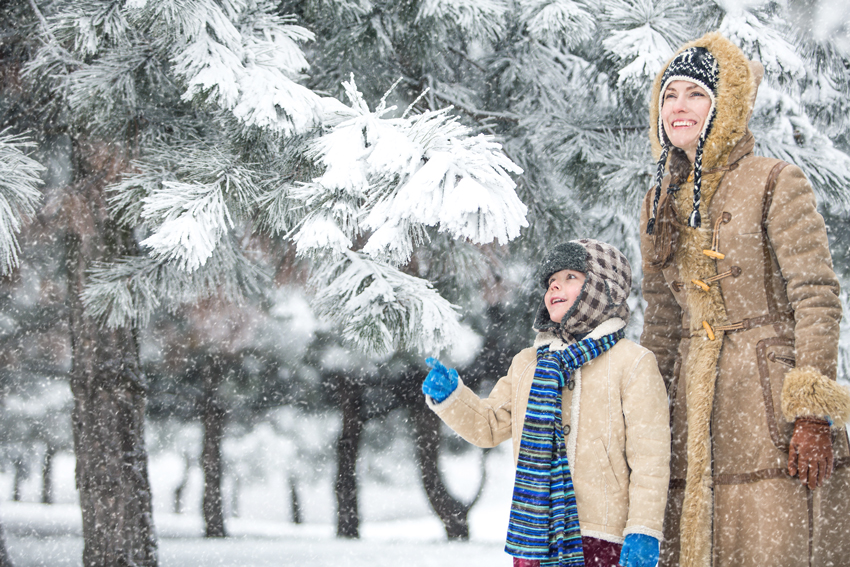
Montage is one of the most popular kinds of photo enhancement. Two or three simple operations in any graphics editor can help you to put your beloved daughter on a real tiger or send your whole family to the Canary Islands. Such playing with photos won't add you any health as the south sun could have done, but the effect would be impressive nevertheless. Montage is applicable not only to photos though (when one of them works as a background to the other). Most creative pictures are made of real photos put together with objects drawn by hand. Try to draw something in your photos; it can come out very nicely.

Editing picture boundaries after framing - it often happens that after extensive cropping on one side the picture's proportions are spoiled and it becomes poor. When editing your pictures, try not to make them long and narrow – they'd look unnatural.