Unnötige Details entfernen
Der Autor des Tutorials ist Silvano Dotti. Silvano erklärt, wie man ein Bild mit dem Plugin AKVIS Retoucher AI in Photoshop Elements wiederherstellen kann.
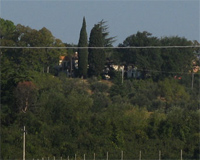
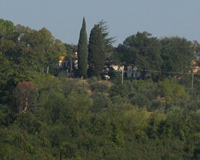
Silvano Dotti schreibt:
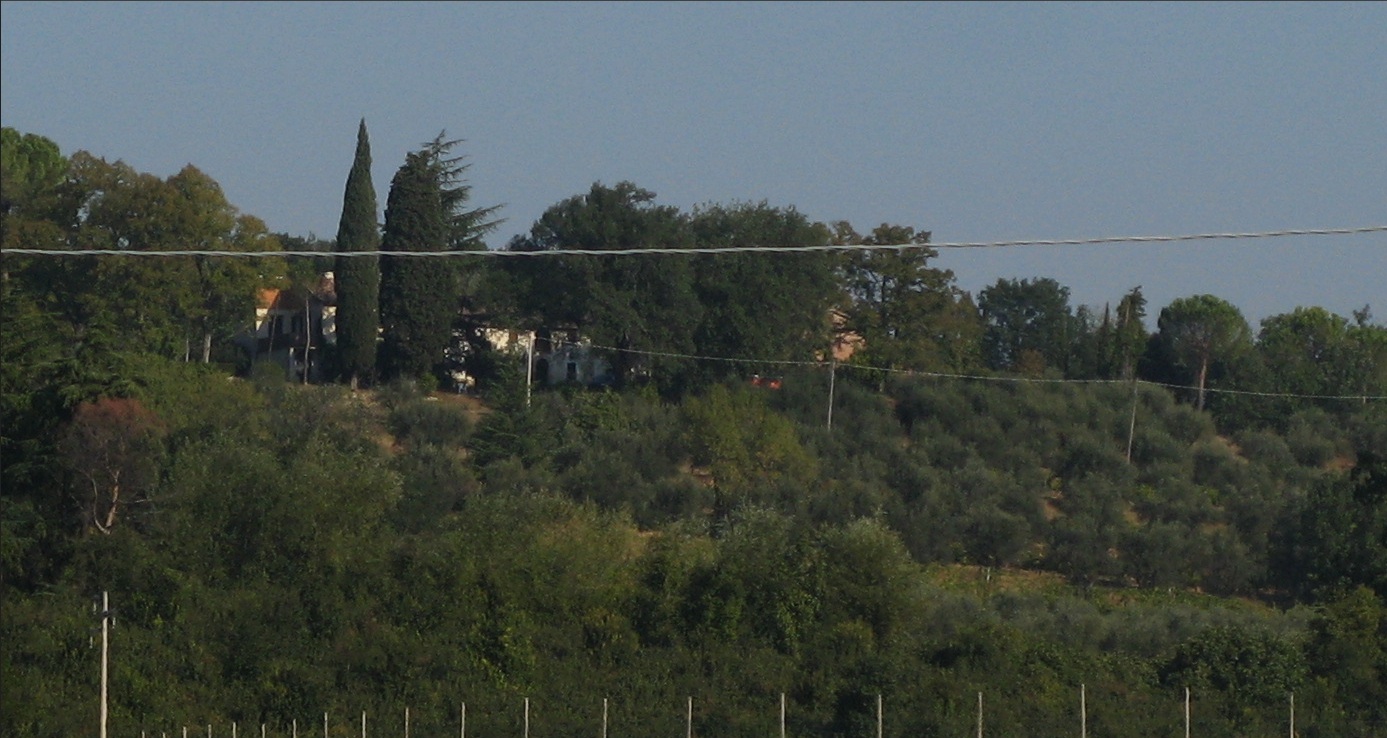
- Schritt 1. Öffnen Sie das Bild, das restauriert werden soll. Eine elektrische Leitung, die das ganze Panorama horizontal durchkreuzt und auch Stangen da unten sind auf diesem Bild zweifellos unnötig.
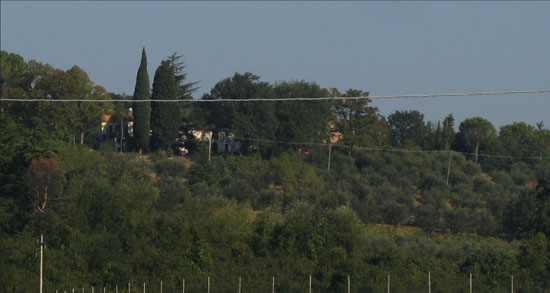
- Schritt 2. Zuerst sollte man alle unnötigen Elemente auswählen. In dem Bildbearbeitungsprogramm PhotoShop Elements gibt es Auswahlwerkzeuge Schnellauswahl und Auswahlpinsel (äußerst nützlich bei Fotorestaurierung). Es fehlt aber leider der Maskierungsmodus, der dabei sehr hilfreich wäre. Ich werde eine andere Methode benutzen - Auswahl in AKVIS Retoucher AI.
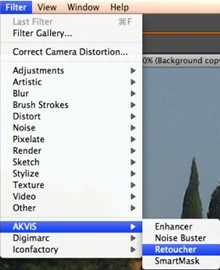
Rufen Sie AKVIS Retoucher AI aus dem Filter-Menü in PS Elements auf:
- Schritt 3. Wählen Sie den Auswahlpinsel
 (der Hot-Key ist B), um die Bereiche zu markieren, die ausgewählt werden müssen. Dann beginnen Sie damit, "Defekte" zu markieren.
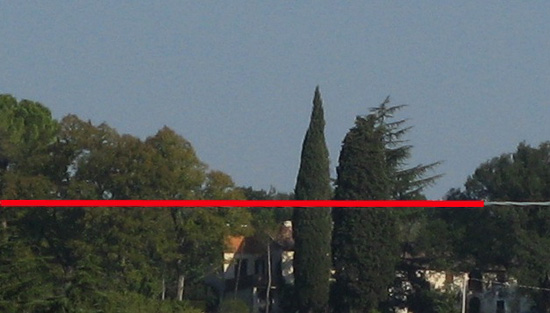
Danach markieren Sie die Stangen.
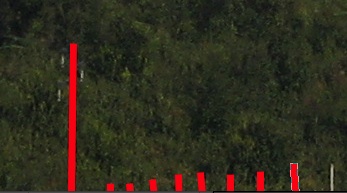
Solcherweise werden alle Defekte ausgewählt:
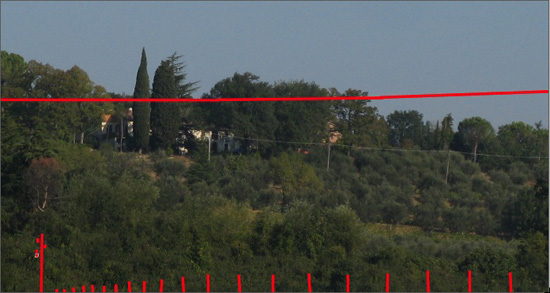
- Schritt 4. Starten Sie die Bearbeitung durch einen Klick auf die Schaltfläche
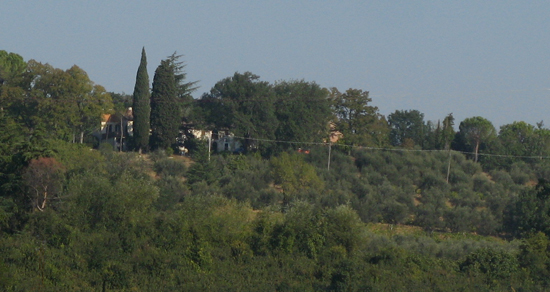
 . Die Bereiche, die ich entfernen wollte, verschwinden wie mit einem Zauberschlag!
Wenn Sie mit dem Ergebnis zufrieden sind, drücken Sie auf
 , um die Änderungen anzunehmen.
Hier ist das Endergebnis:

Retoucher AI v. 13.0 - 10-Tage-Testversion
