Removing Unwanted Details: PS Elements and Retoucher


Entrez votre e-mail pour souscrire à notre liste de diffusion.
 
 
  Produits     Télécharger     Magasin en ligne     Tutoriel     Support     Compagnie      Compte utilisateur
en  fr  de  es  pt  it  jp  ru    
 

Tutoriel: AKVIS Retoucher

Removing Unwanted Details


Désolé, à présent cette information n'est disponible qu'en anglais. La version française sera bientôt affichée.

The author of this tutorial, Silvano Dotti (Apple Distinguished Educator of the Italian ADE Team) explains how to restore an image using the AKVIS Retoucher plugin in Photoshop Elements.
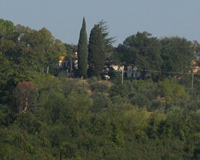
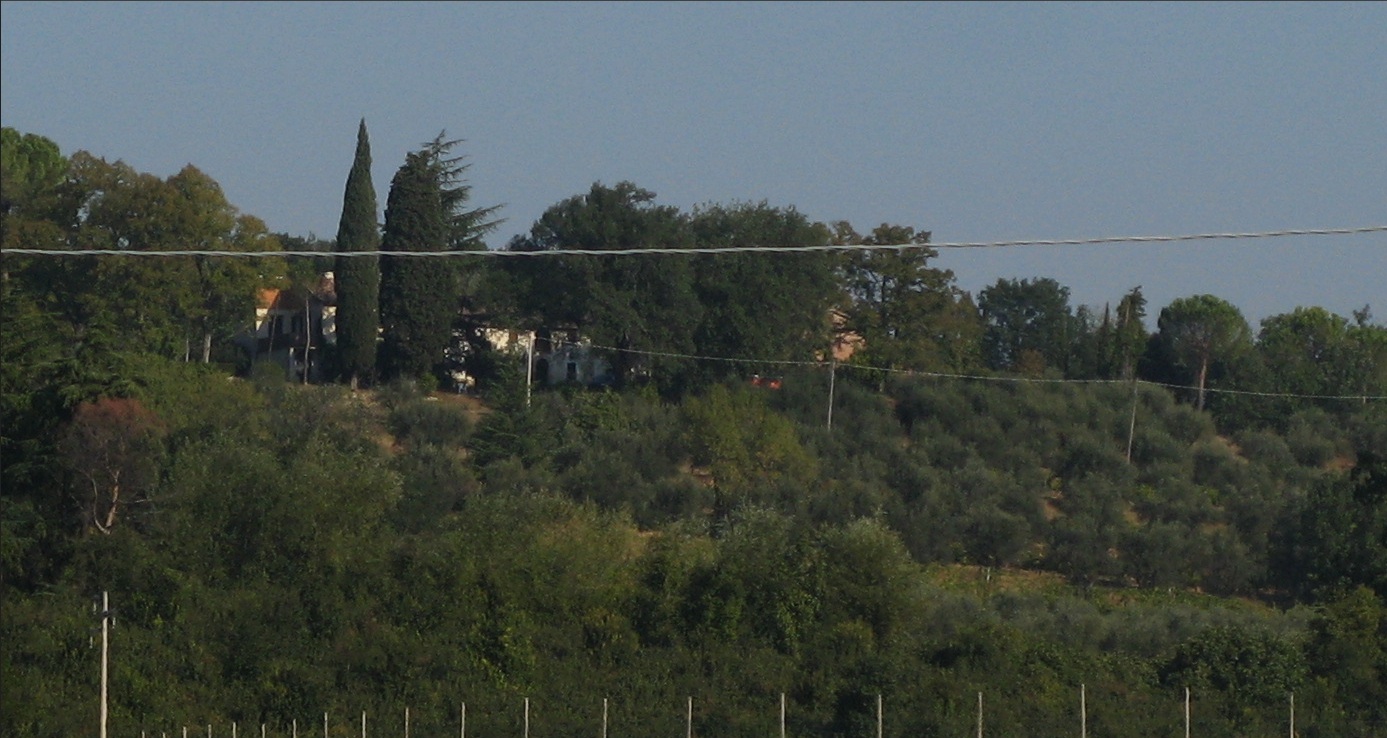
    Original Image Result

Silvano Dotti writes:

  • Step 1. Open the image to be restored. It's obvious that there is a horizontal wire running across the image as well as some poles at the bottom.
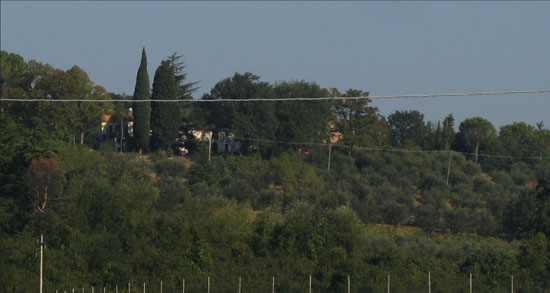
    Original Photo
  • Step 2. Unfortunately, though PhotoShop Elements has the Quick Selection and Selection Brush tools (very useful for restoring old photos), it does not have Quick Mask mode, which would be very useful here. I'll use a different method - selection in AKVIS Retoucher.

    Launch AKVIS Retoucher from the Filter menu in PS Elements:
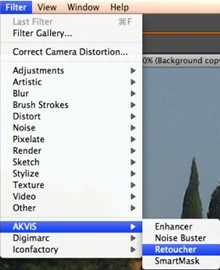
    Launching the AKVIS Retoucher Plugin
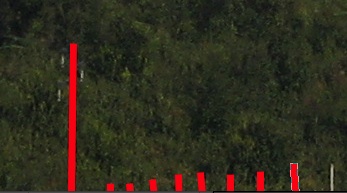
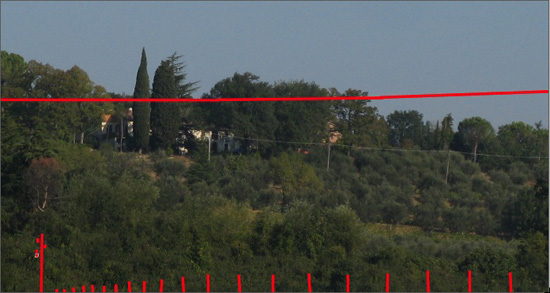
  • Step 3. Choose a Selection Brush tool (hot-key B) to indicate areas that are selected. Then I begin to mark the "defects".
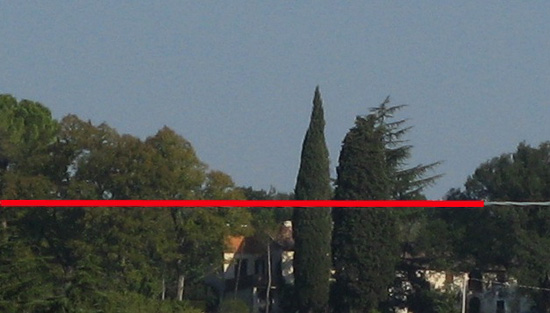
    Mark the defects on the image

    Just the poles remain...

    Mark poles

    ...all the defects have been marked:

    Marking
  • Step 4. Start processing by pressing the button, and like magic, the areas I want to remove from the photo disappear!

    If you are satisfied, press the button to apply the result to the image.

    Here's the result:
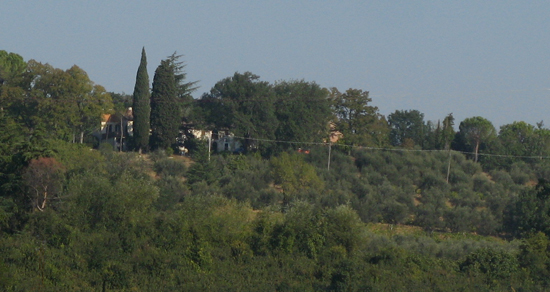
    Risultato finale


Comment fonctionne t-il? Comment fonctionne t-il?
   — Espace de travail — Espace de travail
   — Utiliser le logiciel — Utiliser le logiciel
   — Barre d'outils — Barre d'outils
   — Paramètres de l'algorithme — Paramètres de l'algorithme
   — Préférences — Préférences
Exemples Exemples
   — Suppression d'objets de grande taille — Suppression d'objets de grande taille
   — Restauration d'une vieille photo — Restauration d'une vieille photo
   — Lionne dans une cage — Lionne dans une cage
   — Restaurer la photo d'un enfant — Restaurer la photo d'un enfant
   — Traitement avant impression — Traitement avant impression
   — Un daguerréotype — Un daguerréotype
   — Portrait en couleurs  — Portrait en couleurs
   — Photo historique de gitans — Photo historique de gitans
   — La photo abimée d'un voyageur — La photo abimée d'un voyageur
   — Restauration des archives familiales — Restauration des archives familiales
   — Restaurer une photo d'un garçon — Restaurer une photo d'un garçon
   — Retoucher une photo en 7 étapes — Retoucher une photo en 7 étapes
   — Restauration d'un portrait — Restauration d'un portrait
   — Famille ukrainienne — Famille ukrainienne
   — La photo d'un bébé — La photo d'un bébé
   — Photo en noir et blanc — Photo en noir et blanc
   — Réparer une illustration déchiré — Réparer une illustration déchiré


en haut


   Politique de Confidentialité | Plan du Site | Recherche    
   Contacter | Twitter | Facebook | YouTube Channel    
| English  | Français  |Deutsch  |Español  |Português  |Italiano  |日本語  |Pусский  | © 2004-2012 AKVIS. Tous droits réservés.