Extracción de detalles no deseados
El autor de este tutorial, Silvano Dotti (educador distinguido de Apple de la Selección italiana ADE) explica cómo restaurar una imagen usando el plugin AKVIS Retoucher en Photoshop Elements.
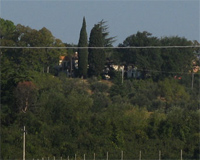
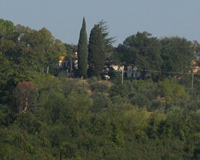
Silvano Dotti escribe:
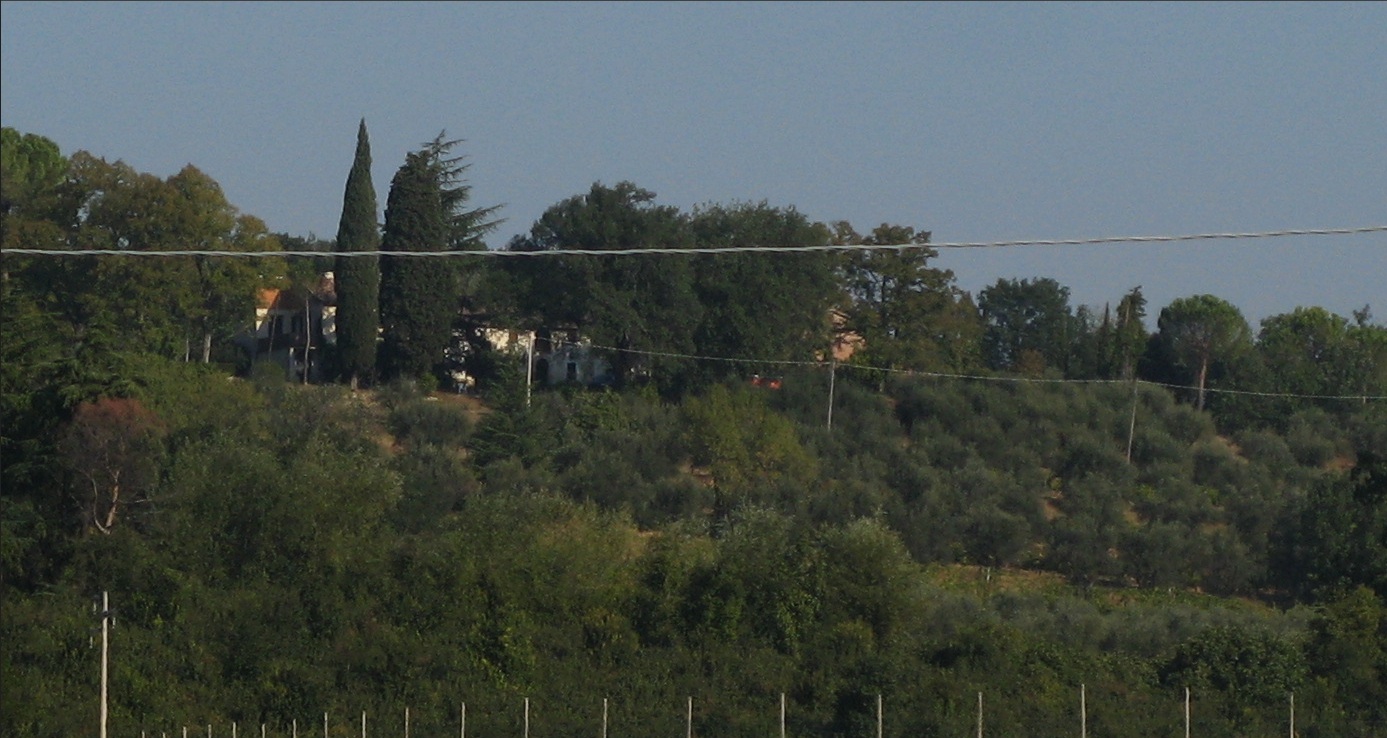
- Paso 1. Abra la imagen que desea restaurar. Es obvio que haya alambres horizontales a través de la imagen, así como algunos postes en la parte inferior.
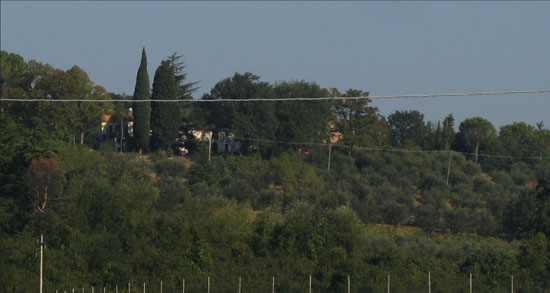
- Paso 2. Desafortunadamente, a pesar de Photoshop Elements cuenta con las herramientas de Selección rápida y Pincel de selección (muy útil para la restauración de fotos antiguas), no tiene modo de Máscara rápida, lo que sería muy útil en este caso. Voy a usar un método diferente - la selección de AKVIS Retoucher.
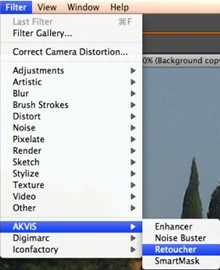
Inicie AKVIS Retoucher en el menú Filtro en PS Elements:
- Paso 3. Elija la herramienta Pincel de selección
 (tecla de acceso B) para indicar las áreas que se seleccionan. Entonces empiece a marcar los "defectos".
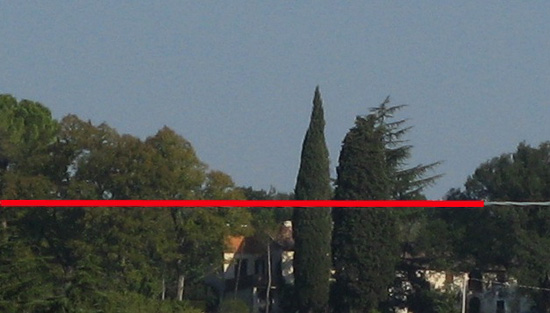
Sólo los postes se mantienen...
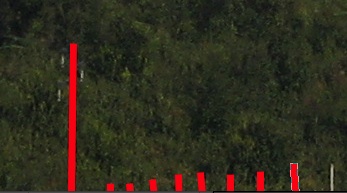
...y todos los defectos han sido marcados:
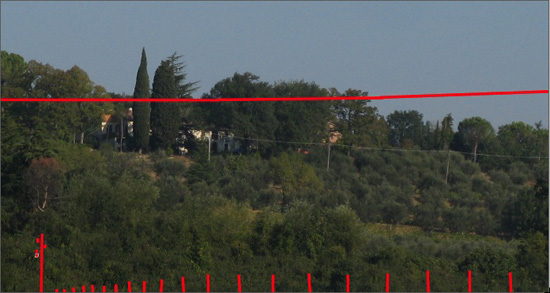
- Paso 4. Inicie el procesamiento presionando el
 botón, y ¡por arte de magia, las áreas que desea eliminar de la foto desaparecen!
Si está de acuerdo y le satisface, pulse el
 botón para aplicar el resultado a la imagen.
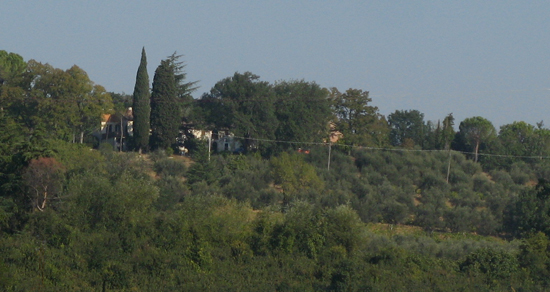
Aquí está el resultado:

Retoucher v. 12.1 - Prueba gratuita de 10 días

