Restoration of a Boy's Photo: Old Black & White Portrait
あいにく, このページは英語にだけ使用可能です。
The following photo restoration tutorial has been sent to us by Yuriy Karanfil.
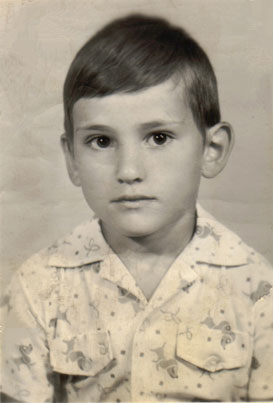
In this case AKVIS Retoucher restored the photo of the child by removing substantial defects: scratches, creases, stains.
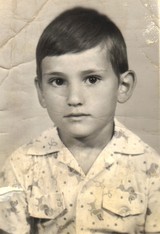
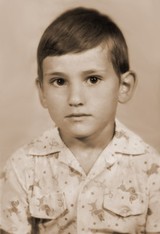
This is the original boy's photo.
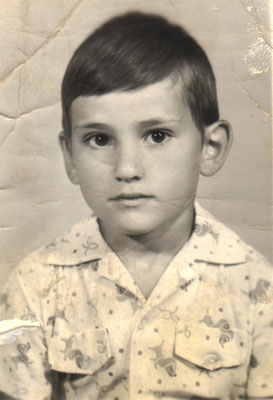
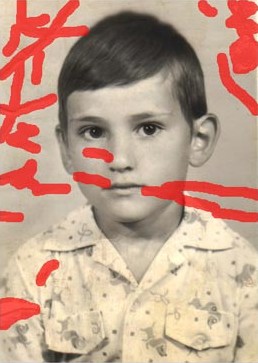
- Step 1. First of all, call AKVIS Retoucher and select all defects with any selection tool. In the Retoucher program window the selected parts of the image will be highlighted in red.
- Step 2. Press the button
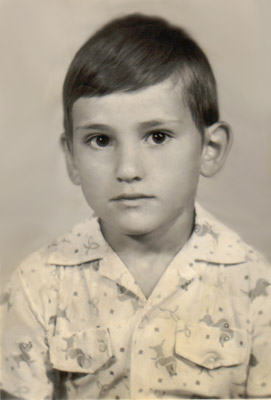
 in the program window and see the defects disappear. When the restoration process is over and the result is applied you will see the following photo of the boy:
- Step 3. You can touch up the photo with the Clone Stamp
 or Chameleon Brush
  .
.
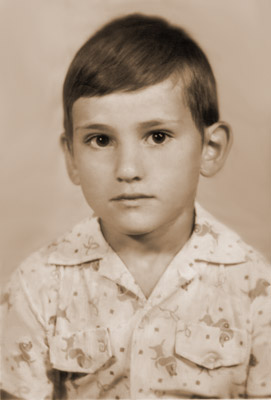
Also, you can convert the photo into sepia tones, so that it looks like an old photo: activate the Sepia check-box.
Retoucher v. 12.2 - 10日間の評価期間
