Color Noise Suppression
Shooting with a good camera does not necessarily spare you from trouble with noise. If lighting is insufficient for the sensor, you can often see color noise in your photos. Color (chroma) noise is perceived as random color dots spoiling the color accuracy of a shot.
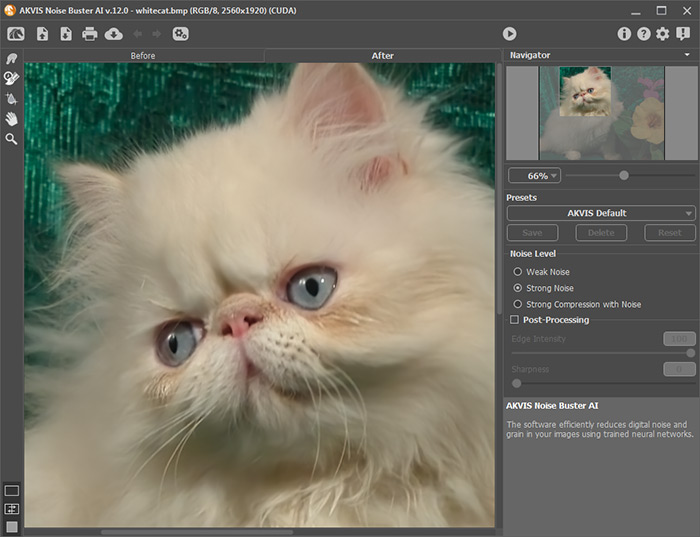
Below is a fragment of the image: before and after the color noise suppression in AKVIS Noise Buster AI.
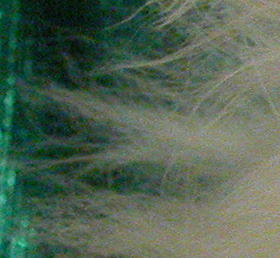
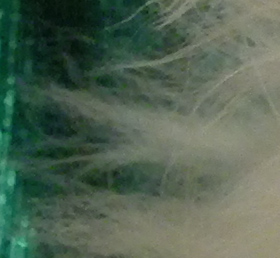
The following photo illustrates color noise.
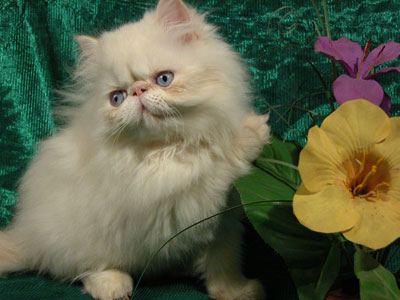
If we scale up the image, we will see color noise. Do you see these color blots on the cat's hair?
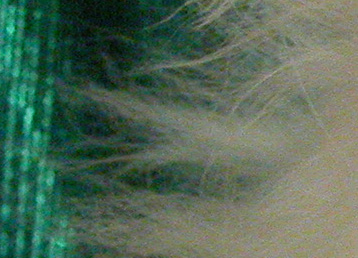
- Step 1. Open the photo in AKVIS Noise Buster AI.
Try the default parameters. The result will be shown in the preview area in the Before tab. To evaluate the accuracy of noise reduction, you can drag the preview frame to see any other part of the photo processed, or just draw the preview area anew on any part of the image.
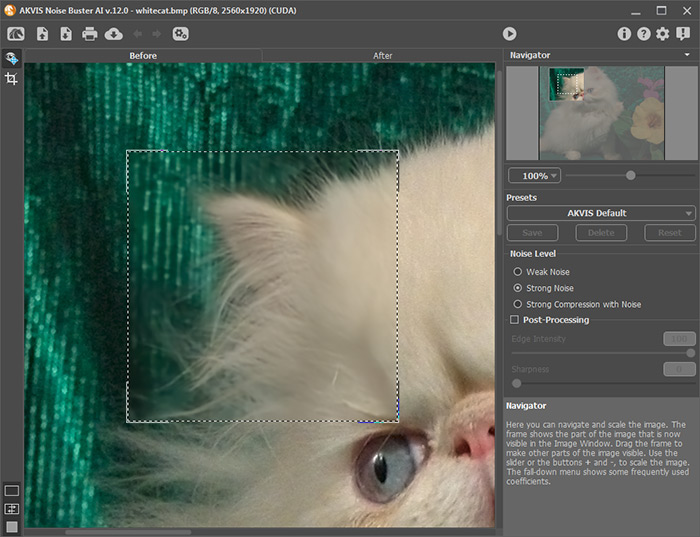
- Step 2. The color noise is completely suppressed with the default settings!
To apply the noise reduction settings to the entire image, click
 .
.
- Step 3. To save the result, press the
 button.
Noise Buster AI v. 13.2 - Free 10-day Trial
