Graphic software for Windows Mac graphic software
Please enter your email to be kept posted on updates and discounts:
 
  
  Products     Download     Online Store     Tutorial     Support     Company
en  fr  de  es  pt  it  jp  ru    
 

Tutorial: AKVIS Noise Buster

Reduce Noise on a Studio Photo


Digital noise can appear even on professional photos made with high quality cameras, for example, if you use high ISO settings. Noise Buster suppresses both luminance and color noise on digital images.
Pro photo with noise After noise suppression

The following photo has been taken with digital camera NIKON E5700 at ISO 400.

Studio photo: cat and dog

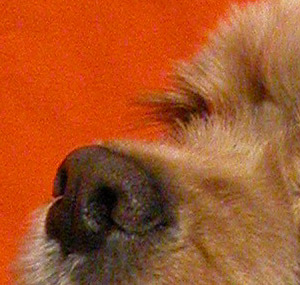
On the reduced copy noise is not visible, but if we scale up the photo to 100% or more it will become manifest: we can see luminance noise on the red background and color noise (red and violet blots) on the pet's hair.
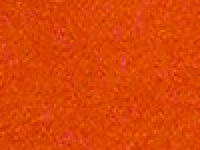
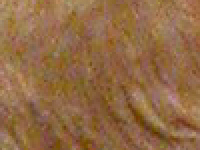
Luminance noise Color noise

Most likely the noise was caused by high sensitivity settings for the camera sensor.

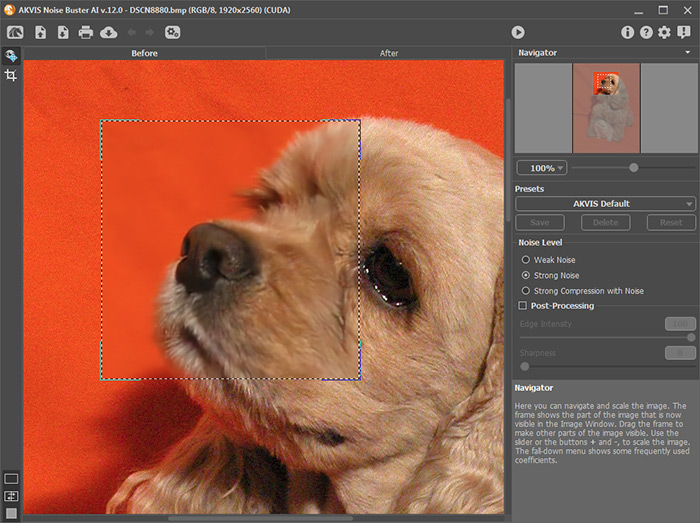
To reduce noise in the photo open the image in AKVIS Noise Buster using the button.

Once the program has opened, filtering of the image will begin automatically. The result will be displayed in the After tab.

AKVIS Noise Buster makes auto filtering

To filter the image further we use the settings displayed in the image below:
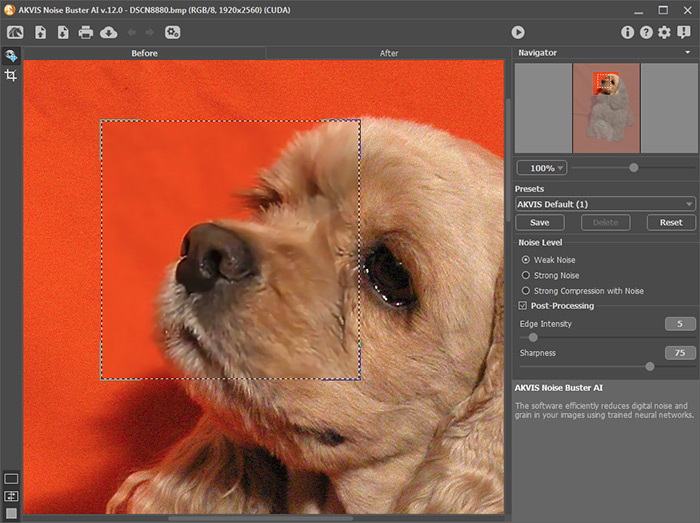
Adjust noise reduction settings

The filtration result will be shown in the preview area. To apply the filtration settings to the whole image press the button.

If you are happy with the result press the button to save the image to a file.

Below is an image fragment: on the left – before the filtration, on the right - after the filtration with the above-mentioned settings.

Before noise reduction After noise reduction
 
How It Works How It Works
   — Workspace — Workspace
   — How To Use The Program — How To Use The Program
Examples Examples
   — Cover Girl — Cover Girl
   — Remove Moire on Scans — Remove Moire on Scans
   — Reduce Noise on a Studio Photo — Reduce Noise on a Studio Photo
   — Color Noise Suppression — Color Noise Suppression
   — ISO and Noise — ISO and Noise
   — Suppress Noise on a Rendered Image — Suppress Noise on a Rendered Image
   — Layerwise Removal of Noise — Layerwise Removal of Noise
   — Noise Reduction on a Corrected Photo — Noise Reduction on a Corrected Photo
   — Improve a Dark Photo + Remove Noise — Improve a Dark Photo + Remove Noise
   — Make Your Photo Look Better — Make Your Photo Look Better
   — Remove JPEG-Artifacts — Remove JPEG-Artifacts


   Privacy Policy | Site Map | Search | English  |Français  |Deutsch  |Español  |Português  |Italiano  |日本語  |Pусский  | © 2004-2009, AKVIS Software Inc. All rights reserved.